1.Replacement and Adjustment
5
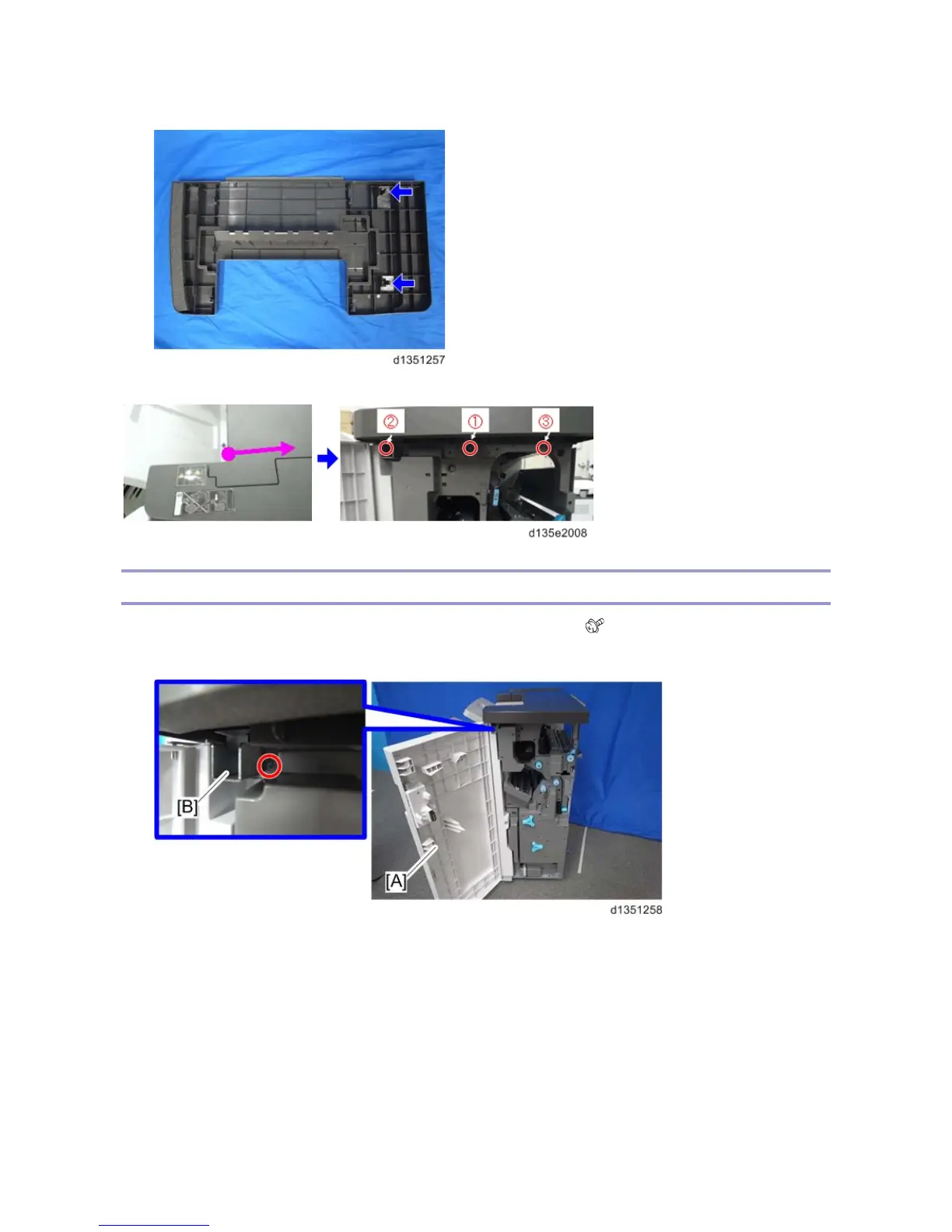
5. Check the positions of the bosses and hooks before removing the upper cover.
6. When the upper cover is re-attached, tighten the screws on the right side in the order shown below: 1 > 2 > 3.
Front Cover, Front Left Side Cover
1. Open the front door [A], and then remove the front door bracket [B]. ( x 1)
2. Front door [A]



 To Next Page