1.Replacement and Adjustment
44
Punch Unit
Do not adjust the setting because the punch unit is adjusted in the factory. If replacing the parts of the punch unit
is required, replace the whole unit.
• Do not disassemble the punch unit. This unit is precisely adjusted in the factory.
• Do not drop or give a shock to the unit when you replace it. The unit could be damaged.
1. Remove the following covers. Rear Upper Cover, Rear Lower Cover, Upper Cover
• Rear Upper Cover
• Rear Lower Cover
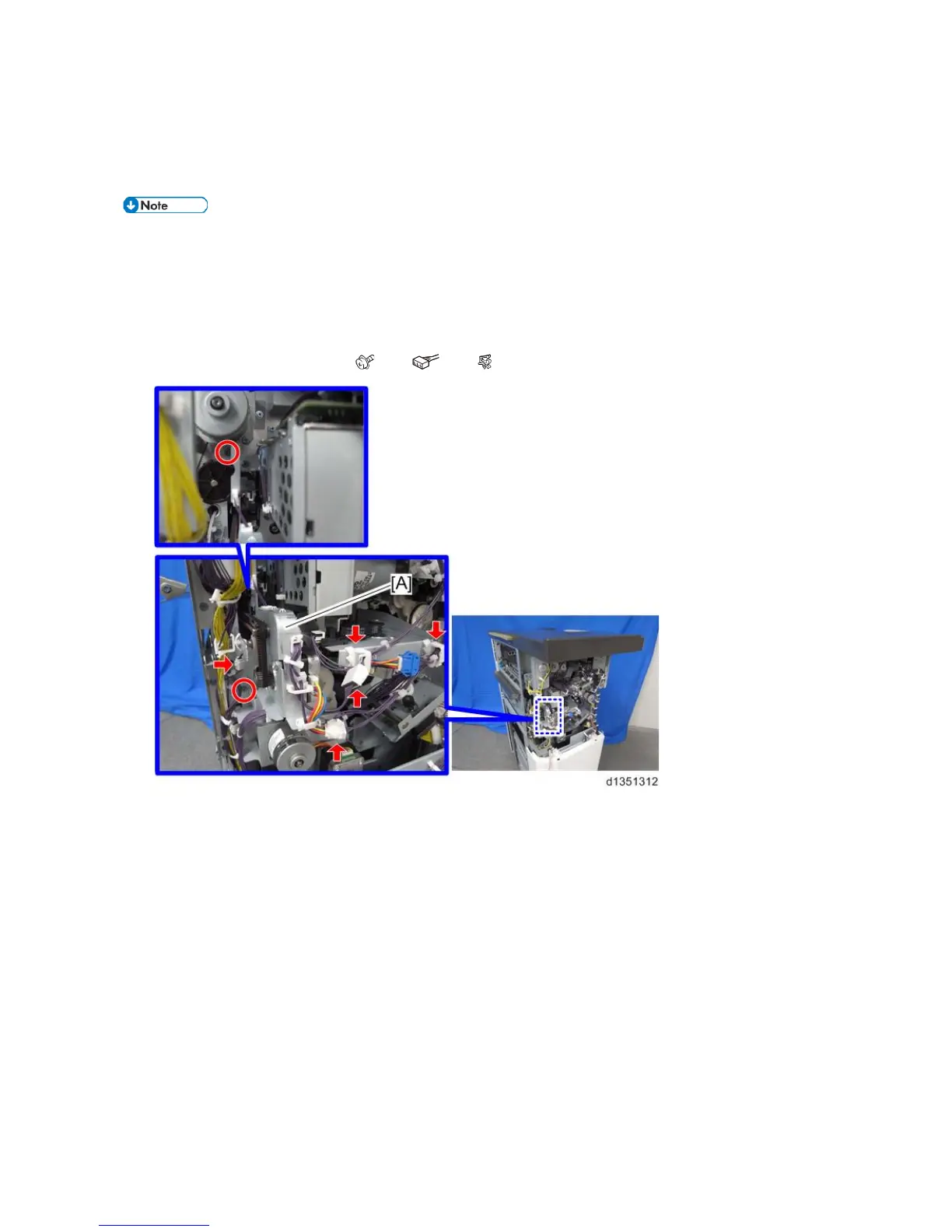
2. Registration sensor bracket [A] ( x 2, x 3, x 2)



 To Next Page