1.Replacement and Adjustment
14
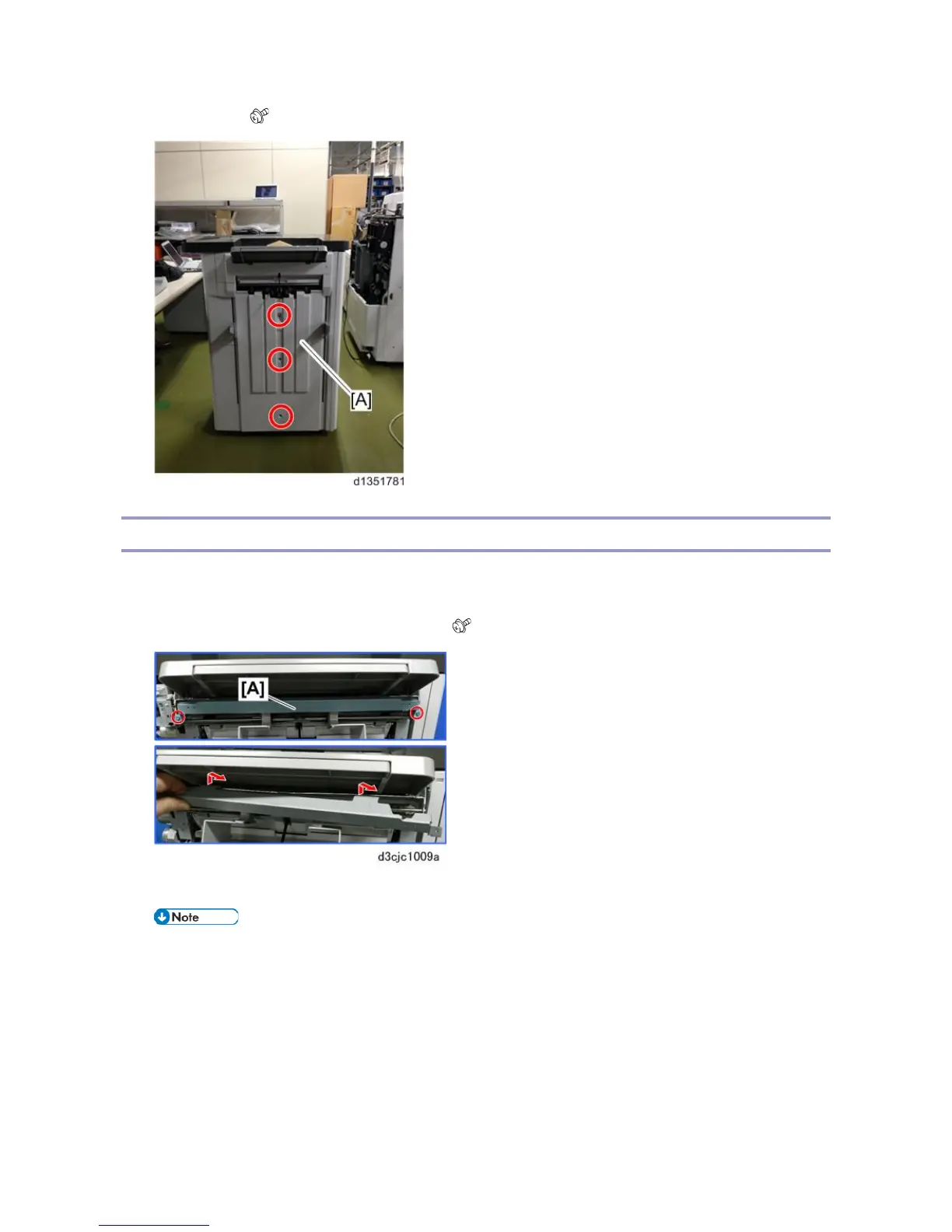
3. End fence [A] ( x 3)
Paper Guide Unit
1. Remove the paper exit guide.
2. If the Output Jogger Unit Type M25 (option) unit is installed, remove it.
3. Remove paper guide cover support bracket [A] ( x2).
4. At the front and back remove the shoulder screws [A] and [B] of the output jogger unit if it was installed.
• Removing the jogger unit makes it easier to access the paper guide unit fastening screws. Do not
lose these screws.



 To Next Page