1.Replacement and Adjustment
41
Stapler Unit
Stapler Unit
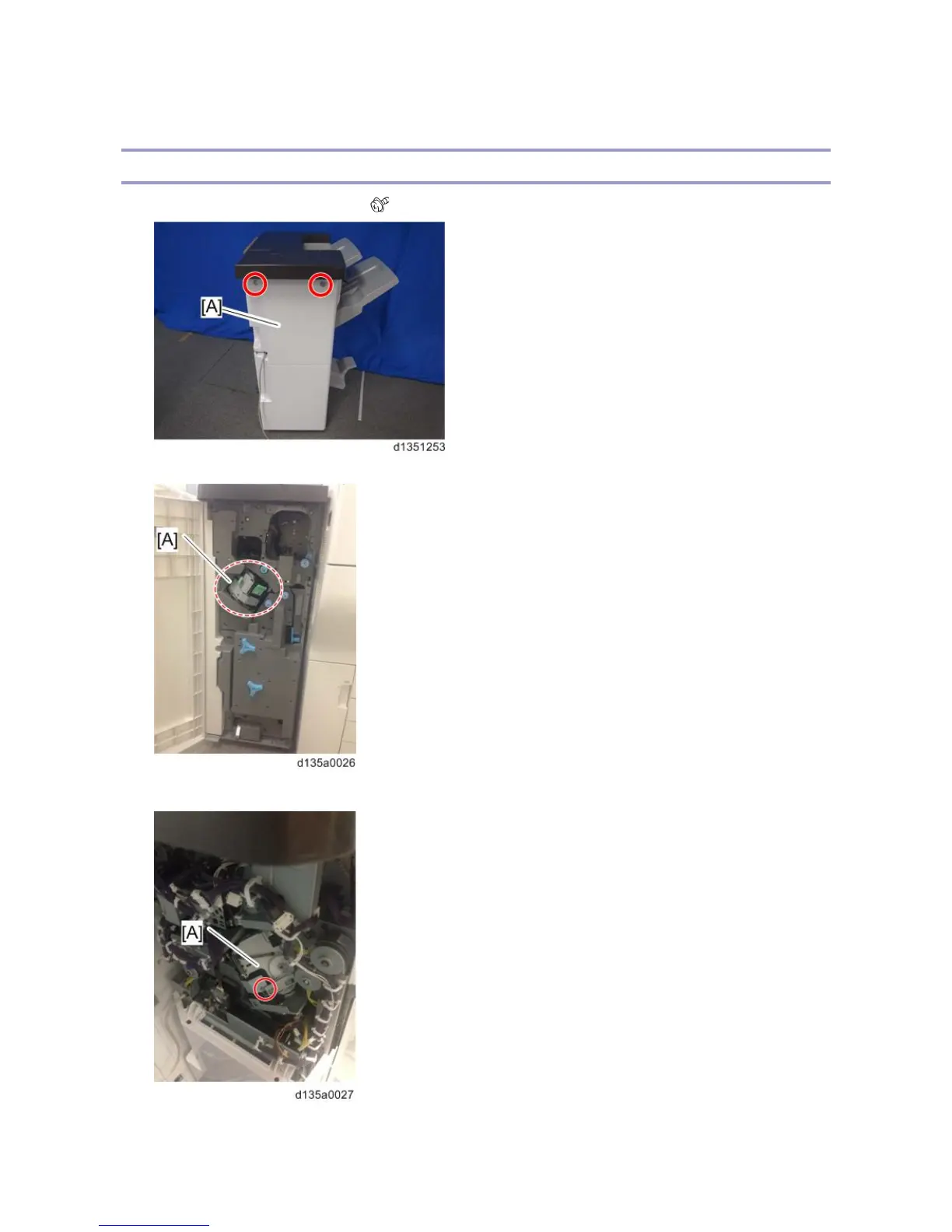
1. Remove the rear upper cover [A]. ( x 2)
2. Open the front door and push the stapler [A] to the rear side of the finisher.
3. At the rear side, remove the screw circled in the photo below from the stapler [A].
4. Push the stapler to the front side of the finisher.



 To Next Page