1.Replacement and Adjustment
52
Paper Guide Unit
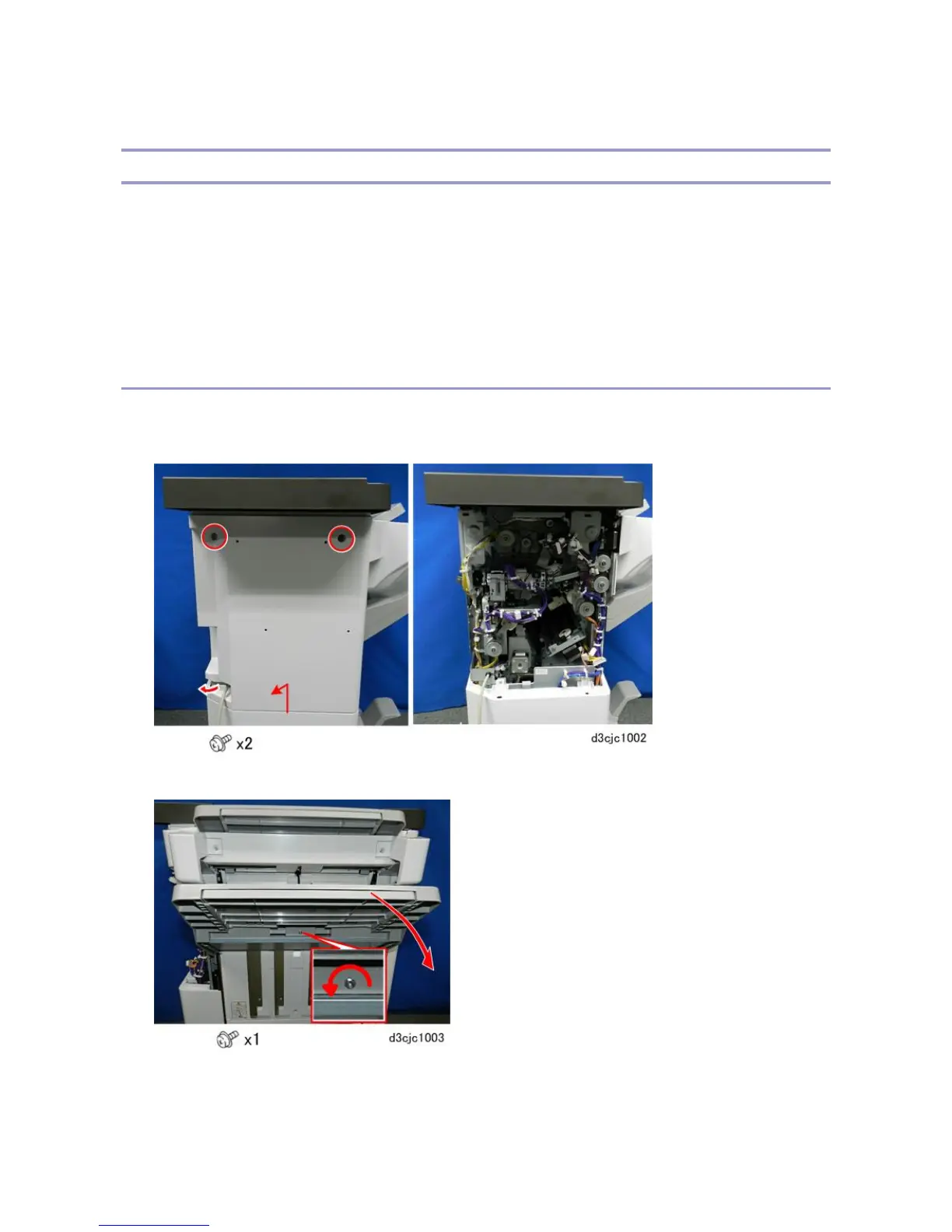
Paper Exit Cover, Optional Output Jogger Unit
The paper exit covers must be removed before the paper guide unit can be removed. Removal of these covers is
different, depending on whether the Output Jogger Unit Type M25 is installed.
• If the optional output jogger unit is not installed, do Procedure 1 below. It is necessary to remove only the
paper exit cover.
• If the optional jogger unit is installed, do Procedure 2 below. It is necessary to remove the optional jogger
unit as well as the paper exit covers.
Procedure 1: Optional output jogger unit not installed
1. Disconnect the finisher from the main frame.
2. Remove the rear cover.
3. Remove the shift tray.



 To Next Page