− 72 −
ME12058B
Maintenance Section
14.2 Using the handy light
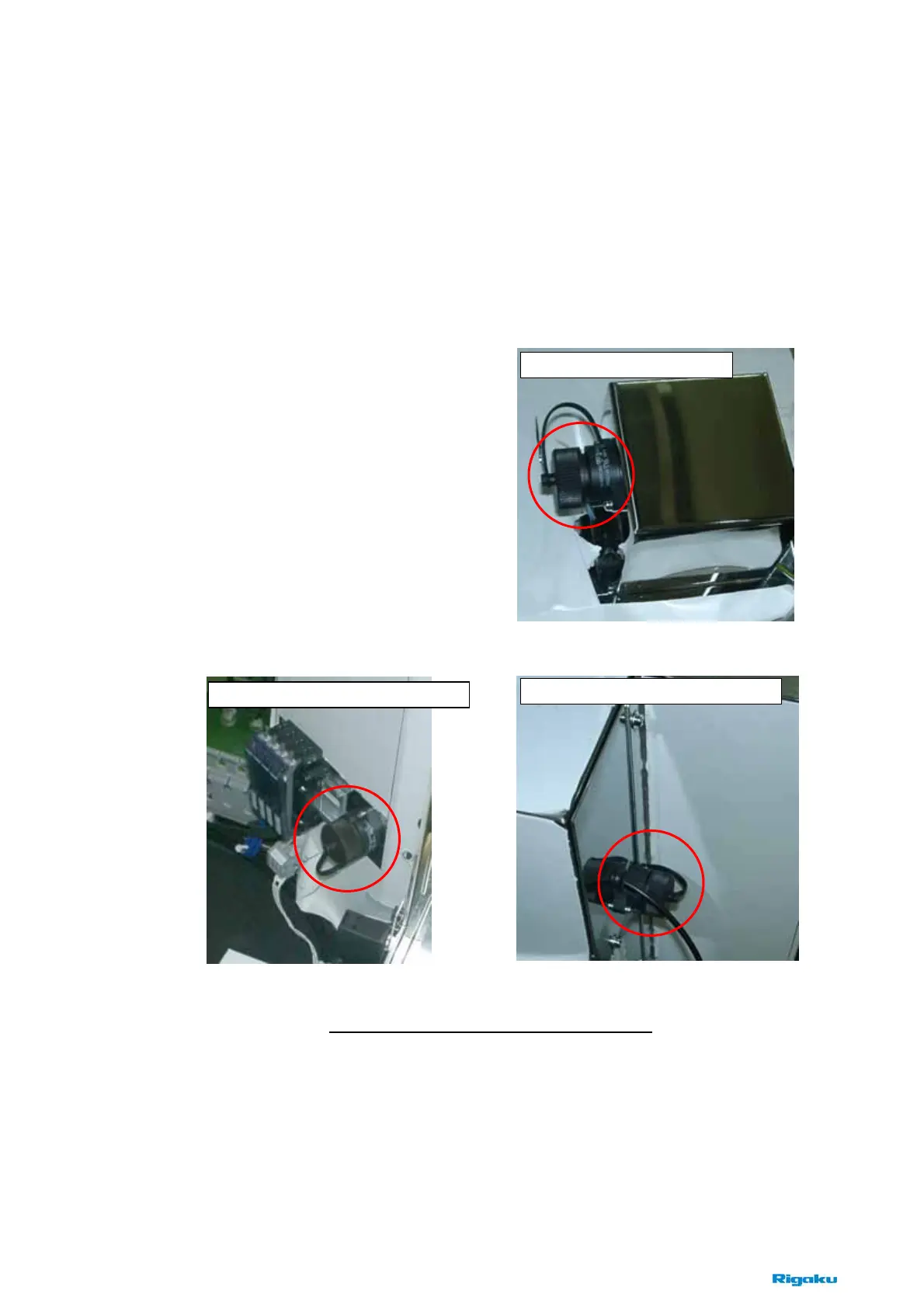
It is available to use the handy light, when maintaining inside the EFEM or the main module.
There are three sockets for the handy light as below. If necessary, connect it to a socket after
shutdown.
The handy light can be turned on at the state of the lock-out handle on and the power button on.
Fig. 14-2-1 The Sockets for the handy light
The right side of the EFEM
The left side of the main module
The right side of the main module



 To Next Page