3.4.2.Unboxing
A minimum of two people isrecommended to perform the following steps.
WARNING
The transport, lifting, and moving of the Robotiq Palletizing Solution should be performed by
qualified and authorized personnel. Failure to do so may result in material damage, bodily injury or
death.
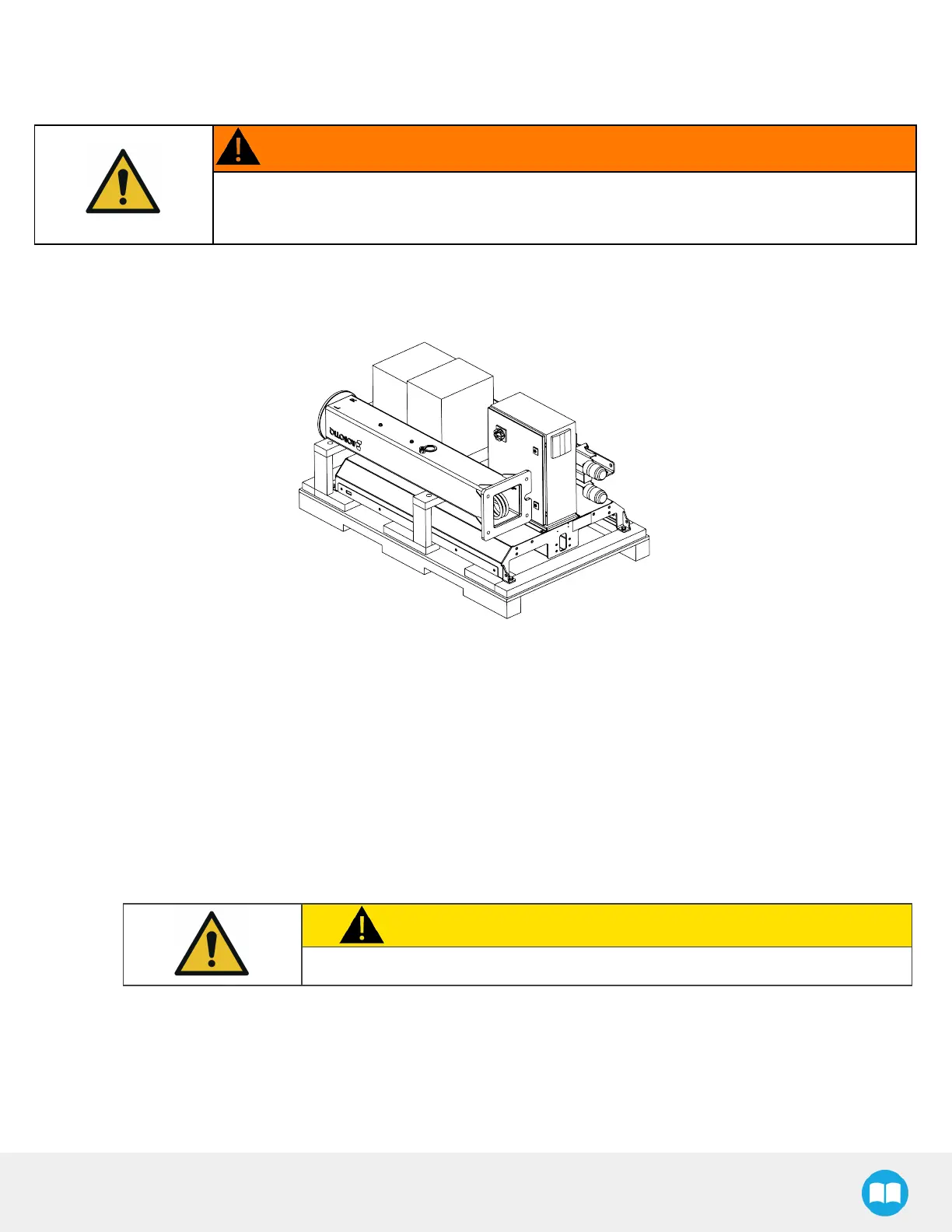
1. Remove the top panel and the four (4)sides of the crate by removing the screwsthat hold them into place.
2. Remove the cardboard box (or boxes) from the shipping crate and open the box containing the accessory kit.
The tools, fasteners and hardware needed for the rest of the installation are located inside the cardboard box with the Installation
Guide attached to it.
If you purchased a PowerPick gripper with your Solution, it will be packaged in an additional cardboard box.
3. Cut and remove the strapping material.
4. Remove the operator station and removable stopper from the crate.
5. Before removing the pedestal from the shipping crate, use it to measure the cable length needed to reach the robot arm on
one end, and the URcontrol box on the other end.
a. Bundle the cable asshown in the figure below. Make sure to leave approximately 150 mm (6 in) of cable on the top
side and approximately 450 mm (18 in)on the bottom side.
CAUTION
Do not insert the cable in the pedestal.
26



 To Next Page