7. Tool speed and Tool acceleration
Set the speed and acceleration of the end-of-arm tooling for:
l
When it carries a load (Withbox)
l
When it moves without carrying a load (Without box)
CAUTION
When the multi-recipe feature is enabled, the With box valuesare specific to the recipe being edited,
and the Without boxvaluesapplyto the entire Palletizer node (i.e., all recipes of the node).
This way, the end-of-arm tooling will travel at different speedsand accelerationsdepending on the type
of box it carries, but will always travel at the same speed and acceleration when not carrying a load.
Home View
Single Recipe
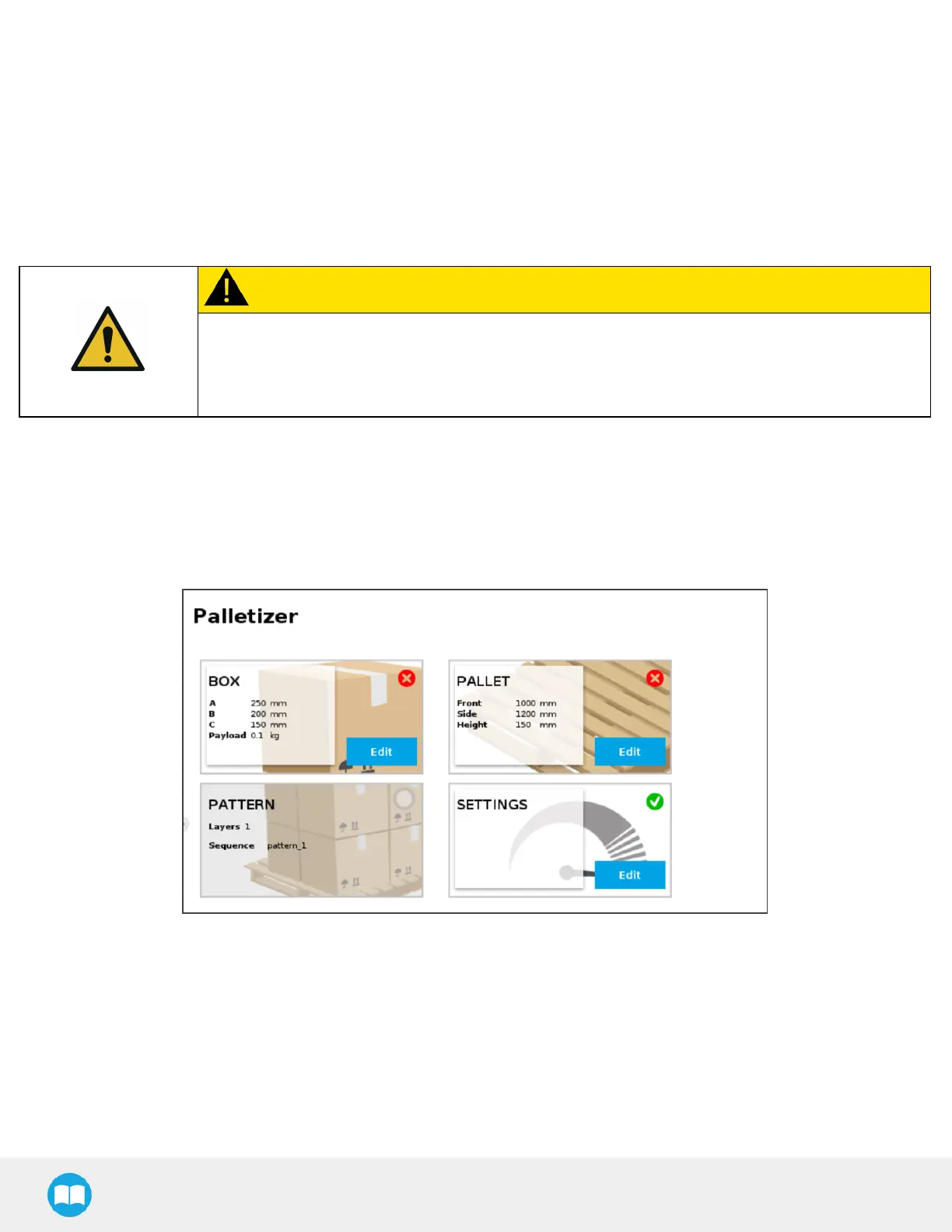
By default (single recipe), the home view of the Palletizer node displaysthe Box, Pallet, Pattern and Settings blocks of the only
recipe available.
Fig. 5-6: Home View of a Single Recipe Palletizer Node (Dashboard)
Multi-Recipe
When the multi-recipe feature is enabled, the home view of the Palletizer node displaysthe list of recipes created.
82



 To Next Page