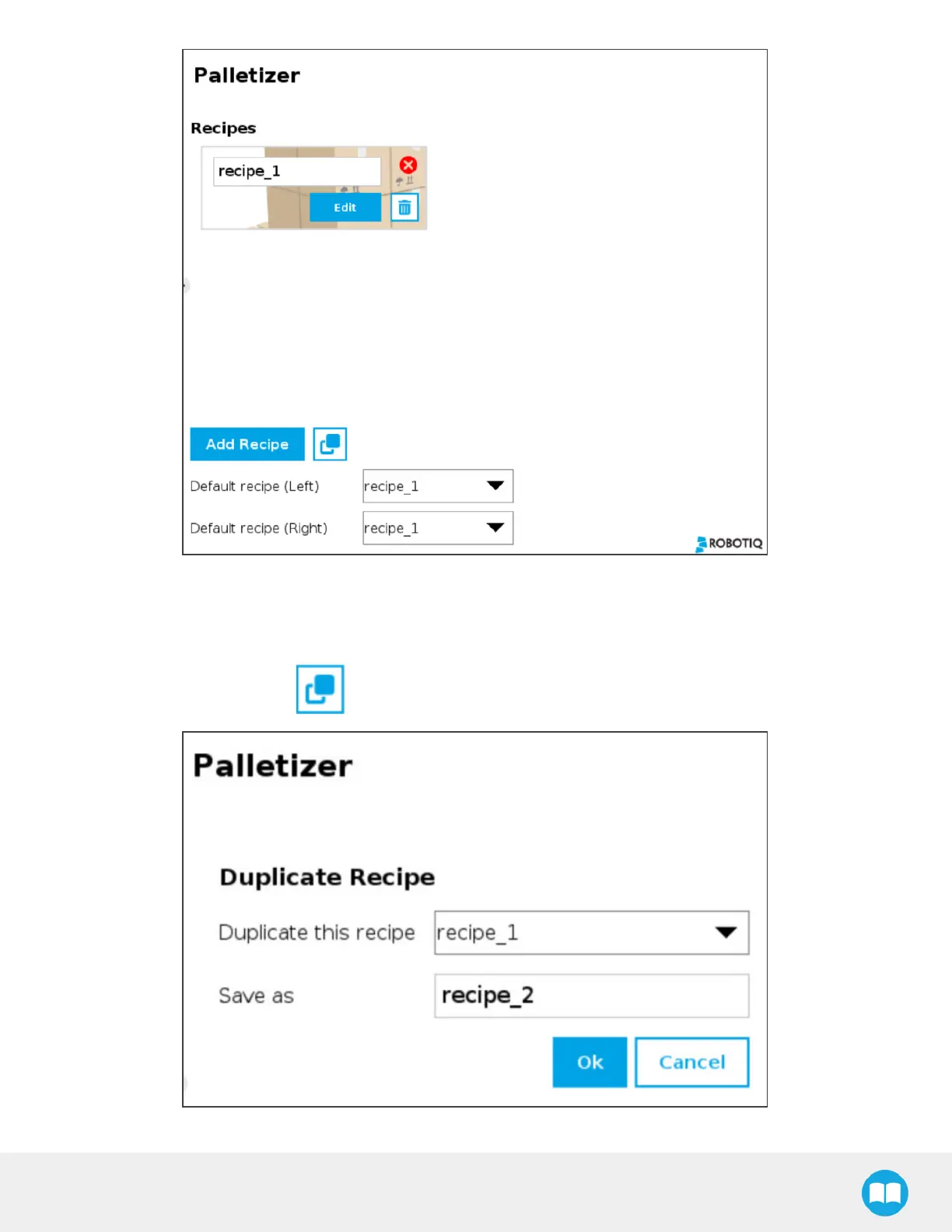
Fig. 5-7: Home View of a Multi-Recipe Palletizer Node
l
Tap the Add Recipe button to create a new pallet recipe, yet to be configured.
l
The Default recipe dropdown menusallow the user to select which recipes will be used at the start of the robot program.
l
If applicable, tap the Duplicate icon to open the duplication menu.
Fig. 5-8: Duplicate Recipe Menu
83



 To Next Page