112
5
To Admin-
istrators
System Management of Printer
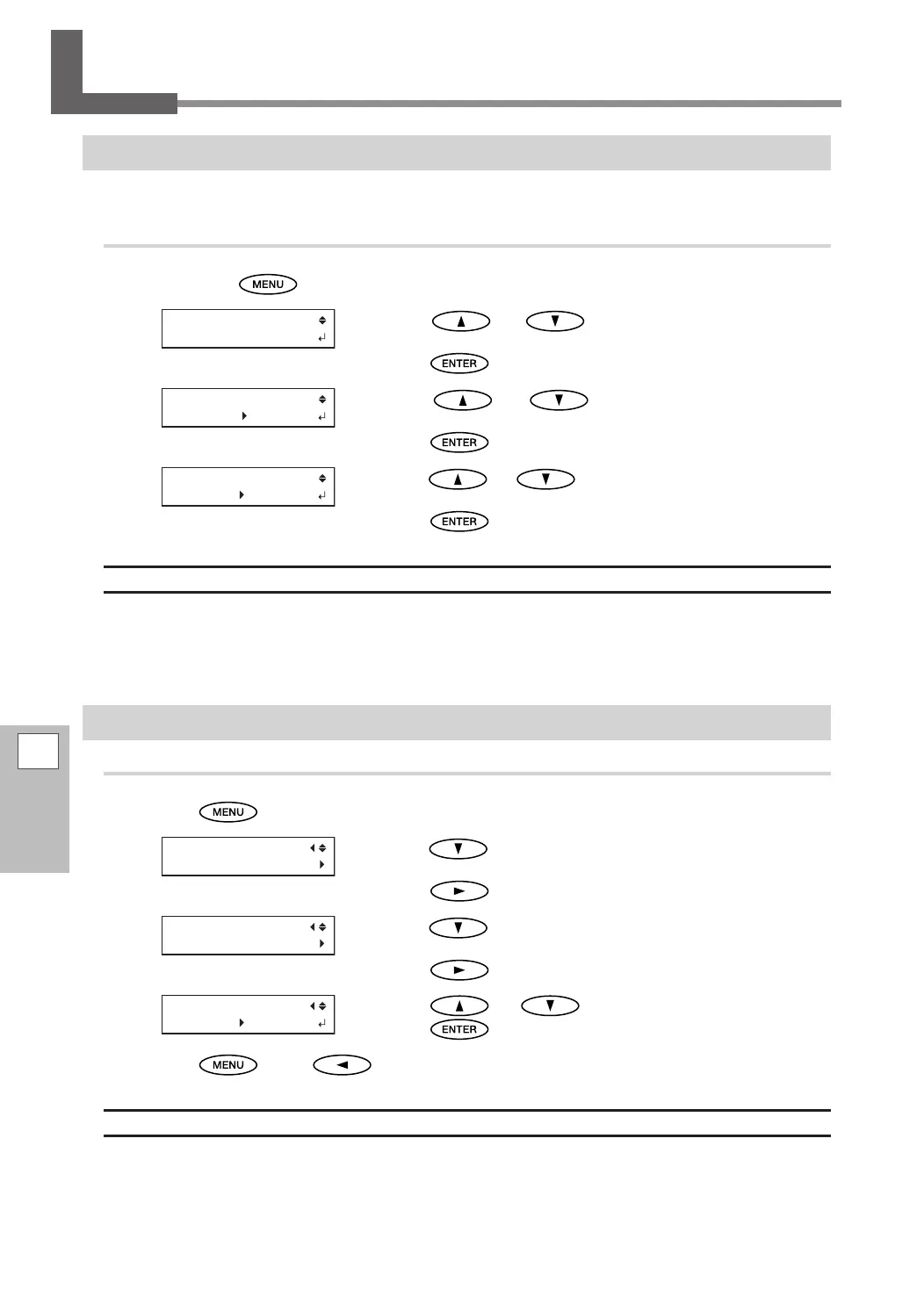
Setting the Menu Language and the Units of Measurement
This sets the language and units of measurement displayed on the operation panel screen.
Procedure
Hold down and switch on the sub power.
Press or to select the display (menu)
language.
Press
to conrm your entry.
Press or to select the measurement
unit for length.
Press
to conrm your entry.
Press or to select the measurement unit
for temperature.
Press
to conrm your entry.
Default Settings
[MENU LANGUAGE]: ENGLISH
[LENGTH UNIT]: mm
[TEMP. UNIT]: °C
Setting the Activation Interval for Sleep Mode (Power-saving Feature)
Procedure
Press .
Press several times to display the screen shown
on the left.
Press
.
Press several times to display the screen shown
on the left.
Press
twice.
Press or to select a setting.
Press
to conrm your entry.
Press , then to go back to the original screen.
Default Setting
[INTERVAL]: 30 min















 To Next Page