Accommodating Different Media Types and Conditions
4
Advanced
Functions
96
Using Transparent Media
1.
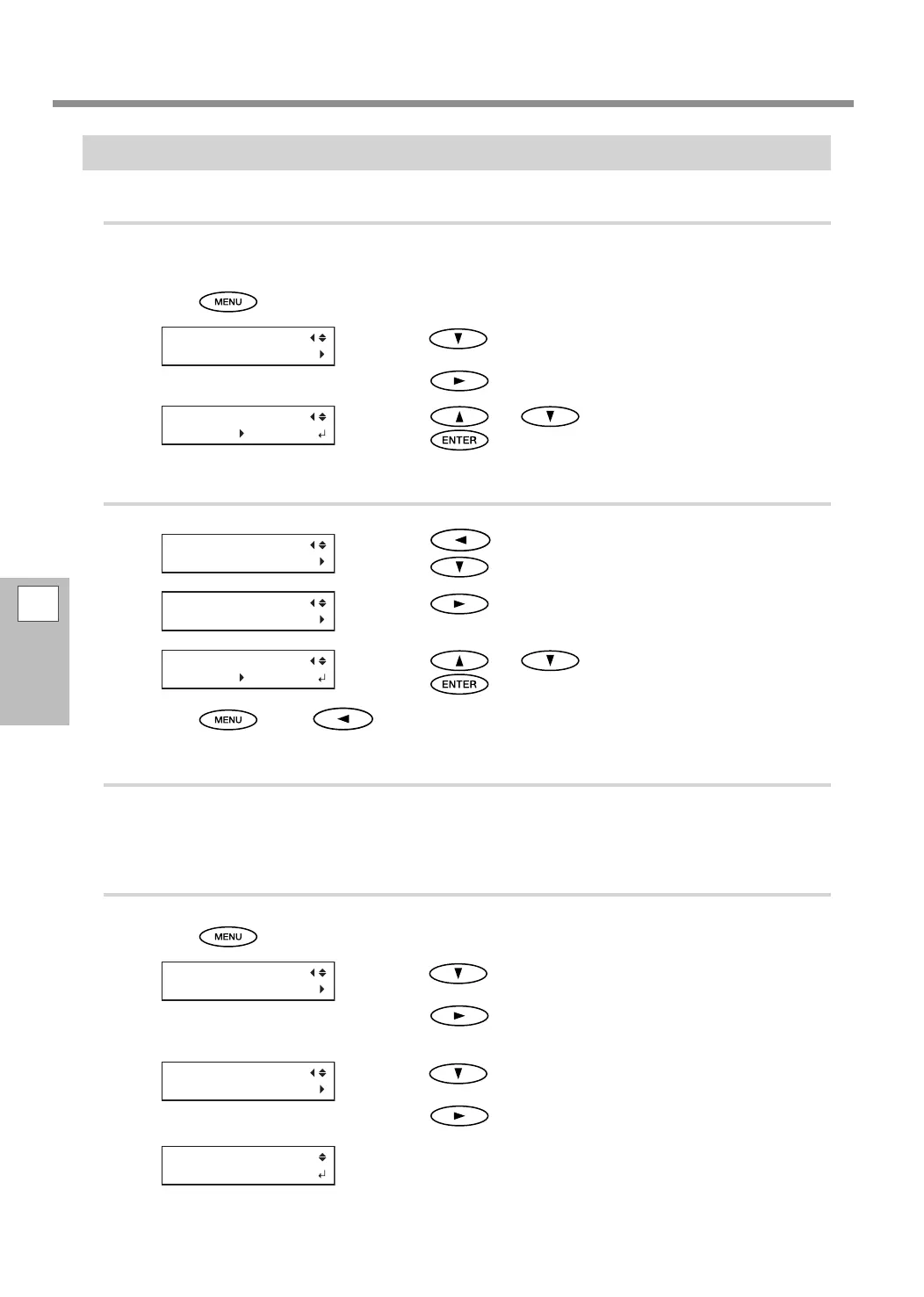
Set the media type to "CLEAR."
Raise the loading lever.
Press .
Press several times to display the screen shown
on the left.
Press
twice.
Press or to select "CLEAR."
Press
to conrm your entry.
2.
Set the media width.
Press to display the screen shown on the left.
Press
.
Press .
Press or to enter the media width.
Press
to conrm your entry.
Press , then to go back to the original screen.
3.
Load transparent media on the machine.
Refer to P. 26, "Loading Sheet Media", and load the media on the machine.
4.
Set the position of the right edge of the media.
Press .
Press several times to display the screen shown
on the left.
Press
.
Press several times to display the screen shown
on the left.
Press
.
The print-head carriage moves to the currently set position, and then
the screen shown on the left appears.
SHEET WIDTH
1625mm 1200mm















 To Next Page