Outputting
2
Basic
Operation
42
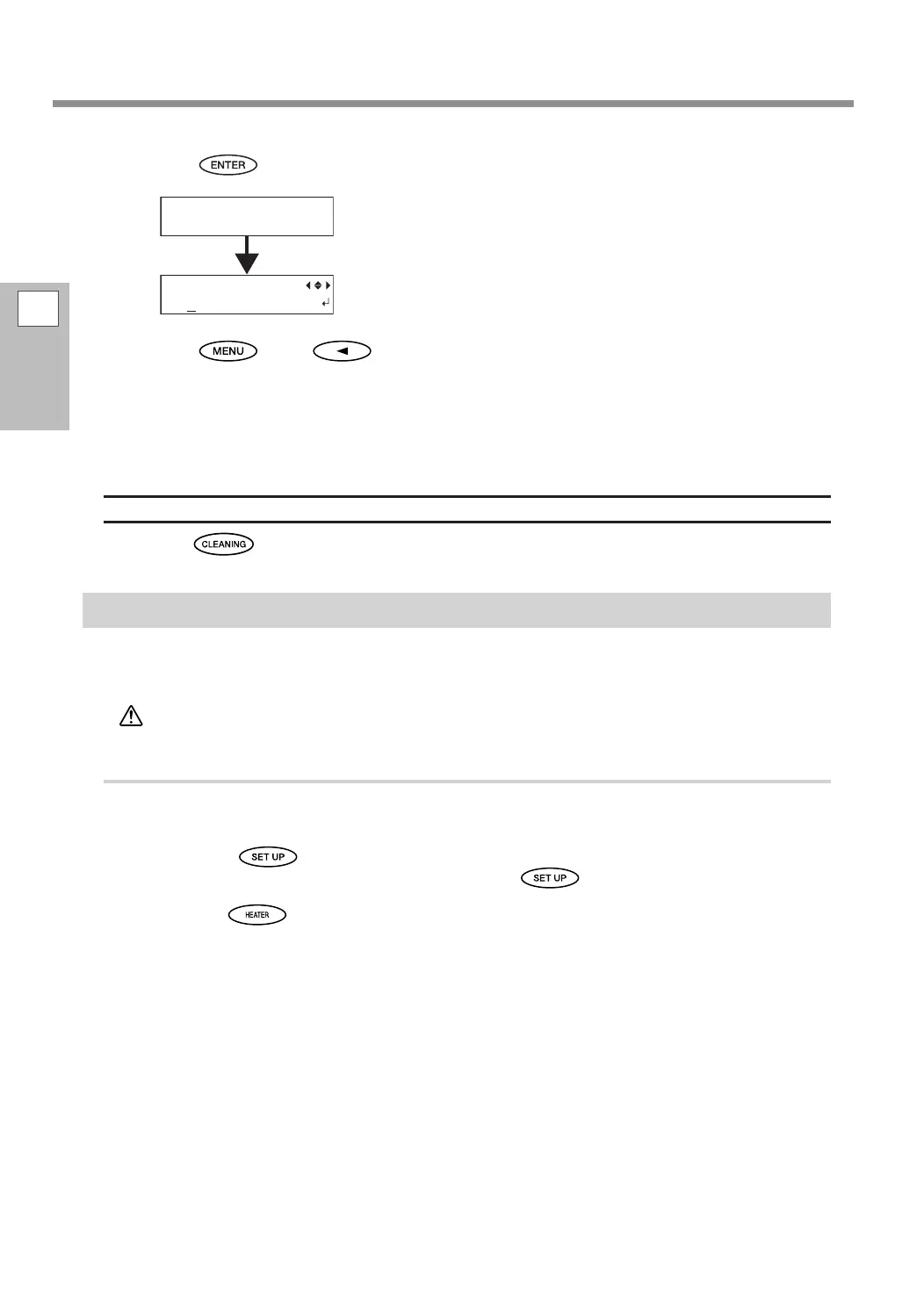
Press .
The screen shown in the gure appears, and then cleaning starts.
The remaining process time (estimated) is displayed on the screen.
("01:45" = "1 minute and 45 seconds")
When cleaning nishes, the screen shown in the gure appears again.
Press , then to go back to the original screen.
Perform a printing test again to make sure the dot drop-out has been corrected.
If the problem persists, try performing cleaning again. If the printer has been used for a long period, the
problem may not be xed even after performing cleaning two or three times. If the problem doesn't go
away, try cleaning using a dierent method.
P. 56, "When Normal Cleaning Is Not Effective"
When You Want to Clean All Print Heads Simultaneously
Hold down for one second or longer. Cleaning for all print heads starts automatically.
Getting Ready to Receive Data from a Computer
When P. 26, "Loading Sheet Media" and P. 32, "Setup of Media" are completed, get the machine ready to
receive the data from a computer.
CAUTION
Never touch the print heads while output is in progress.
The print heads move at high speed. Coming into contact with them may
cause injury.
Procedure
Close the front cover.
Check that is lit.
If it is not lit, lower the loading lever and press
.
Wait until stops ashing and stays lit.
CLEANING...
>>>>> 01:45
NORMAL CL.
AB















 To Next Page