Outputting
2
Basic
Operation
43
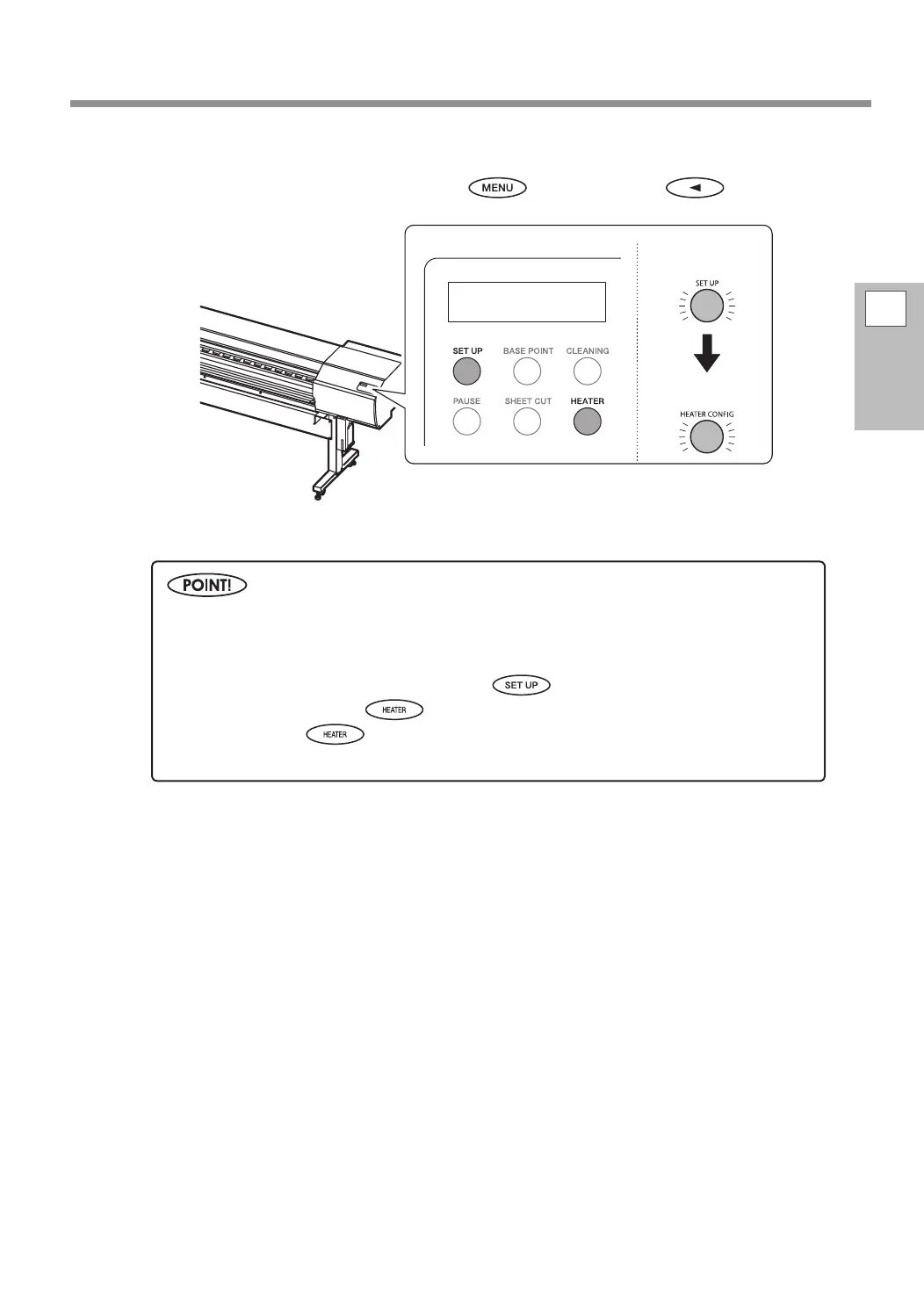
Check that the top menu is displayed.
If the top menu is not displayed, press
, and then press .
W1371mm
Output is not possible in these situations.
The machine does not run when a cover (front, left, or right) is open.
Never open a cover (front, left, or right) while output is in progress. Doing so interrupts printing.
Data from the computer is not accepted when
is dark.
Printing does not start until
lights. (If the print-heater and dryer are set to "OFF," printing
is possible even if
is not lit.)
Data from the computer is not accepted when you are not at the top menu.
Top menu
Flashing Lit
Lit















 To Next Page