Fully Utilizing the Preset Function
4
Advanced
Functions
84
Description
This loads a saved preset. You can select any one of eight types of presets. (When no names have been as-
signed, select from NAME1 to NAME8.) If you load a preset while
is lit, turns o. To start
printing, press
once more and redo the preparations for printing.
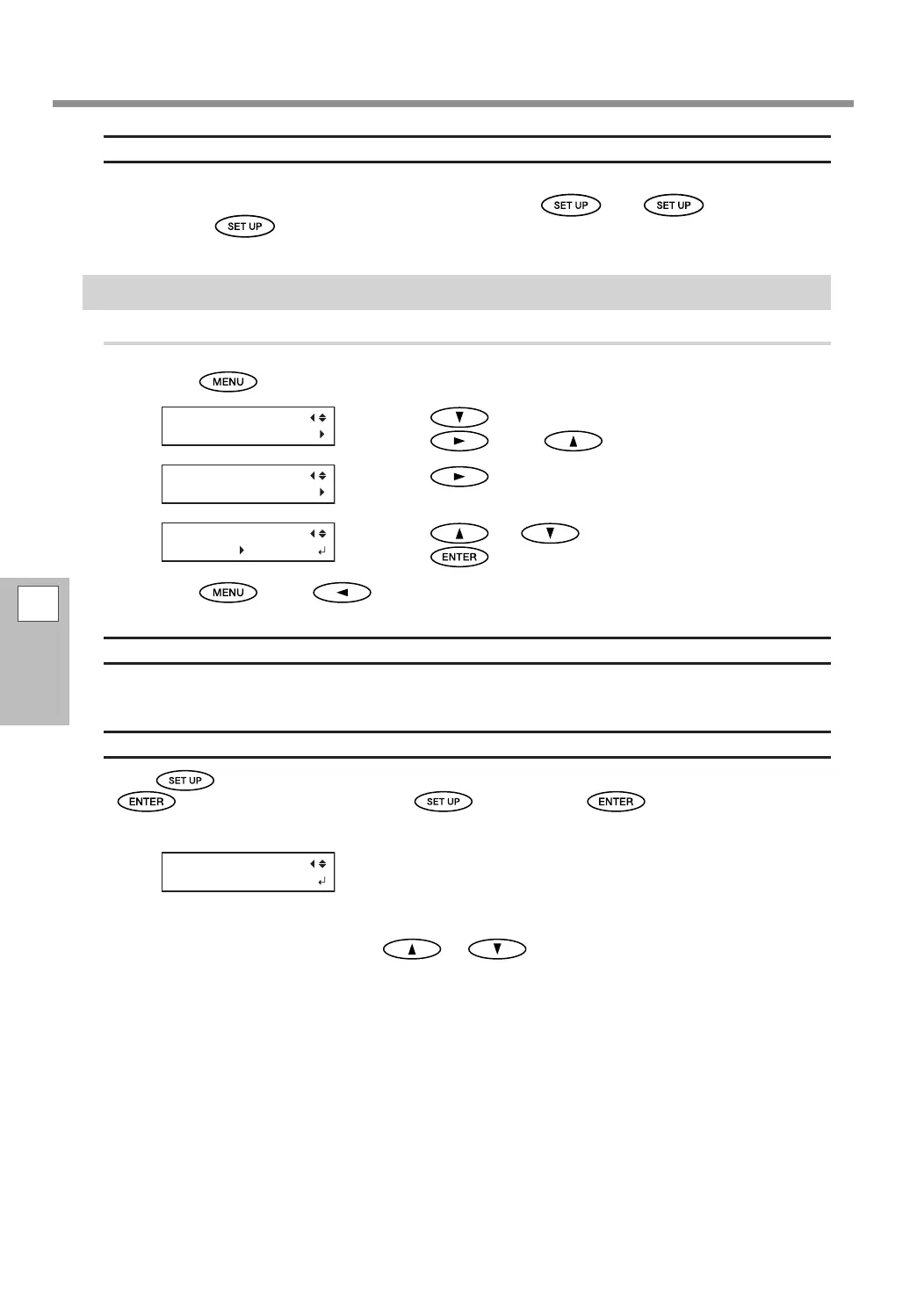
Automatic Loading of a Saved Preset When Media Is Loaded
Procedure
Press .
Press to display the screen shown on the left.
Press
, then .
Press .
Press or to select "ENABLE."
Press
to conrm your entry.
Press , then to go back to the original screen.
Description
Once "ENABLE" is selected, the screen for loading a preset is always displayed when the media is loaded.
Follow the procedure given below to use the loaded preset.
How to Use the Loaded Preset
Press at the end of the media loading process to display the screen shown in the gure. Press
to load the displayed preset. (Press before pressing to perform setup with the
current settings without loading the preset.)
The preset displayed on the screen is the last loaded preset or the last saved preset.
You can select other presets by pressing
or .
AUTO DISPLAY
DISABLE ENABLE















 To Next Page