Accommodating Different Media Types and Conditions
4
Advanced
Functions
97
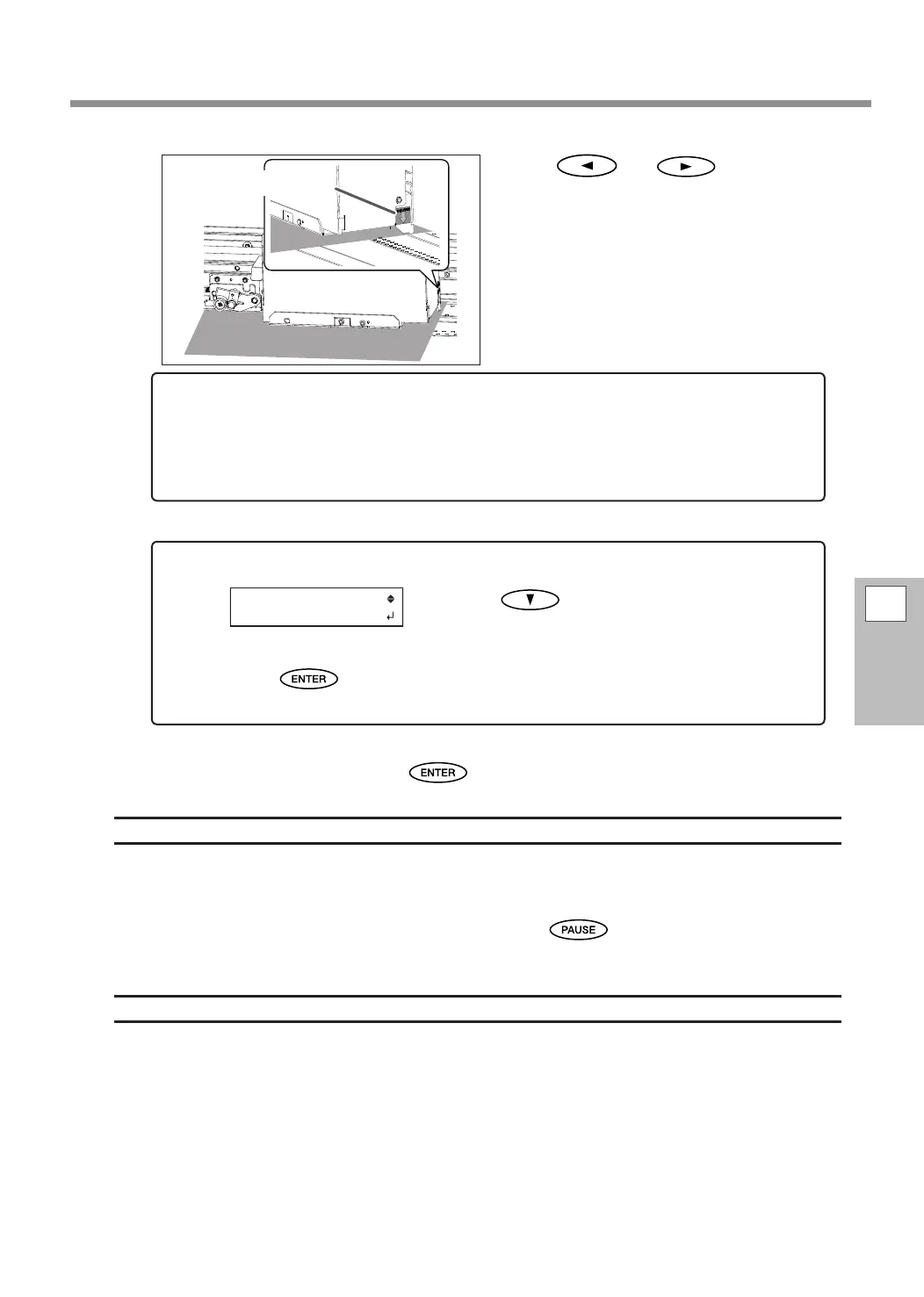
Press or to move the
print-head carriage (base point mark) to the
right edge of the media.
The position indicated by the arrow of the base
point mark is set as the position of the right edge
of the media
When the location is set, press to conrm it.
Description
For transparent media, the width and position cannot be automatically detected. Therefore, [SHEET TYPE]
must be set to "CLEAR" before the width and attachment position are set manually.
When [SHEET TYPE] is set to "CLEAR," printing does not stop if the media runs out while printing is in progress.
If media runs out while printing is in progress, immediately press
to stop printing. Otherwise, there
is a chance that the platen or other parts may become soiled by ink or that ink may get inside and damage
the machine.
Default Settings
[SHEET TYPE]: OPAQUE
[SHEET WIDTH]: 1,625 mm (63 in.)
If a xed period of time passes while the setting procedure is in progress, the menu is
forcefully closed.
If a xed period of time passes while the setting procedure is in progress, the menu is forcefully
closed and the print heads return to the home position to prevent them from drying out. In this case,
perform step
4.
again.
To quit the procedure for setting the position of the right edge of the media
Press to display the screen shown
on the left.
Press .
The print-head carriage returns to the home position (behind the right cover).
Base point mark















 To Next Page