Loading Media
2
Basic
Operation
24
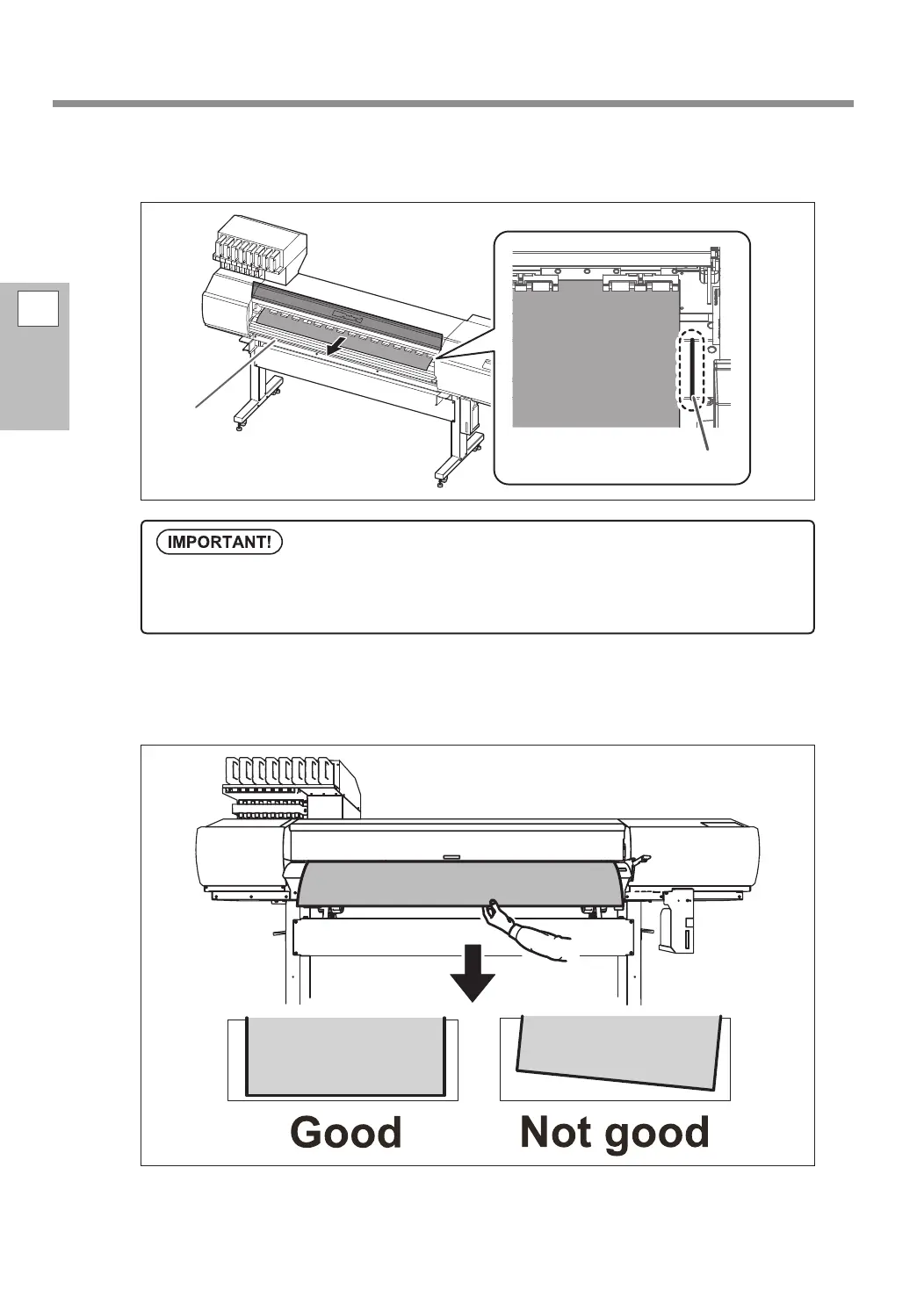
Pull out the media over the platen.
Make sure the right edge of the media is in line with the guide line.
Hold the media at the center and pull it out, being sure to keep it straight and all areas
of the media to be taut.
Make sure the right edge of the media is in line with the guide line.
If you want to readjust the media position at this point, redo the procedure from step 1.-
. If you
just hold the media to readjust its position forcibly, the media will be skewed during printing, which
will have an aect on the printing quality.
Platen
Guide line















 To Next Page