Loading Media
2
Basic
Operation
31
3.
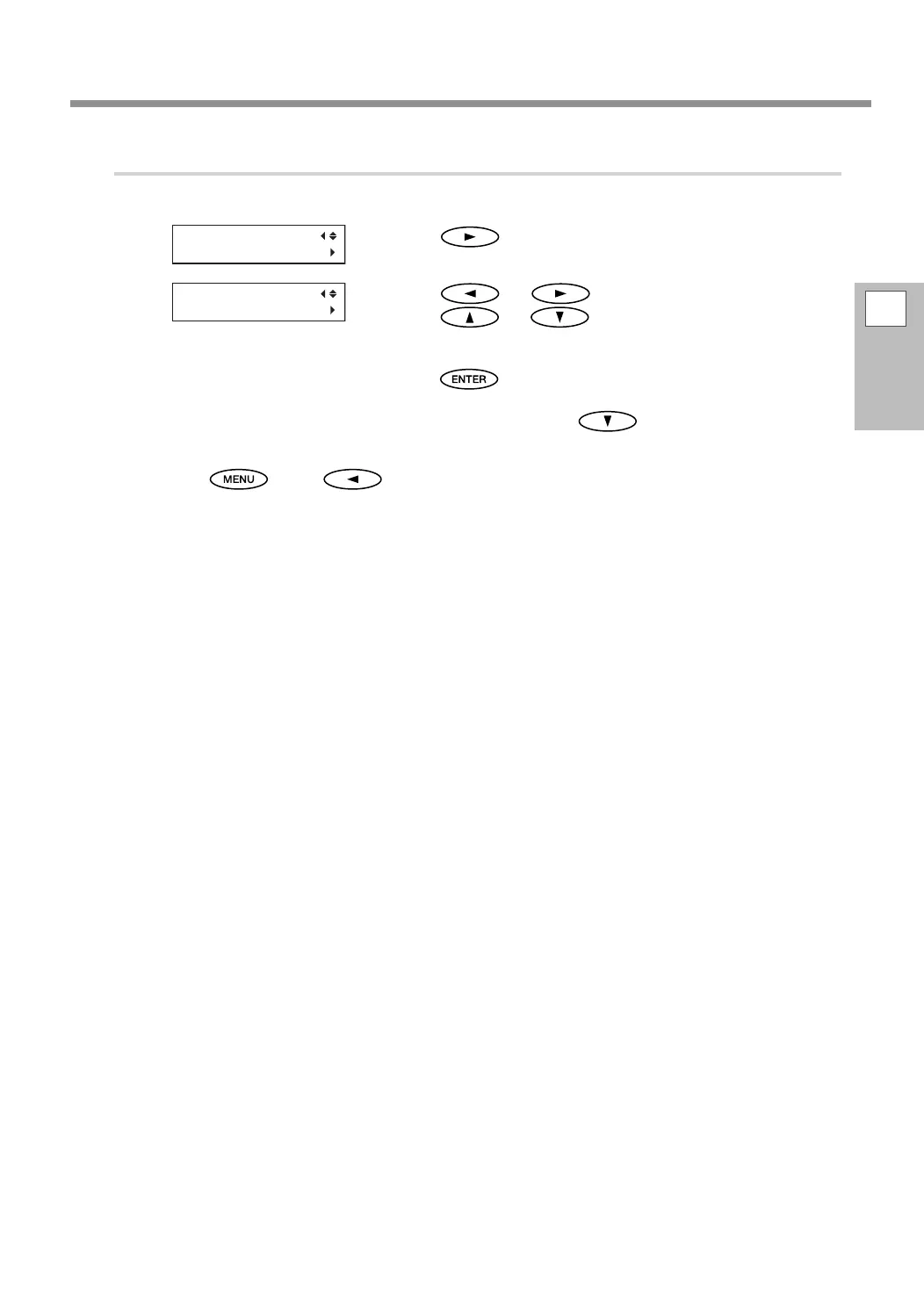
Enter the correction values that you read.
Enter the corresponding correction values for H1 and H2.
Press .
Press or to select H1 or H2.
Press
or to select the correction value.
Select the correction values that you read in step 2.
When you have nished setting the correction values,
press
.
This completes the conguration of [SETTING NO. 1]. Next, press and set the correction values
for [SETTING NO. 2] to [SETTING NO. 4] in the same manner.
Press , then to go back to the original screen.
DETAIL SETTING
SETTING NO.1
H2 H1
0 0















 To Next Page