Outputting
2
Basic
Operation
46
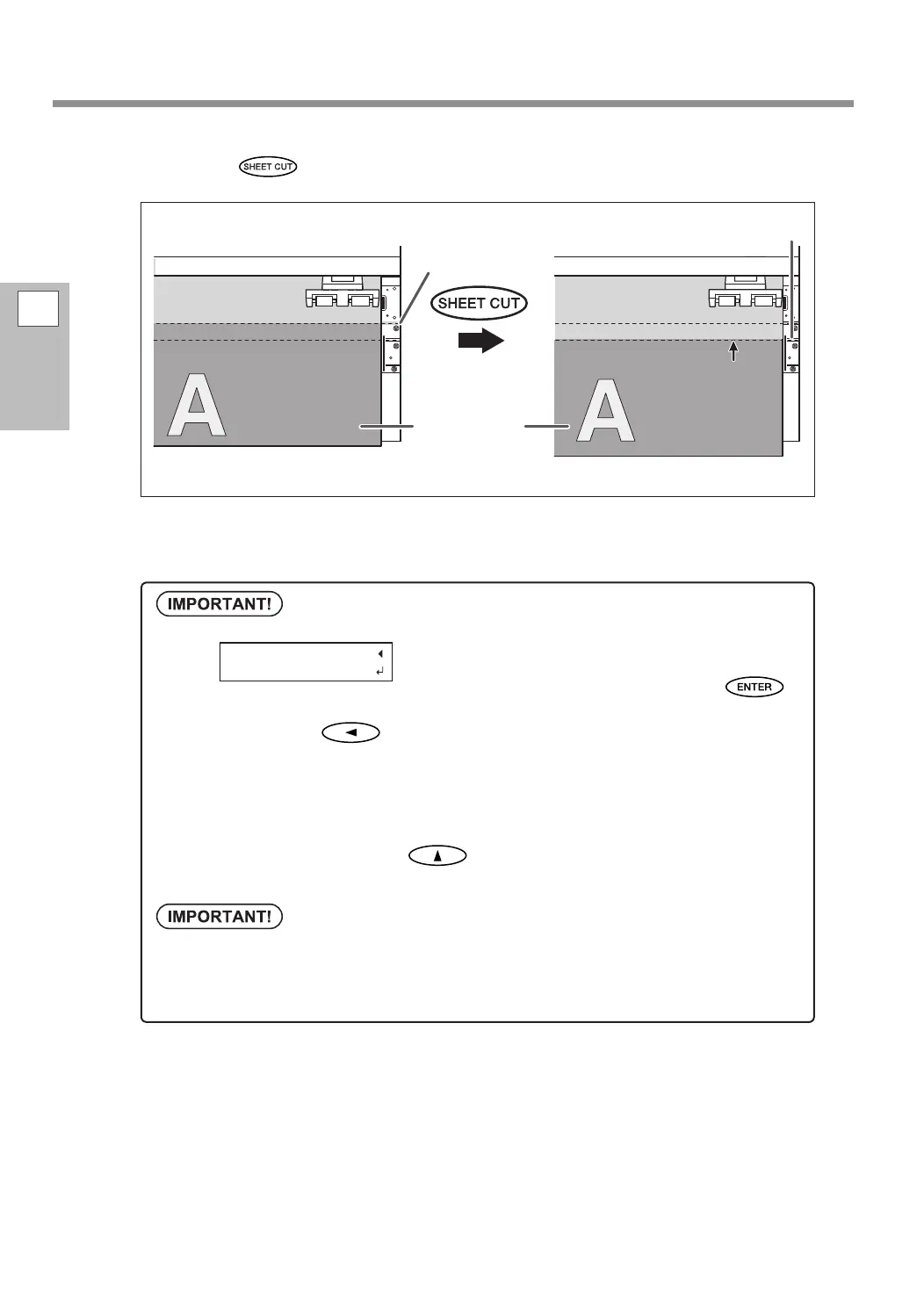
Hold down for one second or longer.
The media is cut o.
You can congure settings in the software RIP for automatic media cuto after printing has nished. For
information on how to congure the settings, refer to the documentation for the software RIP you are using.
Cutoff operations
When the media clamps are attached, the screen shown
on the left appears. Open the front cover, remove the
left and right media clamps, and then press
.
To cancel cuto, press
.
Be sure to remove the media clamps. If you attempt to perform the cuto operation while the
media clamps are attached, the machine will detect them and interrupt the operation.
Even if you enable the automatic media-cuto function in the software RIP, if the media clamps
are attached, the machine will detect them and interrupt the operation.
When performing cuto, do not use
to pull the media back. Unless the end of the media
has been pulled out to a location in front of the platen, cuto may not be performed smoothly.
Give attention to the media composition
For some types of media, cuto is not possible.
Some types of media may remain on the platen after cuto. If the media remains on the platen,
remove it by hand.
The media is
moved forward and
cut along this line.
Printed portion
Reective tape
Knife guide















 To Next Page