Fully Utilizing the Correction Function
4
Advanced
Functions
94
|
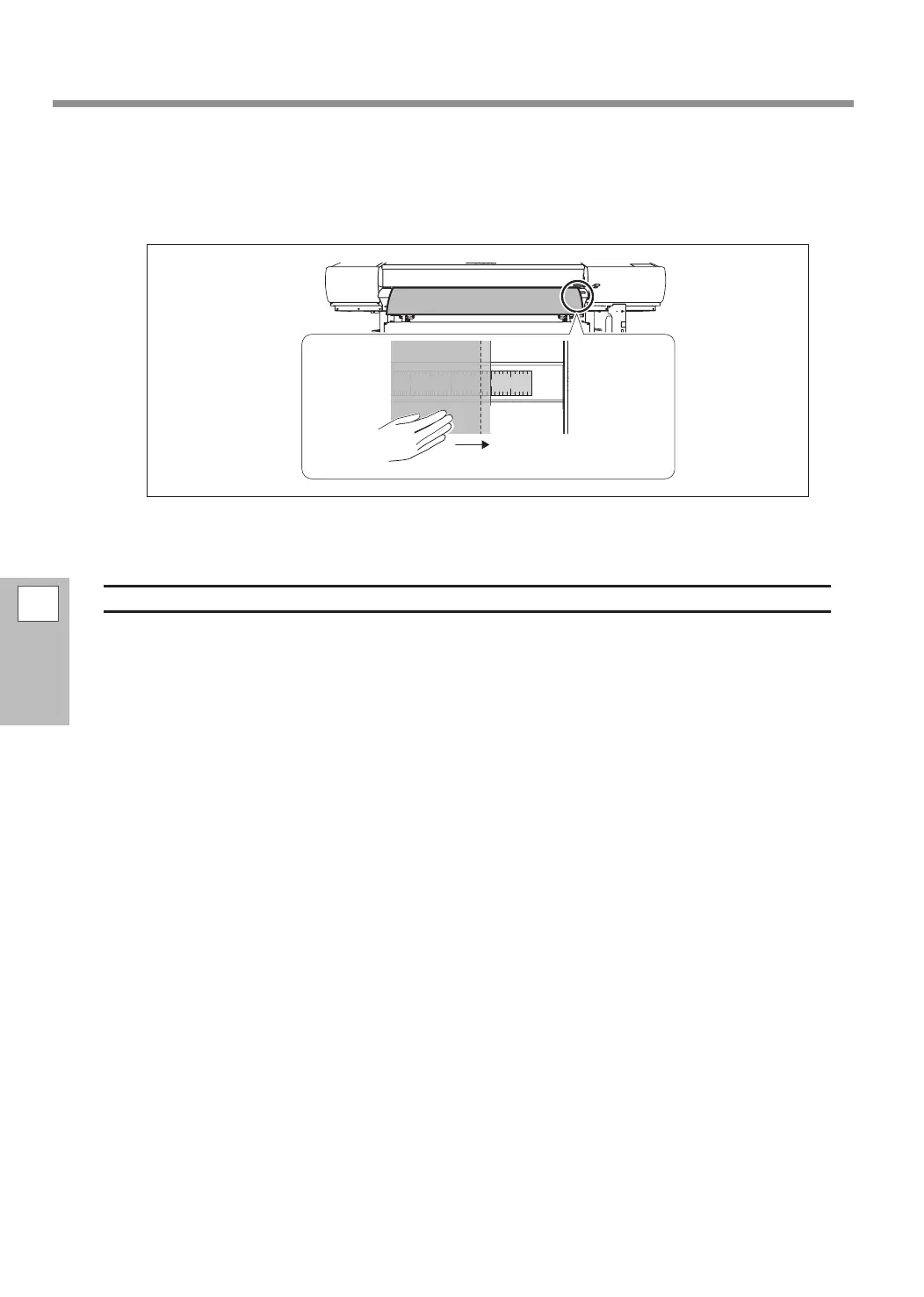
Adjust the position of the media while viewing the scale on the apron.
Raise the loading lever, and then adjust the position of the media according to the correction value you
determined from the printing-test results. After you have set the position, lower the loading lever to x
the media position.
}
Perform steps
to
one more time, and then check the result of the correction.
Description
Even if you attempt to load the media in a straight manner, subtle misalignment may lead to the media being
fed at an angle. If the media is fed at an angle, horizontal bands will become noticeable. You can use this
function to alleviate horizontal bands by correcting media tilting.
If media is present 5 mm or more to the right of the print-start position of the test pattern, an error will occur,
and it will not be possible to print the test pattern. Move the media position 5 mm or more to the left.
10
20
30















 To Next Page