Playing Back Samples (SAMPLE MODE)
12
When bank A–E is selected, the bank [A/F]–[E/J] button lights up. When bank F–J is selected, the bank [A/F]–[E/J] button
blinks.
Adjusting the Volume for All Banks (BANK VOLUME)
Adjusts the volume for the specified bank overall. This lets you adjust the volume if the volume varies between banks.
1.
Hold down the [SHIFT] button and press the bank [A/F]–[E/J] buttons.
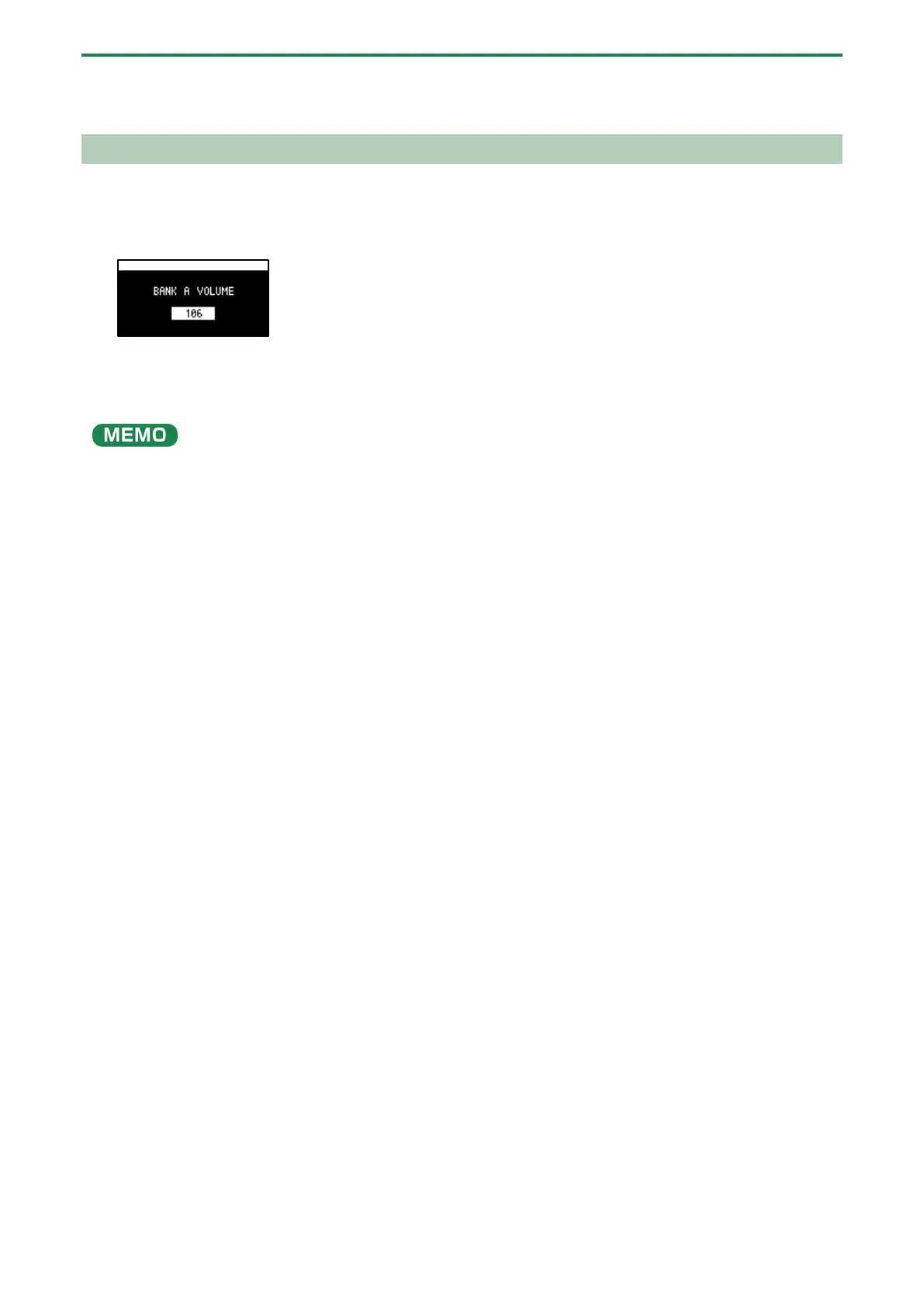
The BANK VOLUME screen appears.
2.
Turn the [VALUE] knob to set the bank volume.
3.
When you are finished adjusting the values, press the [EXIT] button.
You may notice a difference in playback volume when copying or exchanging samples between different banks, due to the
differences in the BANK VOLUME parameters set for each bank.



 To Next Page