Editing a Sample (SAMPLE EDIT)
43
Processing a Sample
You can use the start point and end point settings to process a sample.
Note that this operation directly processes the original sample data. Once you process a sample in this way, it cannot be
restored.
1.
Set the start and end points by following the steps in “Setting the Playback and Loop Regions
(START/END)
(P.42)”.
2.
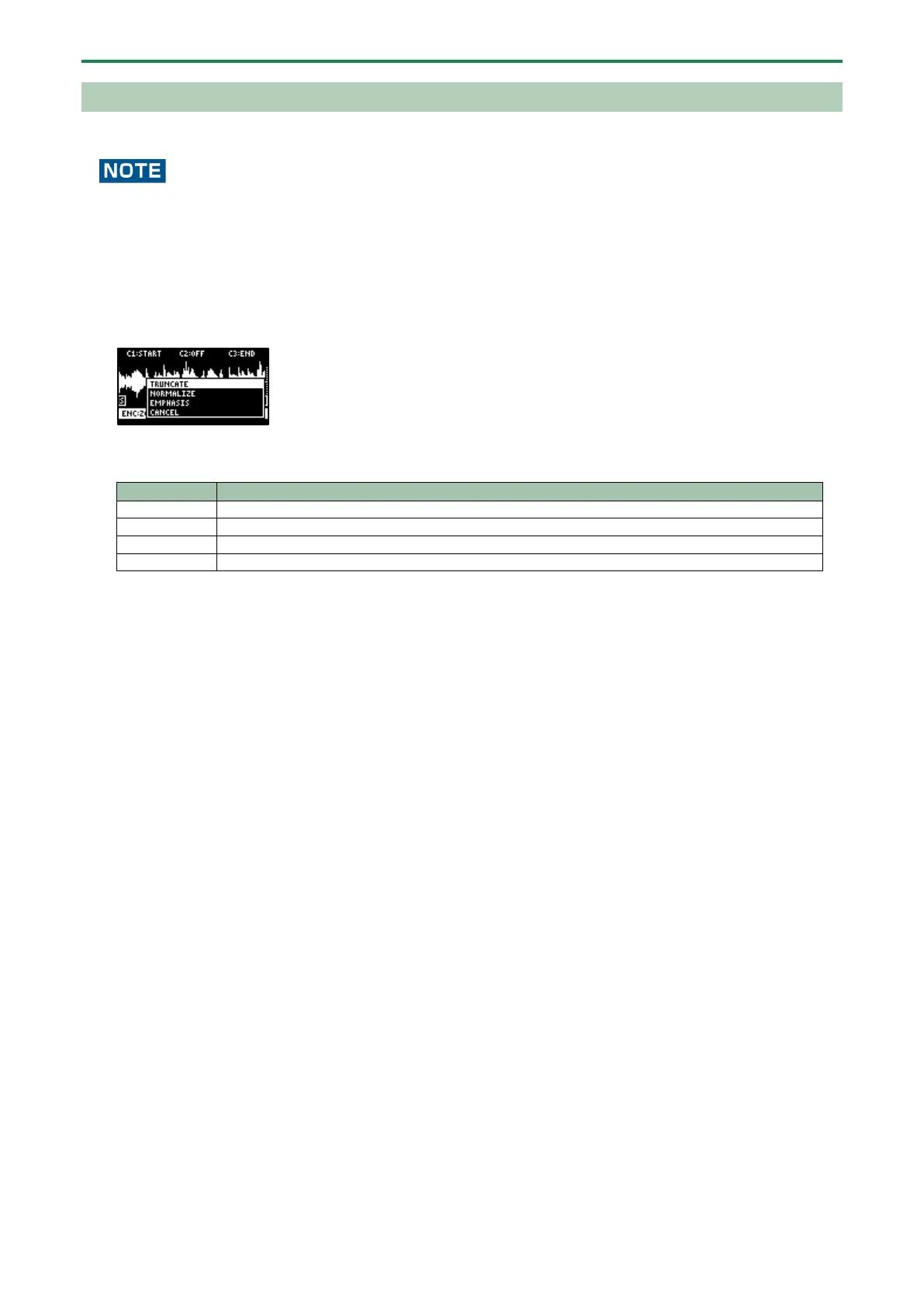
Press the [VALUE] knob.
A menu appears.
3.
Use the [VALUE] knob to select the item, and press the [VALUE] knob.
The sample is processed.
Trims (deletes) the sample’s audio regions before the start point and after the end point.
Increases the overall volume.
Increases the high-frequency sound.



 To Next Page