Appendix
124
Cloud Delay
Adds multiple delays to the dry sound, as well as reverberations for a thick “cloudy” effect.
WINDOW
Adjusts the interval for the delayed sound.
Larger settings produce a deeper reverberation.
Adjusts the volume of the pitch shifter for the effect sound.
Adjusts the volume balance between the dry (original) sound and effect sound.
Adjusts the amount of feedback for the effect.
Adjusts the thickness of the effect sound.
When this is ON, the tonal character of the effect sound is degraded.
Back Spin
This gives the effect of spinning a record backwards.
LENGTH
Sets the length of the back spin.
Sets the speed of the back spin.
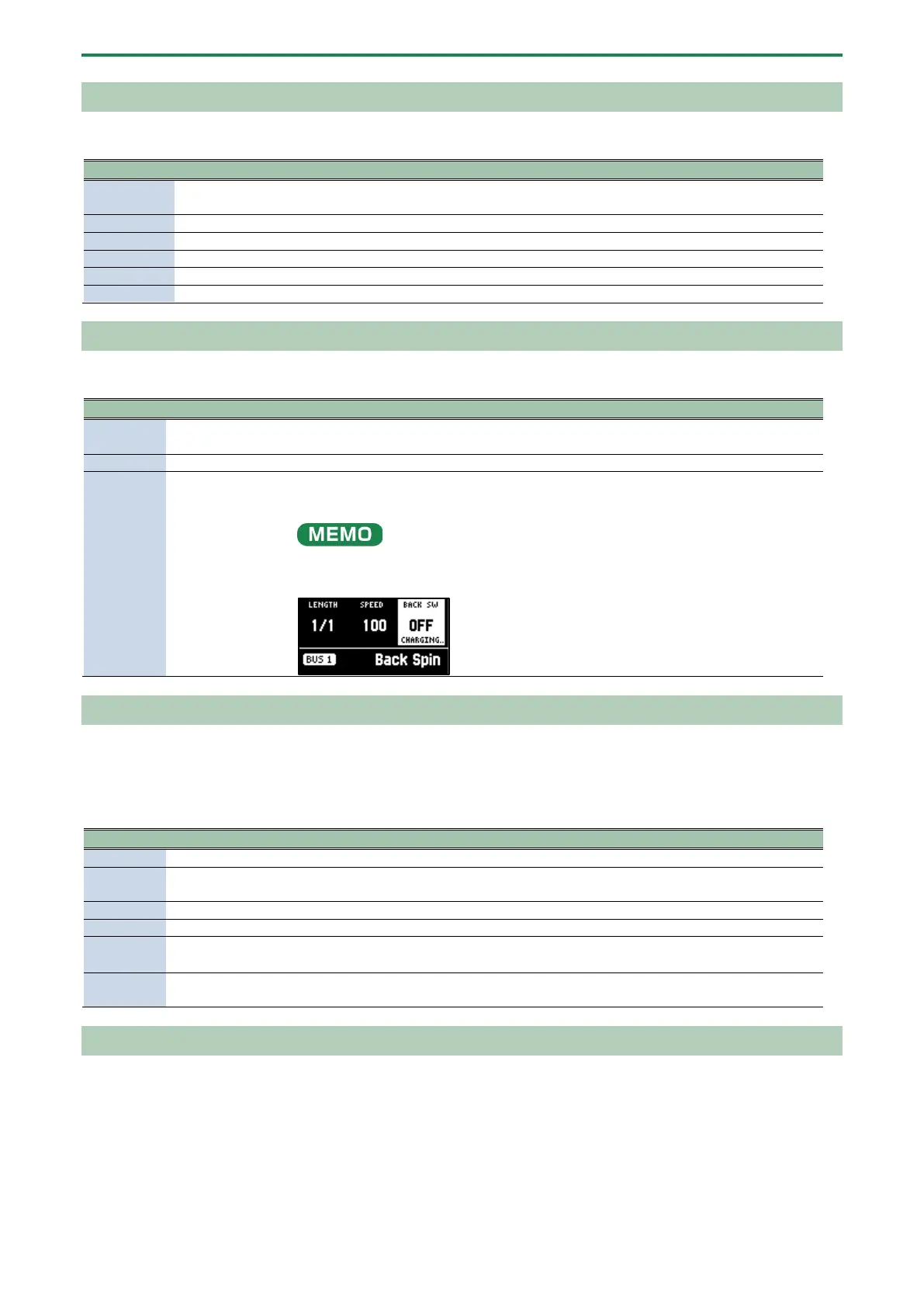
BACK SW
If you turn this ON while a sound is playing, the back spin plays for a length of time
specified by the LENGTH parameter.
Turn this OFF to disable the back spin.
After switching to this effect, the sample must be played back (charged) for up to
approximately three seconds.
The BACK SW parameter blinks during charging.
Auto Pitch
Processes the human voice to create a variety of characters.
* This is enabled with INPUT FX.
Sets the pitch of the voice. You can change the pitch up and down one octave.
FORMANT
Sets the formant of the voice. Lower settings give a more masculine vocal
character, and higher settings give a more feminine vocal character.
Adjusts the volume balance between dry (the original sound) and effect sound.
Adjusts the strength at which the pitch is corrected.
KEY
CHROMA, A, B
, B, C, D
, D,
Adjusts the key to which the pitch is corrected.
ROBOT
When this is turned ON, the inputted voice is altered to a voice without
inflection, staying at the same pitch.
Vocoder
Changes the voice to a vocoder voice.
* This is enabled with INPUT FX.



 To Next Page