Editing a Pattern (PATTERN EDIT)
71
Performing this operation overwrites (erases) the pattern in the copy destination pad.
Copying all patterns in a bank to another bank
This is how to copy all the patterns in a bank to another bank.
You can’t perform the following operations while a pattern is playing back. Stop the pattern before performing the operation.
1.
Hold down the [COPY] button and press the [EXIT] button.
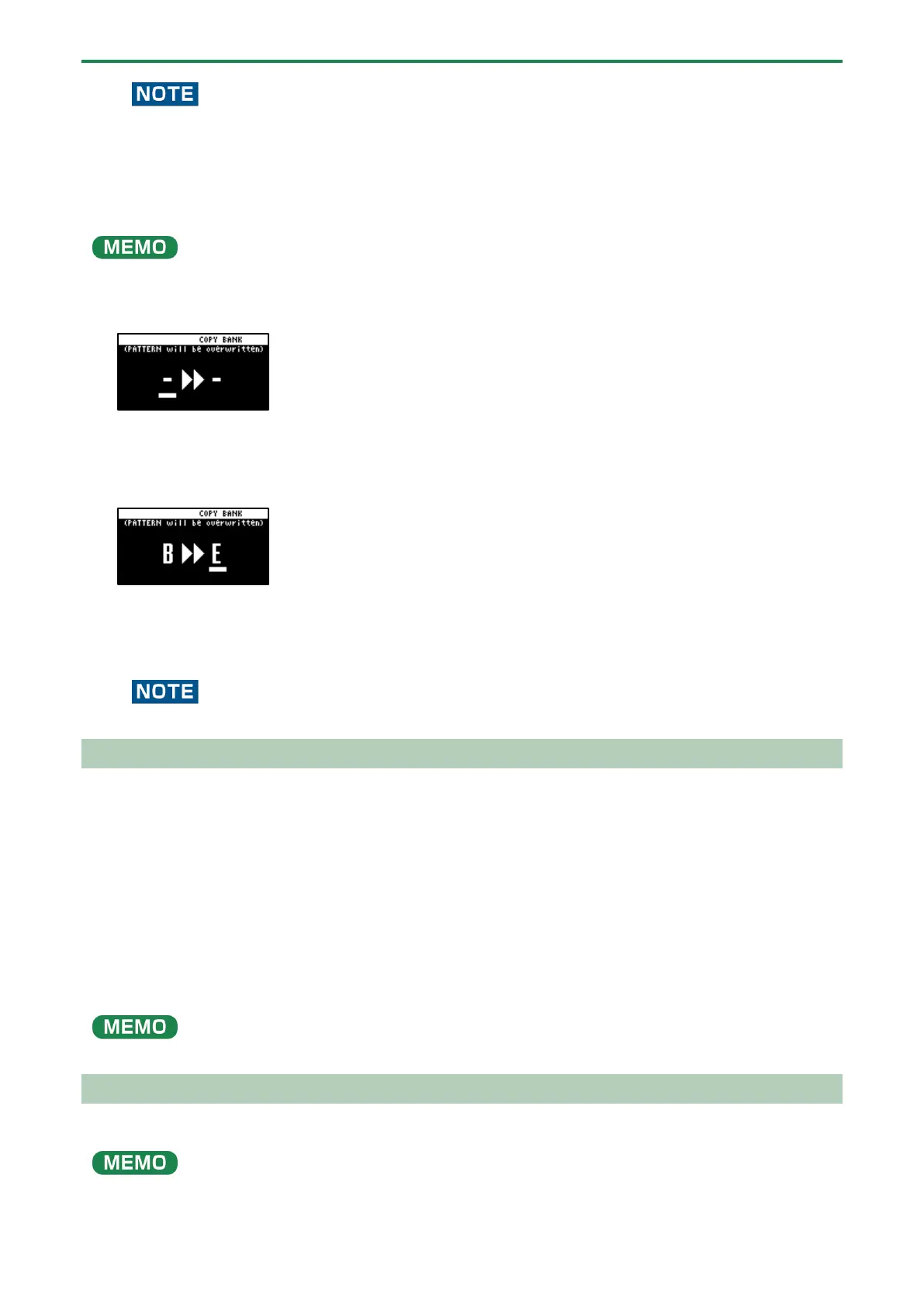
The COPY BANK screen appears.
2.
Press the bank [A/F]–[E/J] buttons to select the bank to copy (source).
3.
Turn the [VALUE] knob clockwise to move the cursor.
4.
Press the bank [A/F]–[E/J] buttons to select where to copy the bank (destination).
5.
Press the [VALUE] knob or [COPY] button.
All the patterns in the bank are copied to the specified bank.
Performing this operation overwrites (erases) the pattern in the copy destination pad.
Protecting a Pattern (PROTECT)
This function prevents the samples and patterns assigned to a pad from being overwritten by being copied or edited, or
accidentally deleted.
Protection is set on a bank by bank basis. Protection is set for both samples and patterns.
1.
Press the bank [A/F]–[E/J] buttons to select the banks to protect.
To select banks F–J, press the bank [A/F]–[E/J] buttons twice to make them blink.
2.
Hold down the [SHIFT] button and press the [COPY] button.
A protect confirmation message appears.
To cancel the protect operation, press the [EXIT] button.
3.
Use the [VALUE] knob to select “OK”, and press the [VALUE] knob.
To cancel protection, do the same operation again.
Deleting the Pattern from a Pad
Here’s how to delete the pattern assigned to a pad.
You can’t perform the following operations while a pattern is playing back. Stop the pattern before performing the operation.
1.
Press the [DEL] button.



 To Next Page