Selecting a Project
83
Selecting a Project
Here’s how to recall a project (1–16).
Once a project is recalled, the unit is ready to play back samples and create patterns.
1.
Hold down the [SHIFT] button and press the [SUB PAD] button.
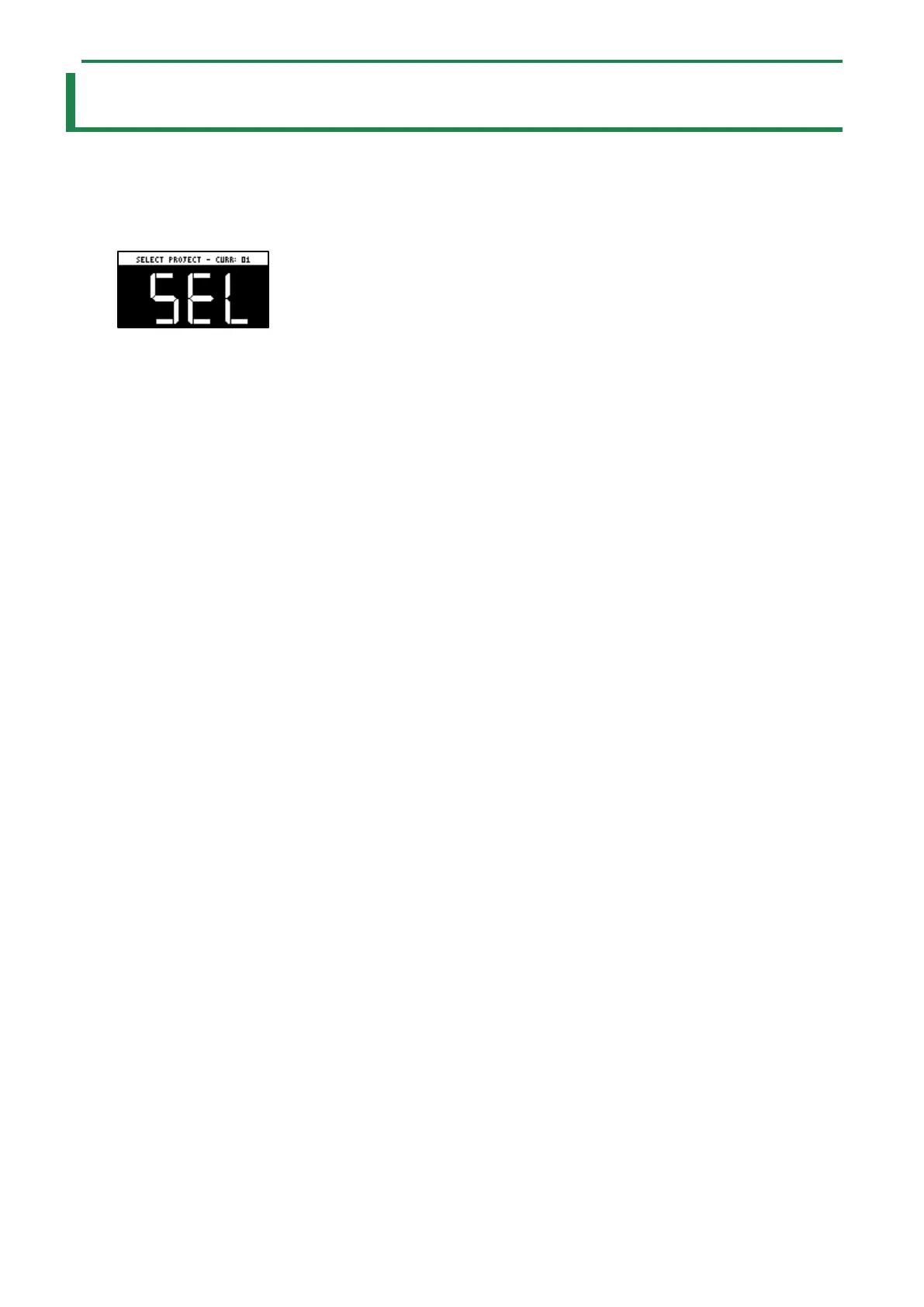
The SELECT PROJECT screen appears.
2.
Press pads [1]–[16] to select a project you want to recall.
The project is recalled. Once the project is recalled, the top screen appears.



 To Next Page