Playing Back Samples (SAMPLE MODE)
20
Changing the Sample Volume for Playback (16 VELOCITY)
You can use the 16 VELOCITY function to change a sample’s velocity (volume) in steps when it plays back.
1.
Press pads [1]–[16] to select the sample you want to use with the 16 VELOCITY function.
2.
Hold down the [SHIFT] button and press the pad [2].
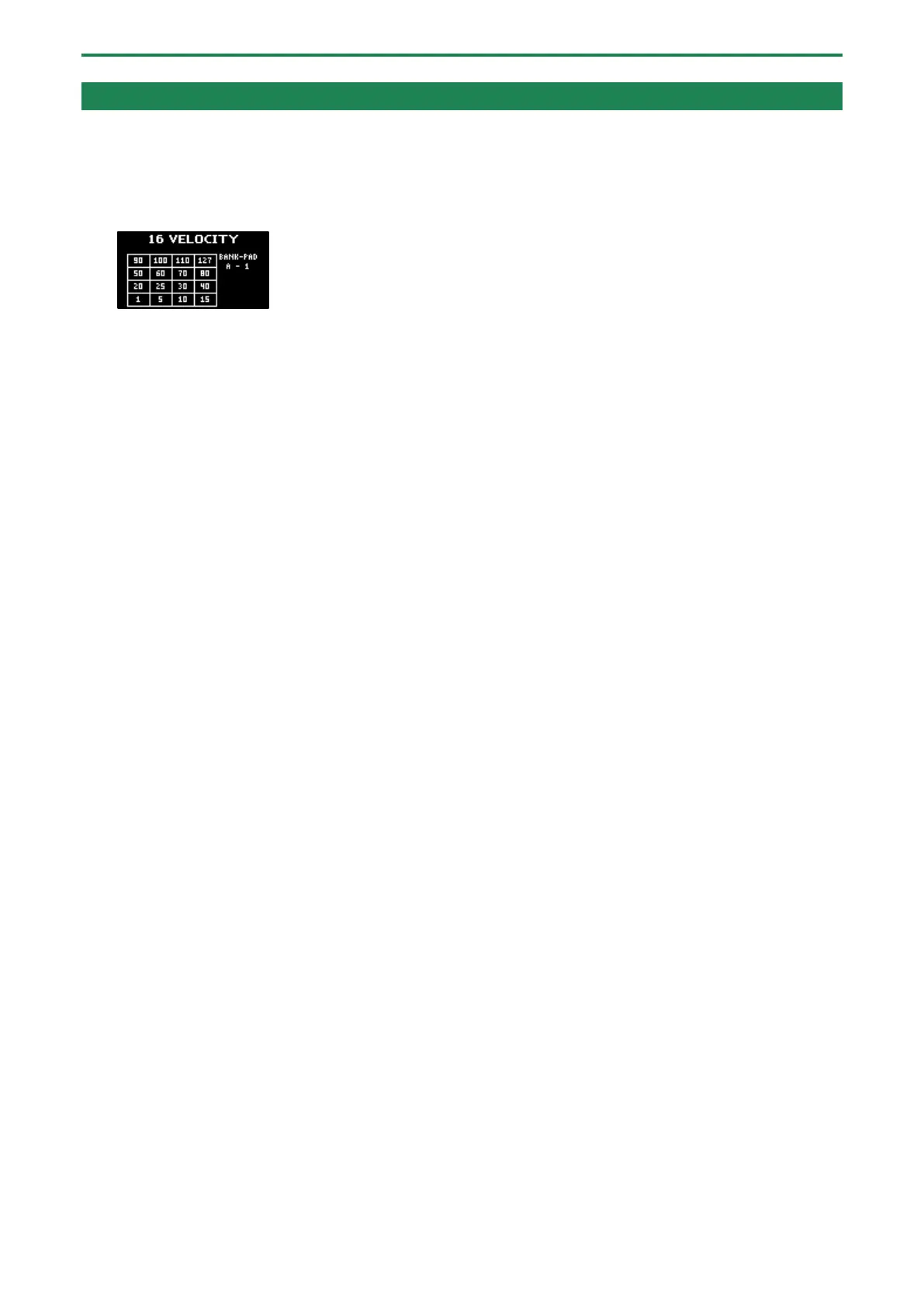
The 16 VELOCITY screen appears.
3.
Press pads [1]–[16].
The pad position corresponds to the velocity shown. The sample plays back at the velocity that matches the pad you press.
4.
To exit 16 VELOCITY, press the [EXIT] button.



 To Next Page