Organizing Projects
85
Deleting a Project
Here’s how to delete projects you don’t need.
1.
Hold down the [SHIFT] button and press the [SUB PAD] button.
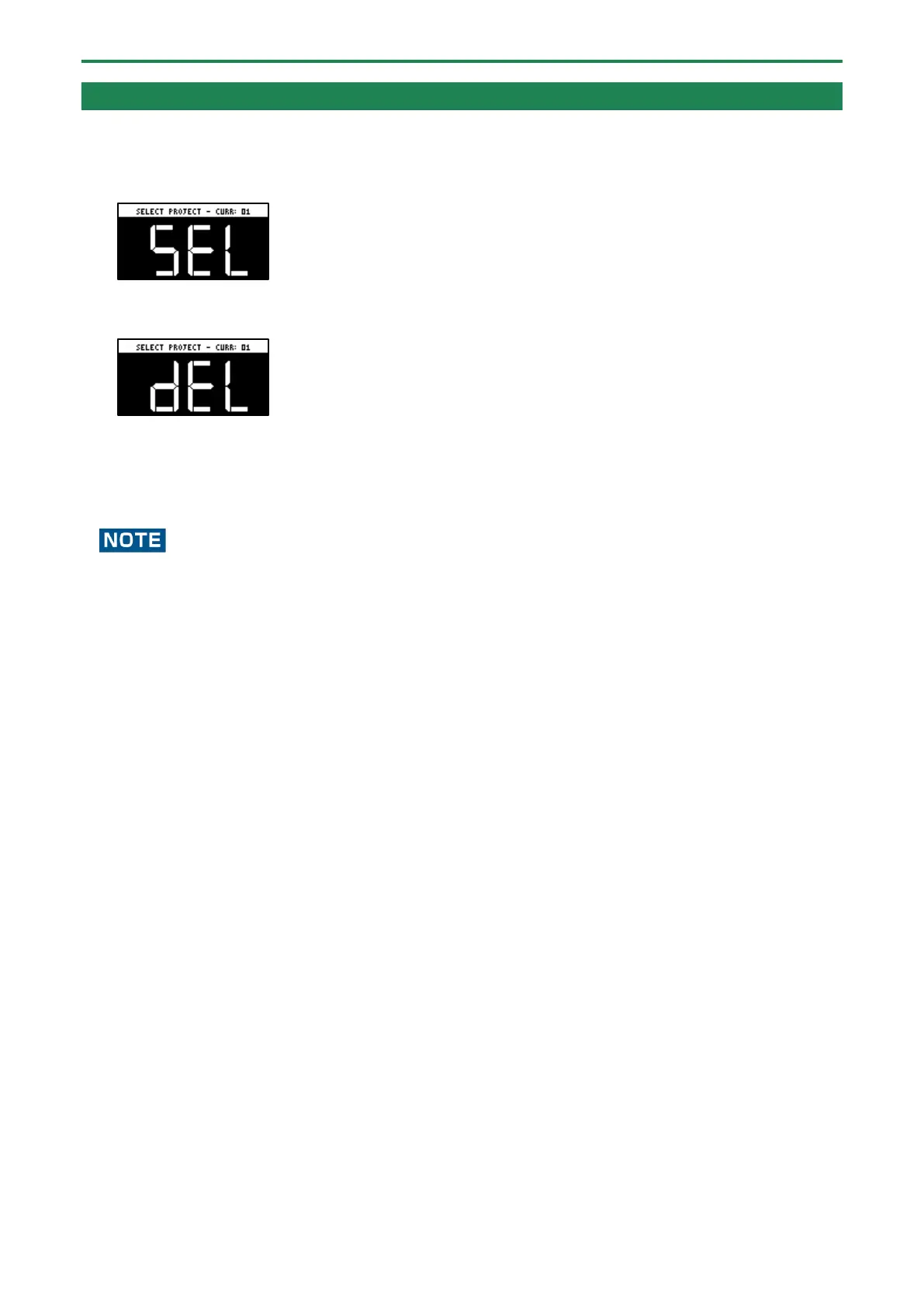
The SELECT PROJECT screen appears.
2.
Press the [DEL] button.
The project deletion screen appears.
3.
Press pads [1]–[16] to select the project to delete.
If you decide to cancel deleting, press the [EXIT] button.
4.
Press the [VALUE] knob or [DEL] button.
This deletes the project data.
You can’t restore a project after it has been deleted.
If you want to keep your project data or make sure it doesn’t get accidentally modified, we recommend that you follow the
steps in “Backing up Your Data (BACKUP)(P.105)” to create regular backups.



 To Next Page