Playing Back Samples (SAMPLE MODE)
18
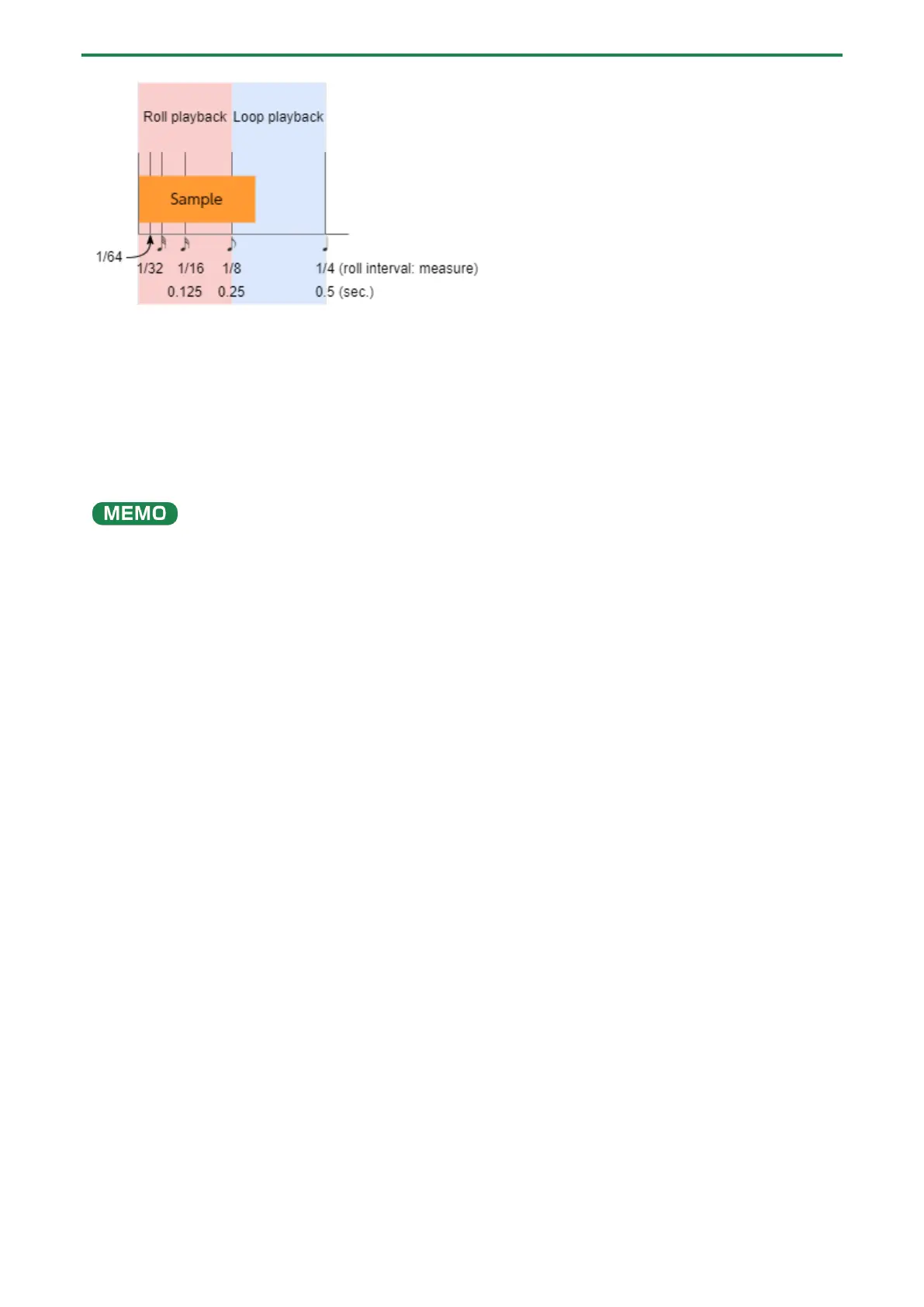
When the roll interval is set to 1/64–1/8, the sample plays back as a roll.
When the roll interval is set to 1/4, the sample plays back in a loop.
Making the roll playback interval shorter (faster) partway through
You can shorten the roll interval while it is playing back.
1.
Follow the steps in “Playing Back Samples in Detailed Steps (ROLL)(P.17)” to make the sample roll.
2.
Hold down the [ROLL] button and turn the [VALUE] knob clockwise.
This shortens the roll interval. Turning the knob counter-clockwise returns the roll interval to its original value.
You can’t make the roll interval longer (slower) than the original value.



 To Next Page