56
RootWave Pro User Guide
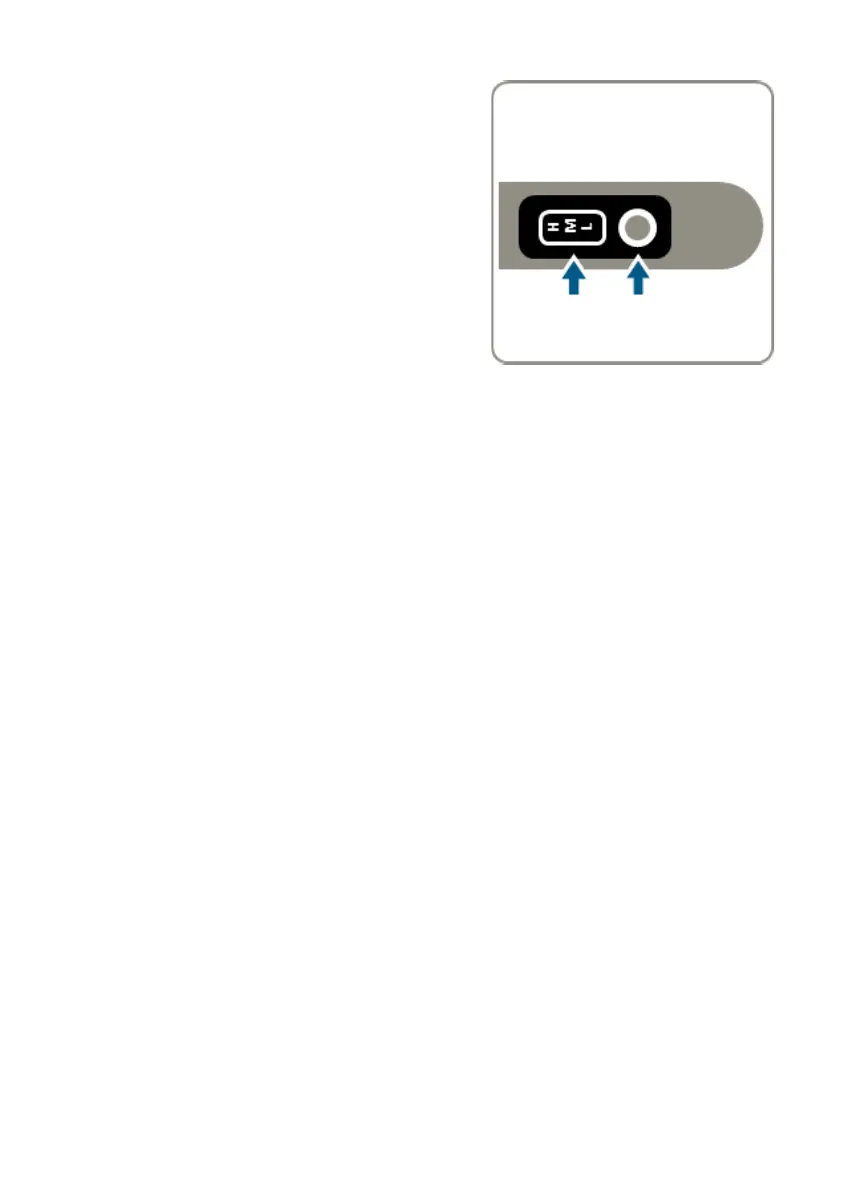
9. Reset system and select voltage
On the Treatment Lance, press and
hold the Reset button until it turns
green. It is now ready to activate.
Select a voltage setting, depending on
the size of the weed.
For more information see section
‘Voltage selector switch‘ on page 30.



 To Next Page