42
RootWave Pro User Guide
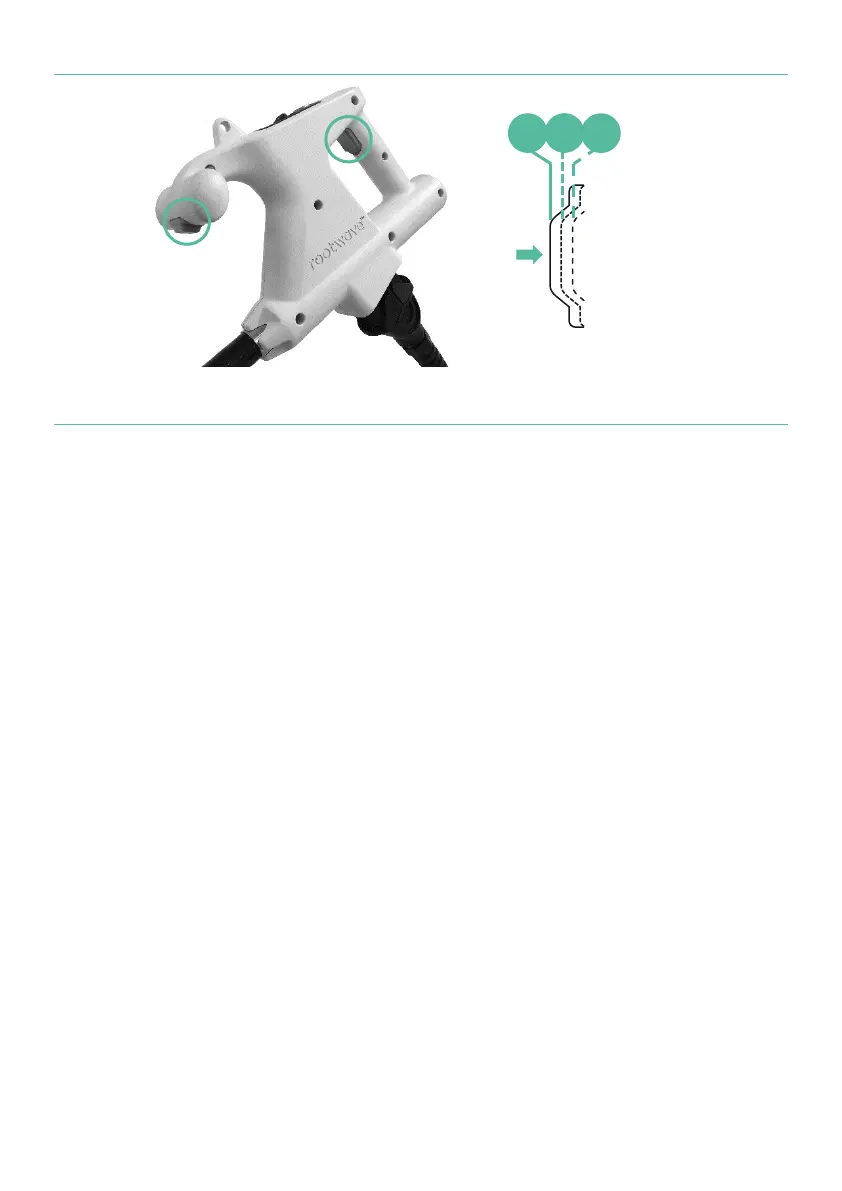
Figure 10 Treatment Lance trigger positions
For more information, see
’Triggers' on page 31
‘Move with the Treatment Lance’ on page 59
Emergency stop on Power Module
The Emergency Stop on the Power Module cuts power to the system
in an emergency.
To stop the Power Module in an emergency, push the Emergency
Stop button in fully.
To reset the Power Module after an emergency stop, release the
emergency stop by turning it clockwise. RootWave Pro can then be
started up normally.
The emergency stop is a critical safety feature that should be
regularly checked.
For more information see ‘Check emergency stop’ on page 54.



 To Next Page