54
RootWave Pro User Guide
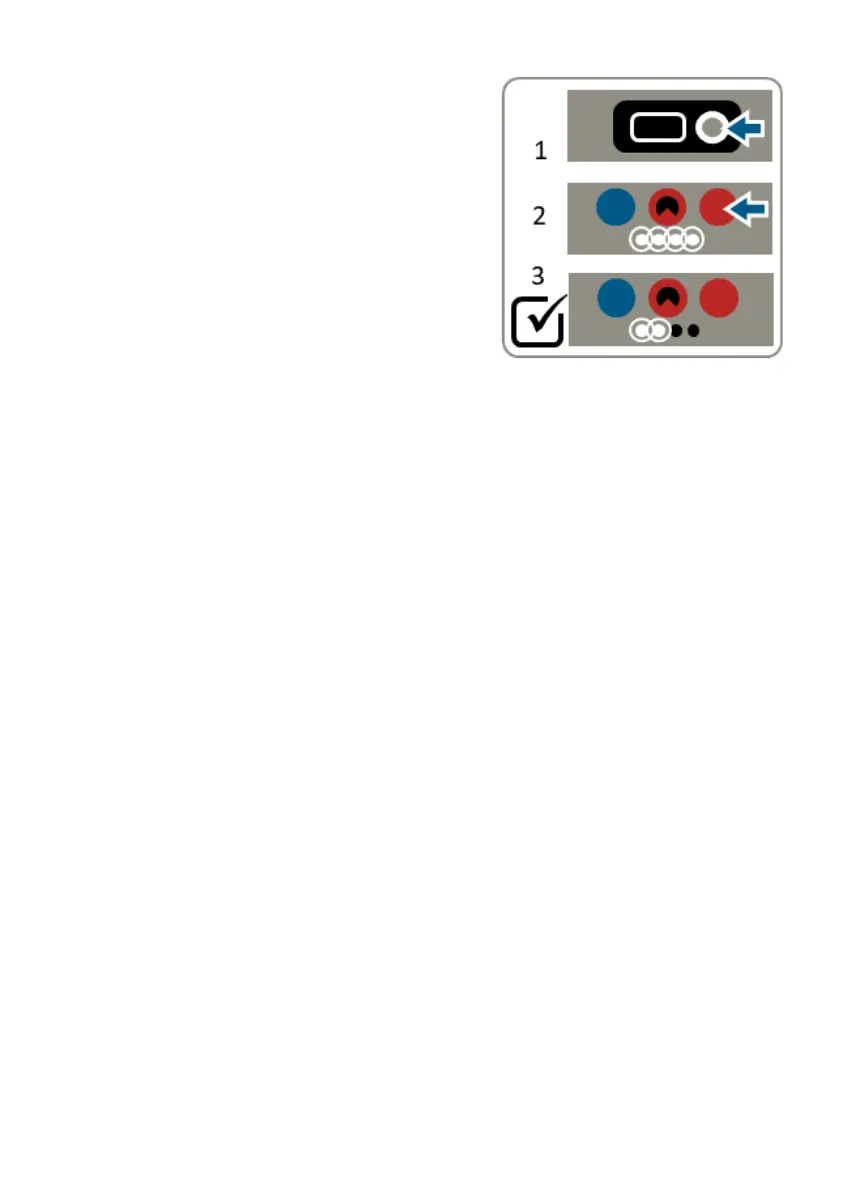
7. Check emergency stop
The emergency stop is a critical safety
feature that should be regularly
checked. Before each use, follow these
steps:
1. Reset the Treatment Lance so it is
ready to activate
2. Press the Emergency Stop on the
Power Module
3. Check that the ‘Ready’ light (green)
has turned off
If the ‘Ready’ light does not turn off, do not use RootWave Pro. Shut
down the system, isolate the padlock key and contact your
RootWave Pro supplier.
For contact information, see section ‘Contact details’ on page 3.



 To Next Page