58
RootWave Pro User Guide
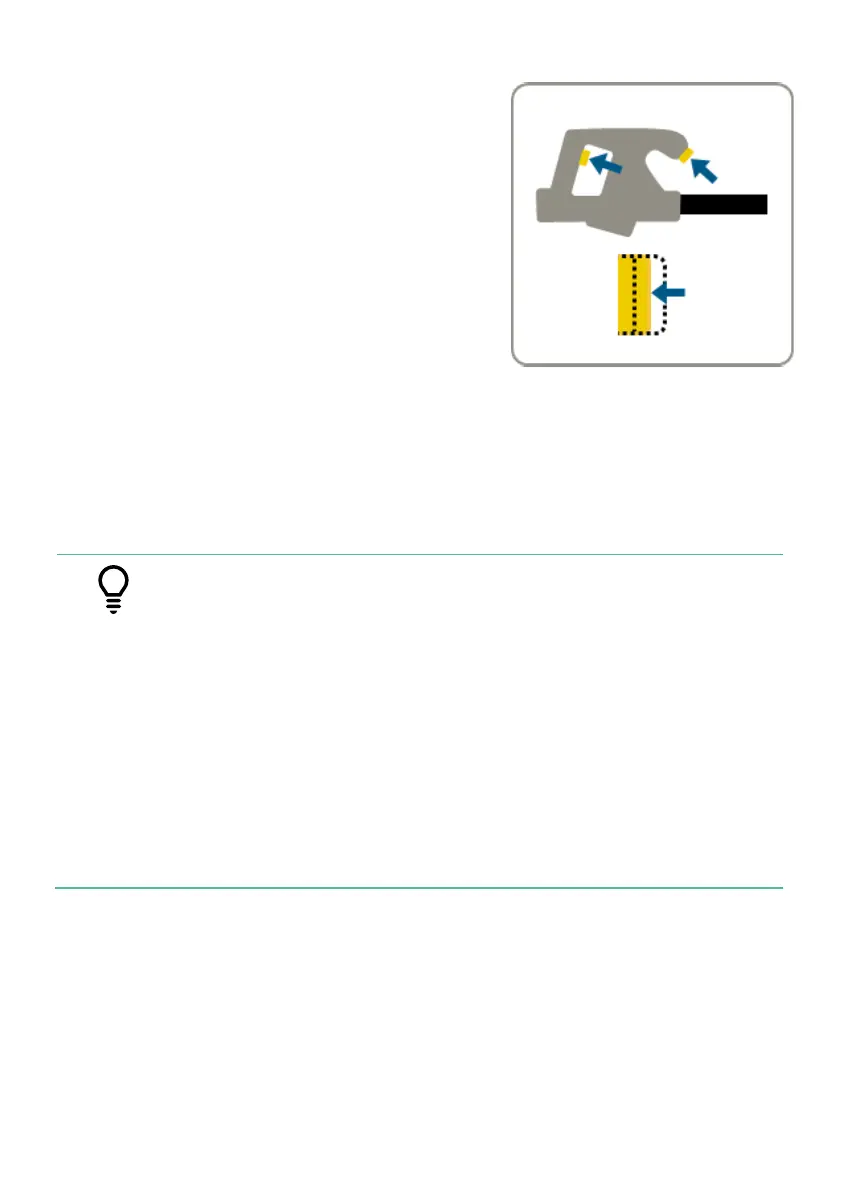
11. Activate the electrode
Touch the stem of the weed with the tip
of the Treatment Lance and press both
triggers on the Treatment Lance to the
middle position. The live electrode
warning light located on the Lance shaft
will light up red, indicating the Electrode
is activated.
Arcs should be avoided. An arc or flash
may be visible. If the arc or flash is larger
than expected, reduce the voltage
setting. Look out for signs of fire at the Treatment Return and
treatment patch.
Maintain contact for duration depending on the size of the weed.
For more information, see ‘Treatment Lance’ on page 28.
• Moving the electrode in a gradual upwards motion
during treatment helps to keep the energy flowing
into the weed without breaking the weed’s structure
before the treatment can be completed.
• Signs that the treatment is complete include:
- Releasing steam
- Popping noises
- Collapsing stem
• If the generator starts to labour pause the treatment
for moment to allow the generator to recover and
try treating large weeds with repeated small zaps.
Release both triggers on the Treatment Lance. RootWave Pro is
deactivated. Weeds can be left to decompose.



 To Next Page