3-1
1. On Calibrate Display
➻
use to
➻
2. Set new COND value
➻
3. Press
➻
use to
➻
4. Set new TEMP value
➻
5. Press
➻
with selected
➻
6. Press
➻
Follow Instruction
➻
and Press
on screen
MODEL 2700 SECTION 3.0
CALIBRATION
SECTION 3.0
CALIBRATION
1. On Process Display
➻
2. Press
➻
3. Select . . . .
➻
with
➻
4. Press
➻
5. Select Sensor
➻
6. Press
➻
7. See (Typical)
Actual display differs depending
{
upon type of sensor selected
in Step 5.
MENU
––
l
▲
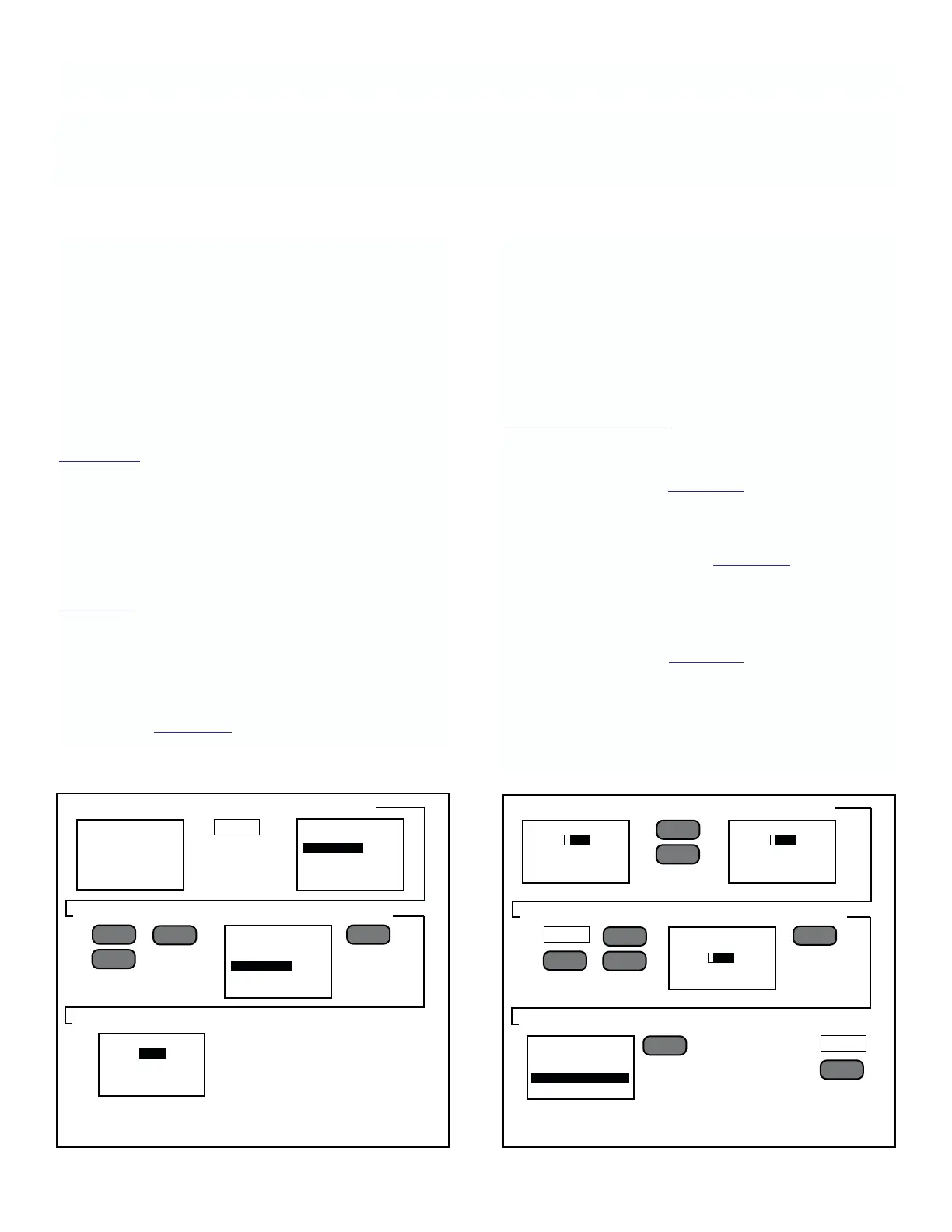
FIGURE 3-1. Accessing Calibration Operations
▲
––
l
▲
.3051
RATIO
Sensor 1
1.324 µS.cm
Sensor 1
▼
MAIN MENU
VIEW
CALIBRATE
ALARMS
OUTPUTS
PROGRAM
CALIBRATE
SENSOR 1
SENSOR 2
SENSOR 3
SENSOR 4
COND CALIBRATE
COND: 4.025 µS/cm
TEMP: 25.01 Deg C
START CALIBRATION
––
l
▲
FIGURE 3-2. Calibrating Conductivity
▲
––
l
▲
▼
▲
▼
COND CALIBRATE
COND: .4 µS/cm
TEMP: 25.01 Deg C
START CALIBRATION
NEXT
F3
EXIT
F4
3.1 GENERAL
The conductivity sensors used with this instrument have
been calibrated at the factory. The analyzer reads this
calibration information during start-up, and cannot
change the calibration of the sensor. However, the ana-
lyzer does allow adjustment of readings to match site
standards that may differ slightly. This section describes
the procedures required to adjust the analyzer for
Conductivity, ORP, pH, and sensors that have been
selected for the application.
Section 3.3, and following, are each dedicated to the
specific prompts and procedures used to adjust the
analyzer for those sensors recommended for use with it.
3.2 COMMON CALIBRATION PROCEDURES
To adjust, from the Process display, the analyzer for any
sensor on the input loop, follow the steps shown in
Figure 3-1: All measurement adjustment procedures
start by performing these 7 steps.
NOTE
If Low Security Code has been changed,
the security screen will appear after step
4. See Section 4.7 for help.
3.3 LOOP STANDARDIZATION
All conductivity sensors have been factory calibrated
and do not need calibration. Displayed conductivity
value can be adjusted ± 5% to match displayed mea-
surement to site standard. Displayed Temperature value
can be adjusted ± 2 Deg C. pH values can be adjusted
±0.1 pH or ±6mV for ORP.
Calibration.
Conductivity Calibration
When the sensor selected is a conductivity sensor, the
analyzer will automatically display the COND CALI-
BRATE prompts. See Figure 3-2. If ORP or pH, their
prompts are presented instead.
NOTE
The values shown in Figure 3-2 are the
non-calibrated values (no gain or offset).
These may not be the same as the
process display.
The steps outlined in Figure 3-2 illustrate the proper
method to standardize the analyzer for a conductivity
sensor.
If calibration has been initiated by “Start Calibration,” it
may be aborted by pressing RST before the calibration
is finished.
COND CALIBRATE
COND: 4.025 µS/cm
TEMP: 25.01 Deg C
START CALIBRATION
COND CALIBRATE
COND: .4040 µS/cm
TEMP: 25.21 Deg C
START CALIBRATION
COND CALIBRATE
COND: 4.040 µS/cm
TEMP: 25.01 Deg C
START CALIBRATION











 To Next Page