4.7 SECURITY
There are four kinds of security available.
1. No Security. All operations are available (View,
Calibrate, and Configuration).
2. Low Security. Access to Calibration is limited to
those with the correct low security code. View and
Configuration operations are available with out any
security code.
3. High Security. Access to Configuration operations
is limited to those with the correct high security
code. View and Calibration operations are available
without any security code.
4. Both High and Low Security. Access to all
Calibration and Configuration operations is limited
to those with both security codes. View is available
without any security code.
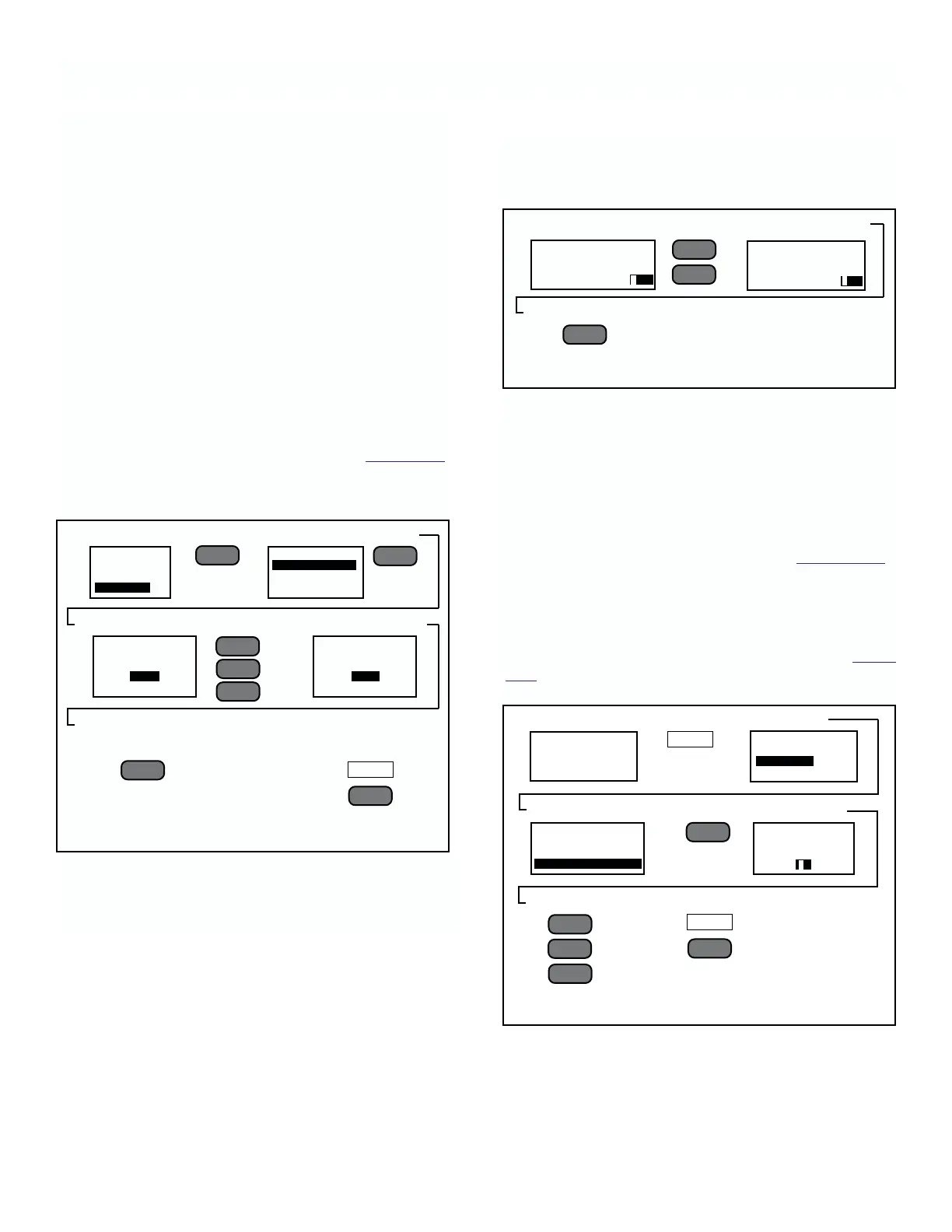
To Set Security codes. Follow the steps in Figur
e 4-15.
The steps are the same to set-up either Low or High
security. The only difference is the title on the prompt.
To disable security, set both high and low codes to
0000.
4-9
1. Select Security
➻
Press
➻
2. Select Chg Opt
➻
Press
➻
3. See
➻
With
➻
4. Enter code numbers
➻
6.
Press
➻
To return to step 2.
Set Low Code or
➻
6. Press twice to enter
to memory
SECURITY
ENTER NEW HIGH
SECURITY CODE
0012
From
➻
1. Press
➻
2. Select
➻
3. Select
➻
Press
➻
4. Enter number
➻
With
➻
5. Press twice to enter into memory
MODEL 2700 SECTION 4.0
CONFIGURATION
FIGURE 4-15. Entering Low & High Security Codes
––
l
▲
––
l
▲
SECURITY
SET HIGH CODE
SET LOW CODE
VIEW CODES
EXIT
F4
EXIT
F4
––
l
▲
MAIN MENU
OUTPUTS
PROGRAM
SECURITY
SECURITY
ENTER NEW HIGH
SECURITY CODE
0000
Entering Security Code to Access Prompts.
Figure 4-16 shows how to enter either the High or Low
code when requested by the instrument.
To View Existing Security Codes When Lost. To
retrieve Security codes that have been forgotten
or lost:
1. Go to Main menu and select SECURITY.
2. At the request for Security prompt enter the number
9673.
3. On the Security menu (step 2 of Figur
e 4-15),
select View Codes.
4.8 INSTRUMENT ADDRESSING
General. To change the instrument address from the
default address of #1, follow the steps outlined in Figur
e
4-17.
▲
▼
▲
1. Request for Code
➻
with
➻
2.
Scroll numerals to display code
➻
3. Press
➻
See first listing under menu item selected.
––
l
▲
▲
▼
FIGURE 4-16. Request for Security Code Prompt
MENU
FIGURE 4-17. Instrument Addressing
▲
––
l
▲
.3051
RATIO
1.324 µS.cm
SENSOR 1
▼
MAIN MENU
OUTPUTS
PROGRAM
SECURITY
PROGRAM
SENSOR
PRIMARY DISPLAY
INSTRUMENT ADDRESS
▲
ENTER HIGH SECURITY
CODE
PRESS 1234
TO ACCEPT 1234
ENTER HIGH SECURITY
CODE
PRESS 0000
TO ACCEPT 0000
INSTRUMENT ADDRESS
ENTER ADDRESS
RANGE 01 TO 32
01











 To Next Page