Installation Guide GM Series
BEFORE YOU START THE INSTALLATION,
READ THIS GUIDE!
VISIT
Rosen Dealer Central
For the latest Updates, Corrections and Technical Tips
about this product and installation
www.RosenDealerCentral.com
--
--=--_----1
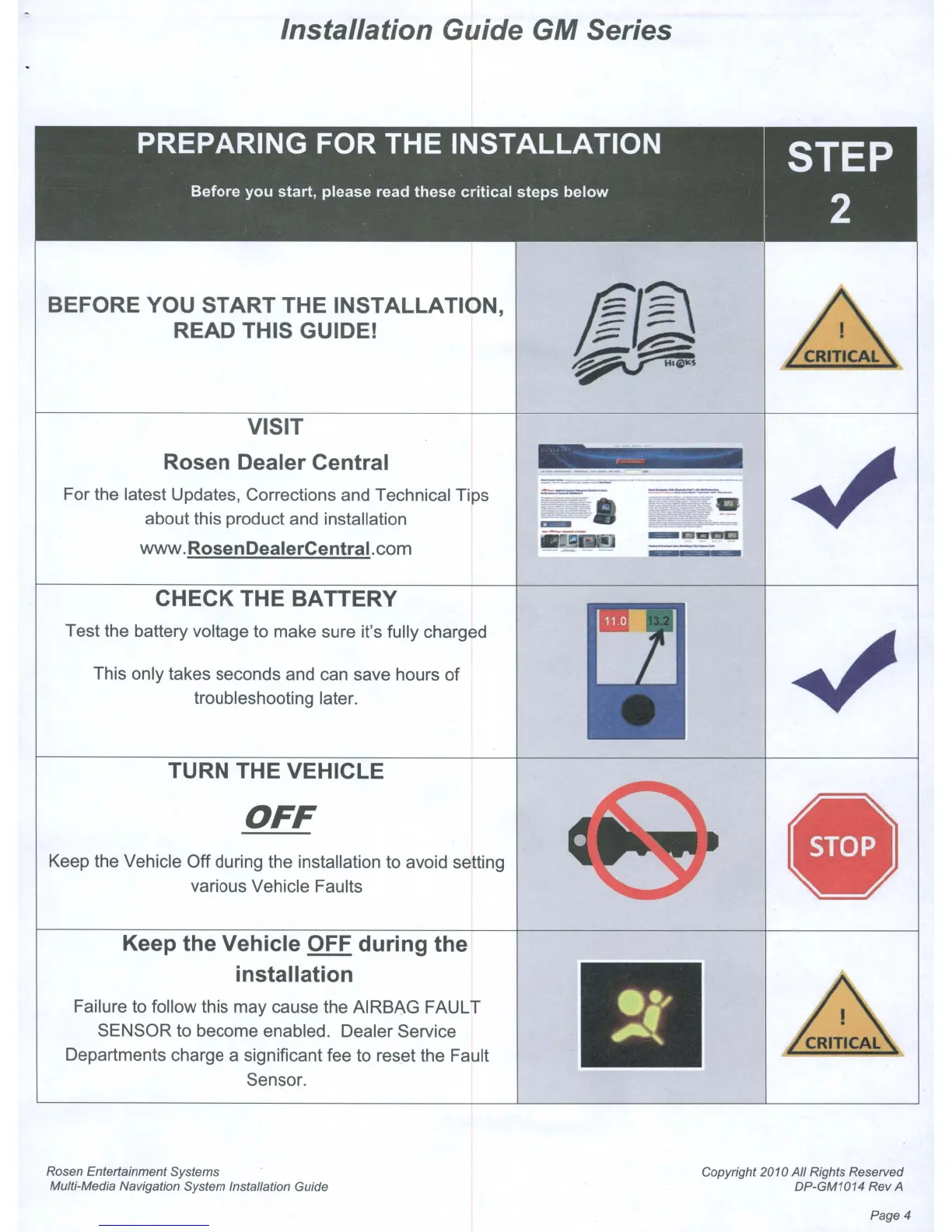
CHECK THE BATTERY
Test the battery voltage to make sure it's fully charged
This only takes seconds and can save hours
of
troubleshooting later.
TURN THE VEHICLE
OFF
Keep the Vehicle Off during the installation to avoid setting
various Vehicle Faults
Keep the Vehicle OFF during the
installation
Failure to follow this may cause the AIRBAG FAULT
SENSOR to become enabled. Dealer Service
Departments charge a significant fee to reset the Fault
Sensor.
Rosen Entertainment Systems
Multi-Media Navigation System Installation Guide
Copyright 2010 All Rights Reserved
DP-GM1014 Rev
A
Page 4



 To Next Page