Installation Guide
GM
Series
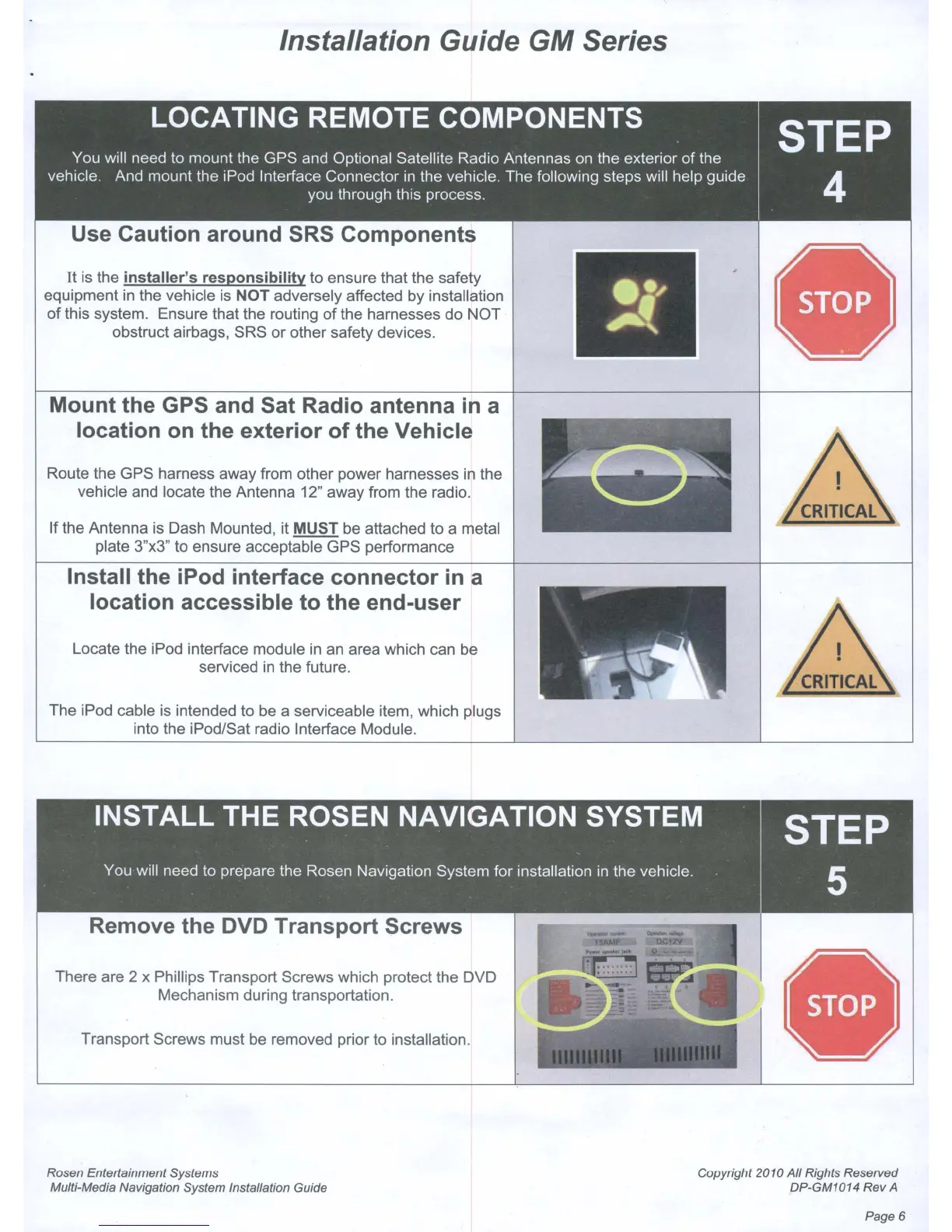
Use Caution around SRS Components
It
is the installer's responsibility to ensure that the safety
equipment
in
the vehicle
is
NOT adversely affected by installation
of
this system. Ensure that the routing
of
the harnesses do NOT
obstruct airbags, SRS or other safety devices.
Mount the GPS and Sat Radio antenna
in
a
location on the exterior of the Vehicle
Route the GPS harness away from other power harnesses
in
the
vehicle and locate the Antenna 12" away from the radio.
If the Antenna is Dash Mounted, it
MUST be attached to a metal
plate 3"x3" to ensure acceptable GPS performance
Install the iPod interface connector
in
a
location accessible to the end-user
Locate the iPod interface module
in
an area which can
be
serviced
in
the future.
The iPod cable is intended to be a serviceable item, which plugs
into the iPod/Sat radio Interface Module.
Remove the DVD Transport Screws
There are 2 x Phillips Transport Screws which protect the DVD
Mechanism during transportation.
Transport Screws must
be
removed prior to installation.
Rosen Entertainment Systems
Multi-Media Navigation System Installation Guide
Copyright 2010
All
Rights Reserved
DP-GM1014 Rev
A
Page 6



 To Next Page