Installation Guide
GM
Series
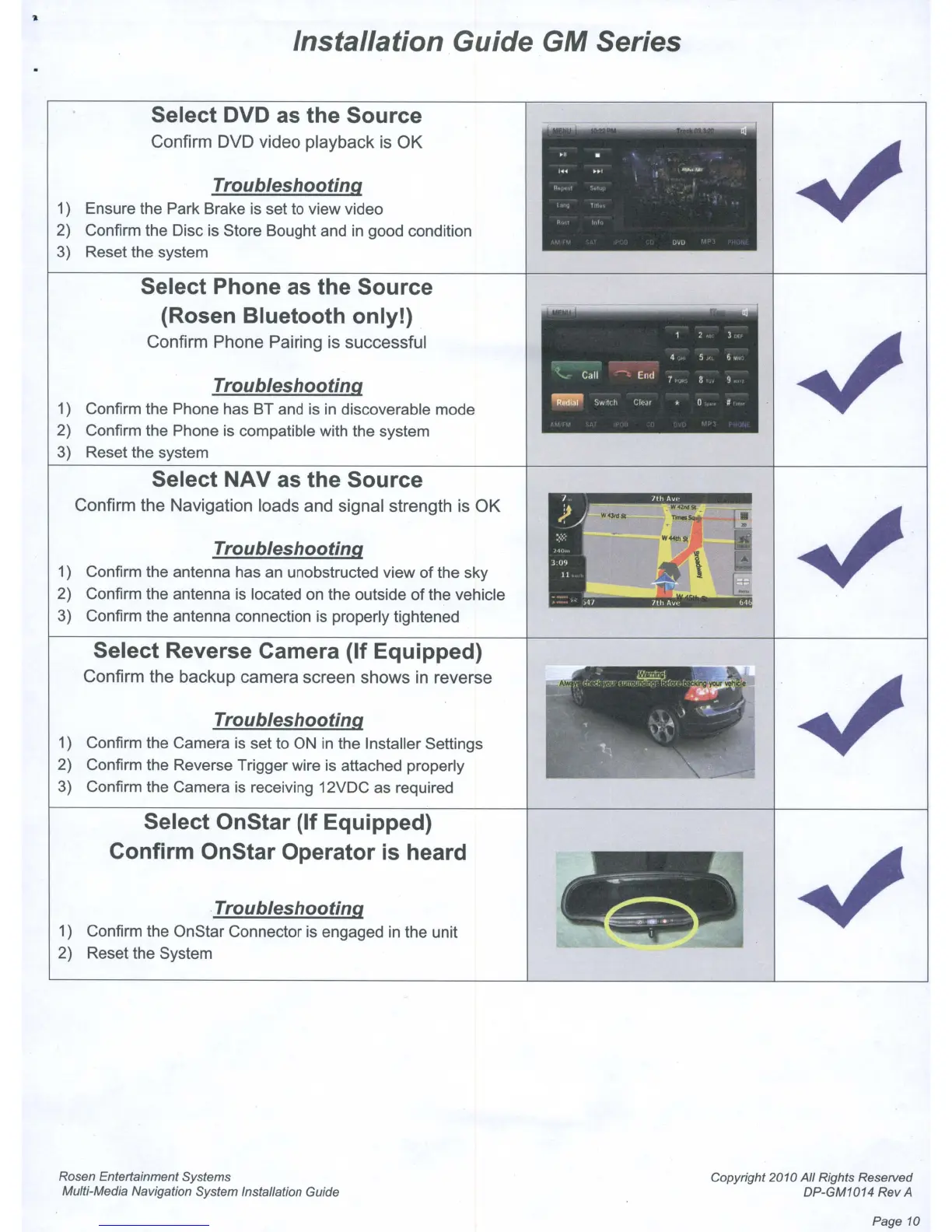
Select DVD as the Source
Confirm DVD video playback is OK
Troubleshooting
1) Ensure the Park Brake is set to view video
2) Confirm the Disc is Store Bought and
in
good condition
3) Reset the system
Select Phone as the Source
(Rosen Bluetooth only!)
Confirm Phone Pairing is successful
Troubleshooting
1) Confirm the Phone has BT and
is
in
discoverable mode
2) Confirm the Phone
is
compatible with the system
3) Reset the system
Select
NAVas
the Source
Confirm the Navigation loads and signal strength is OK
Troubleshooting
1) Confirm the antenna has
an
unobstructed view
of
the sky
2) Confirm the antenna
is
located on the outside
of
the vehicle
3) Confirm the antenna connection is properly tightened
Select Reverse Camera (If Equipped)
Confirm the backup camera screen shows
in
reverse
Troubleshooting
1) Confirm the Camera
is
set to
ON
in
the Installer Settings
2) Confirm the Reverse Trigger wire
is
attached properly
3) Confirm the Camera is receiving 12VDC as required
Select OnStar (If Equipped)
Confirm OnStar Operator is heard
Troubleshooting
1) Confirm the OnStar Connector is engaged
in
the unit
2) Reset the System
Rosen Entertainment Systems
Multi-Media Navigation System Installation Guide
Copyright 2010
All
Rights Reserved
DP-GM1014
Rev
A
Page 10



 To Next Page