7.
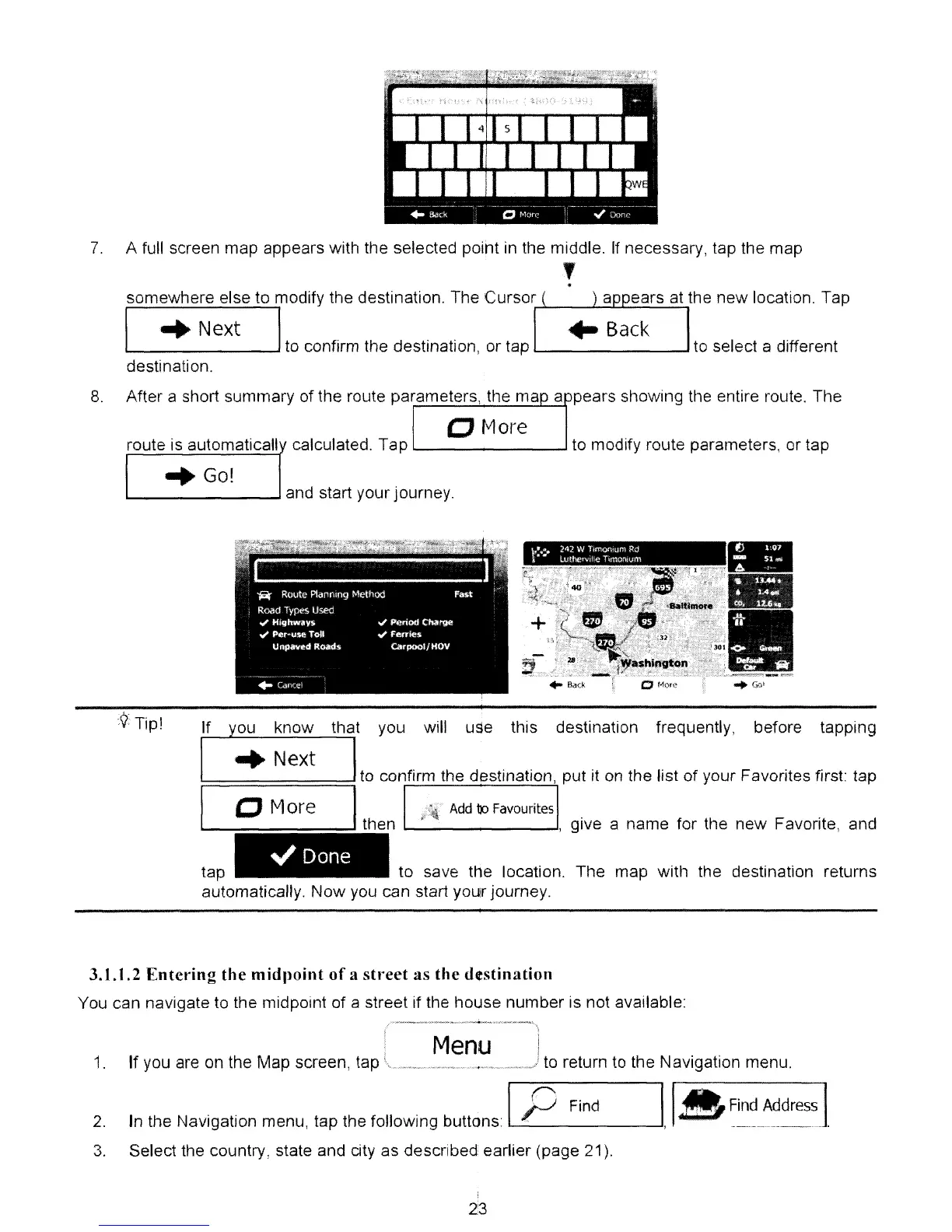
A full screen map appears with the selected point in the middle.
If
necessary, tap the map
,
.
somewhere else to modify the destination. The Cursor
I
...
Next I
,....,>---<---J....Io...-...,
to confirm the destination, or tap to select a different
destination.
8.
After a short summary of the route parameters, the ma a pears showing the entire route. The
o More
route is automaticall calculated. Tap
'--
....
to modify route parameters, or tap
"Go!
1..-..
--'
and start your journey.
.....
<;.-
-
•
../
Done
tap to save the location. The map with the destination returns
automatically. Now
you
can start your journey.
3.1.1.2
Entering
the
midpoint
of
a
street
as
the
destination
You can navigate to the midpoint of a street if the house number is not available:
Menu
1.
If you are on the Map screen, tap
..-
to return to the NaVigation menu.
2.
3.
In the Navigation menu, tap the following buttons IP
Find
Select the country, state and city as described earlier (page 21).
II
A
Find
Address
1
,
-~,,---'
..
_------~---_.-
.
23



 To Next Page