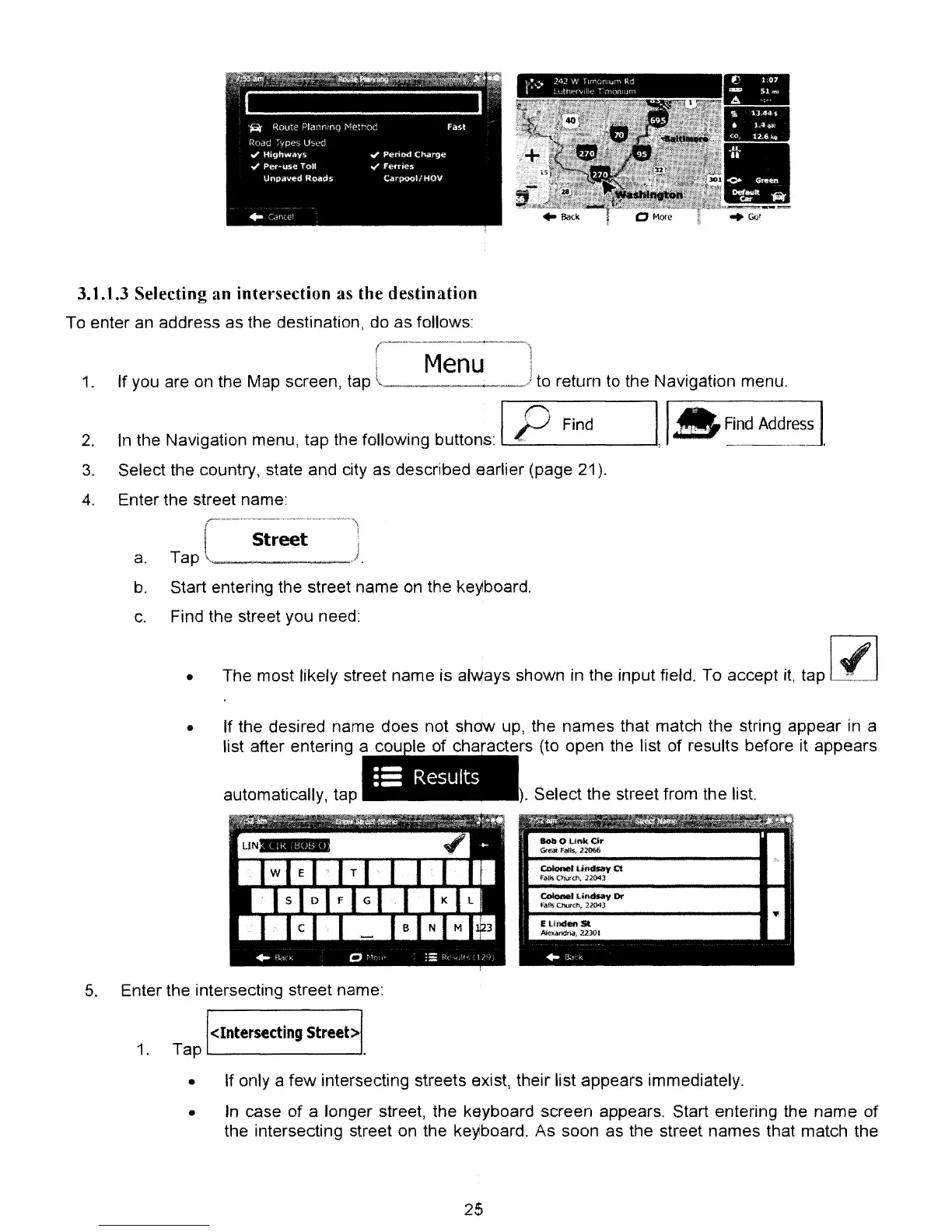
3.1.1.3 Selecting an intersection as the destination
To enter an address as the destination, do as follows:
Menu
1.
If you are
on
the Map screen, tap
~~_.
~.
__
' to return
to
the Navigation menu.
2.
3.
4.
In
the Navigation menu, tap the foliowing bultons: IP
Find
Select the country, state and city as described earlier (page 21).
Enter the street name:
Street
I,
,_
Find
Address
I.
•
a.
Tap , J
b.
Start entering the street name
on
the keyiboard.
c.
Find the street you need:
The most likely street name is
al~ays
shown in the input field. To accept
it,
tap
1./
1
•
If the desired name does not shaw up, the names that match the string appear
in
a
list after entering a cou
Ie
of characters (to open the list of results before it appears
. Select the street from the list.
5.
Enter the intersecting street name:
<Intersecting
Street>
1. Tap
1.....-
--'
• If only a few intersecting streets exist, their list appears immediately.
•
In
case of a longer street, the keyboard screen appears. Start entering the name of
the intersecting street
on
the keyboard. As soon as the street names that match the
25



 To Next Page