10 • Quick Setup ER-350 Electronic Cash Register V2.1
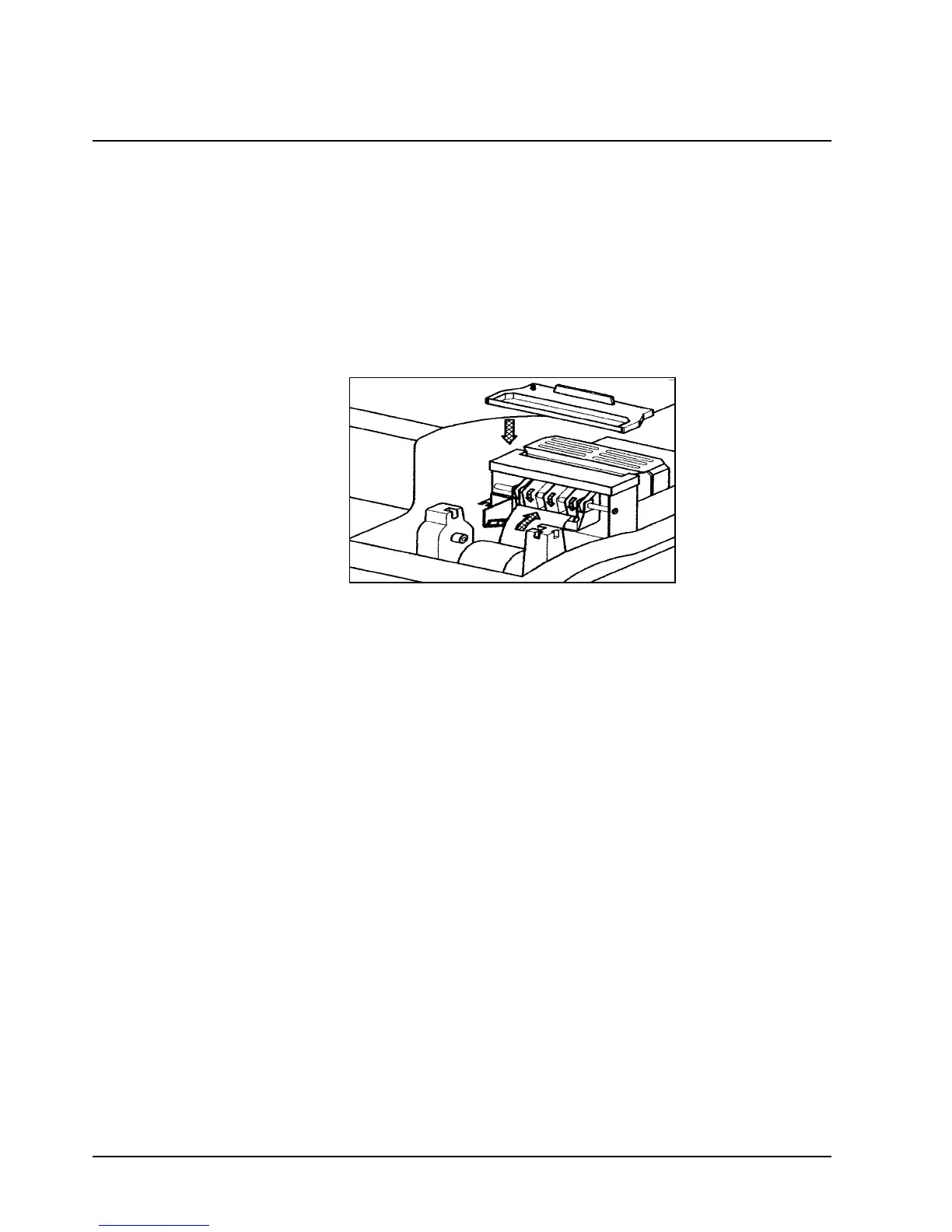
Installing the Ribbon Cartridge
1. Remove the printer cover.
2. If you are replacing a worn ribbon, lift up to remove the old cartridge. You must install
the first cartridge on a new cash register.
3. Insert the new ribbon cartridge firmly into place.
4. Turn the post on the ribbon cartridge to tighten the ribbon.
5. Replace the printer cover



 To Next Page