58 • Advanced Programming Instructions ER-350 Electronic Cash Register V2.1
+% and -% Key Programming
There are two percentage keys on the keyboard: +% and -%. The +% key applies a surcharge. The
-% key applies a discount. Without any further programming, you can apply a discount or surcharge
to an individual item or to the subtotal of a sale be entering a percentage and pressing the +% or -%
key. This program allows you to:
• decide to calculate any taxes before or after the percentage is applied
• set a preset percentage for the +% or -% key
• if a preset percentage is set, decide if you wish to also allow a percentage to be entered
• inactivate the key
Programming the +% or -% Key
1. Turn the control lock to the PGM position.
2. Enter the percentage rate you wish to preset, or 0 if you only wish to enter the
percentage. Press the +% or -% key, depending on which key you are programming.
Be sure to enter the decimal point if you are setting a rate that is not an even
percentage, i.e. enter 33 H % as 3 3 . 3 3 3. If you are setting an even percentage, it is
not necessary to enter the decimal point, i.e. enter 50 % as 5 0.
3. To decide if tax is calculated before or after the percentage is applied, complete the
table below by adding the status digits for each tax. Then enter the resulting tax status
code.
Calculate Rate 1 after
the discount/surcharge?
Yes = 1
No = 0
+
Calculate Rate 2 after
the discount/surcharge?
Yes = 2
No = 0
+
Calculate Rate 3 after
the discount/surcharge?
Yes = 4
No = 0
+
=
4. Enter:
0
If you do not wish to allow the operator to also enter a percentage (override).
1
if you wish to allow the operator to also enter a percentage (override).
2
if you wish the key to be inactive.
5. Press the CASH/TEND key to end programming.
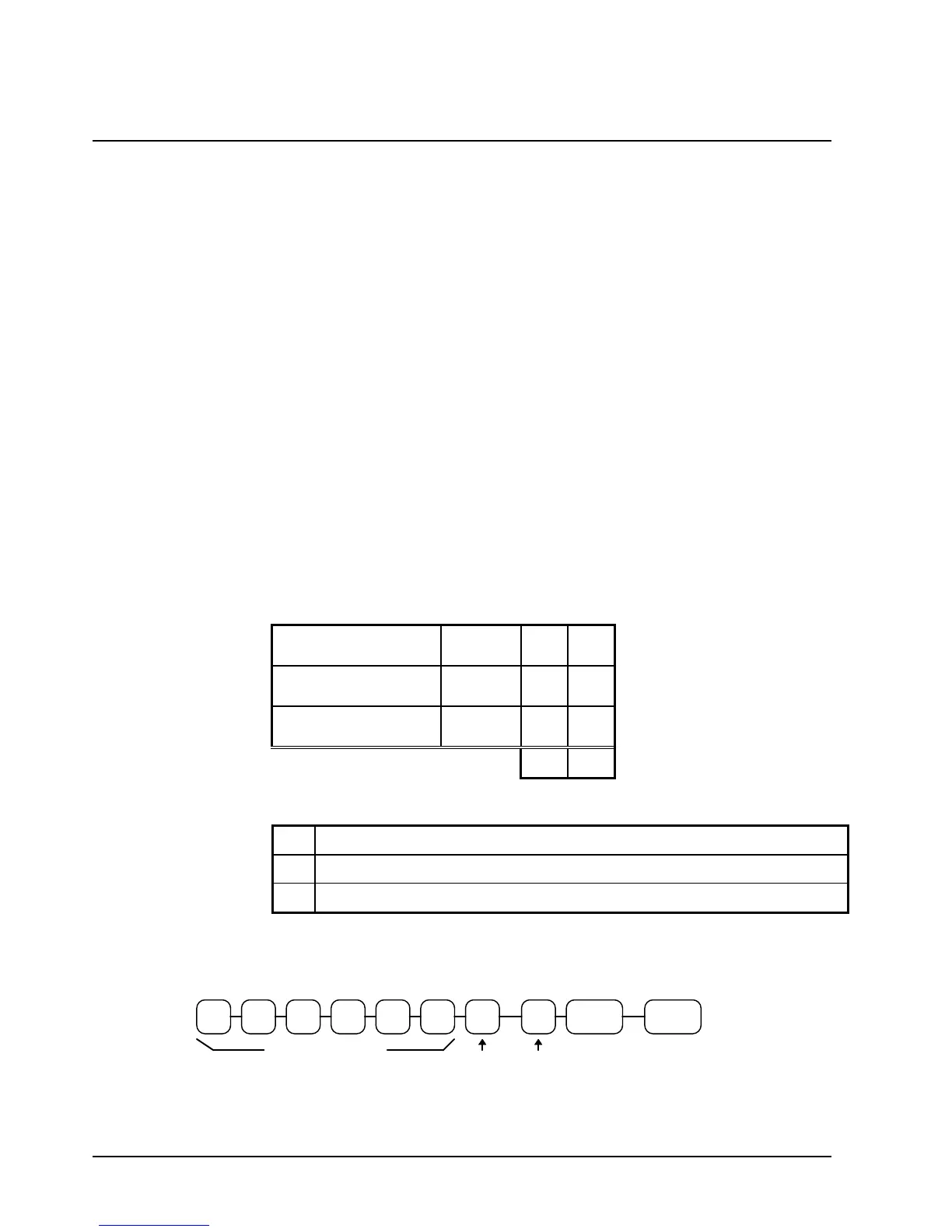
+% or -% Key Programming Flowchart
CASH/
TEND
+% or
-
.
Tax
Status
Code
Preset Percentage
Over-
ride?
Inactive?



 To Next Page