24 • Advanced Operating Instructions ER-350 Electronic Cash Register V2.1
PLU (Price Look Up) Registrations
PLUs must be programmed before they may be operated. See “PLU (Price Look Up) Programming”
on page 66 to program open or preset PLUs.
Open PLU
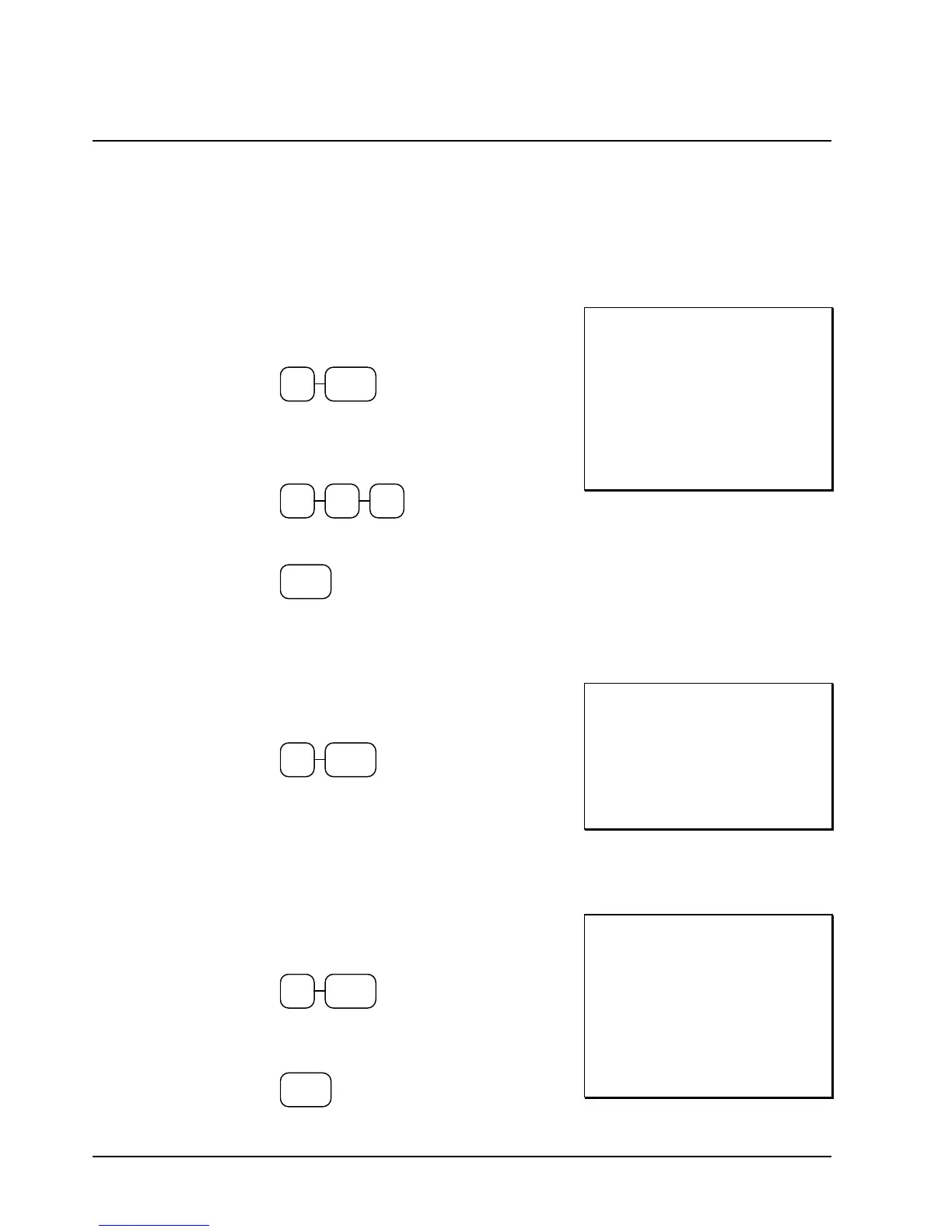
1. Enter the PLU number, press the PLU key.
For example, enter:
2 PLU
2. Enter an amount on the ten key pad. Do
not use the decimal key. For example, for
$2.99, enter:
2 9 9
3. Press the PLU key again.
PLU
THANK-YOU
CALL AGAIN
PLU2 T1 $2 99
TAXABLE1 $2.99
TAX1 AMOUNT $0.18
CASH 3.17
03-01-1999 15:45
000032 00
Preset Price PLU
1. Enter the PLU number, press the PLU key.
For example, enter:
1 PLU
THANK-YOU
CALL AGAIN
PLU1 $1 29
CASH $1 29
03-01-1999 15:46
000033 00
PLU Repeat Entry
1. Enter the PLU number, press the PLU key.
For example, enter:
1 PLU
2. To register a second item exactly as the
first, press the PLU key a second time:
PLU
THANK-YOU
CALL AGAIN
PLU1 T1 $2 99
PLU1 T1 $2 99
TAXABLE1 $5.98
TAX1 AMOUNT $0.36
CASH $6.34
03-01-1999 15:51
000035 00



 To Next Page