ER-350 Electronic Cash Register V2.1 Advanced Programming Instructions • 77
Setting Receipt/Journal Status
The printer can be set to generate customer receipts, or print a sales journal. In the receipt mode, the
printer will print the logo and feed the paper a sufficient length so that a receipt can be torn off. In
the journal mode, there is no additional paper feeding between transactions. The default state of this
program is the RECEIPT status.
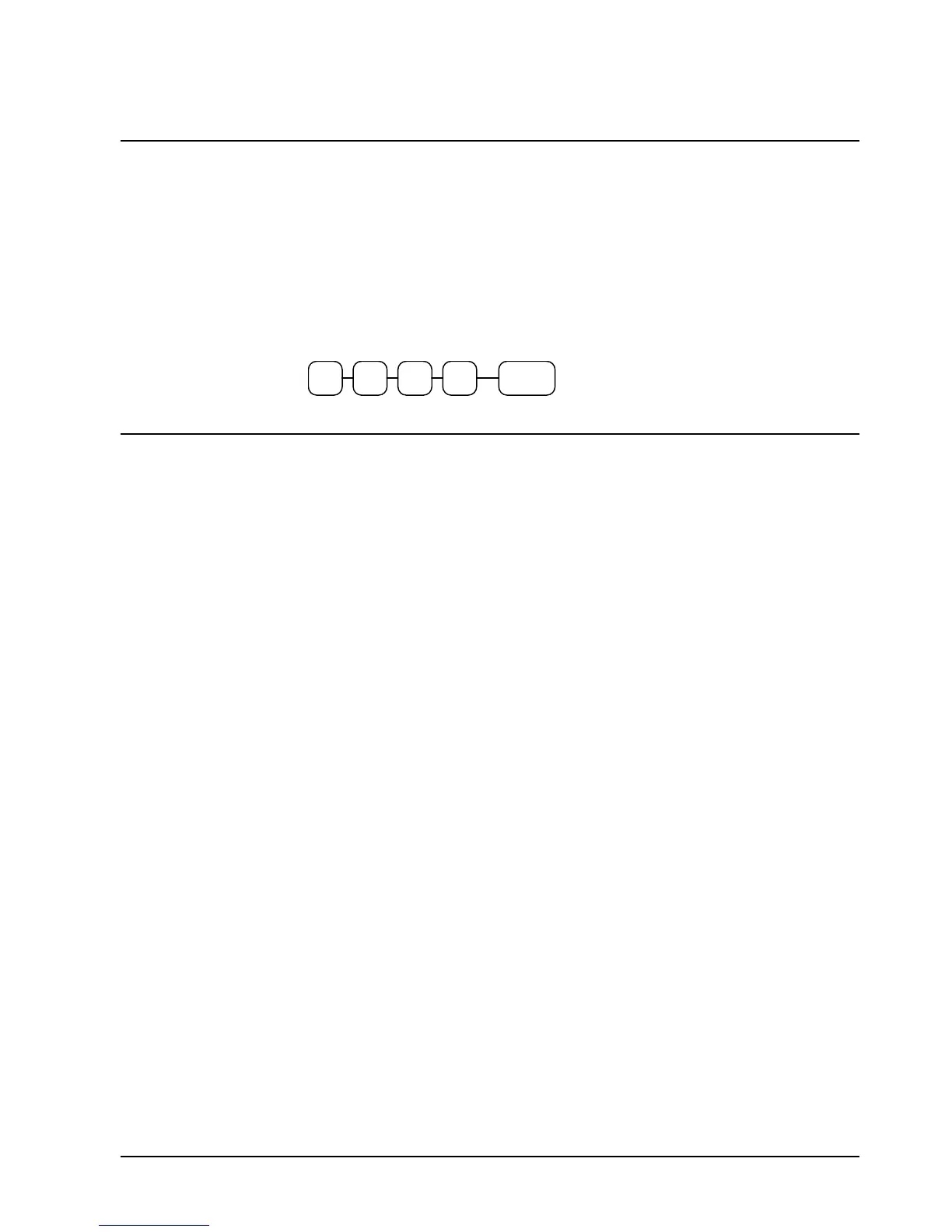
To change the printer status from receipt to journal, or from journal to receipt:
1. Turn the control lock to the X position.
2. Enter 9999 on the numeric keypad and press the PAID OUT key.
9 9
PAID
OUT
9 9
Printing a Programming Report
You can generate a printed report of all the programming options.
1. Turn the control lock to the PGM position.
2. Press the CASH/TEND key to print the program report.



 To Next Page