20 • Advanced Operating Instructions ER-350 Electronic Cash Register V2.1
Department Registrations
As you make department registrations, you can follow your entries by viewing the display. The
digits marked “DPT” indicate the department used. The digit marked “RPT” counts items as they
are repeated.
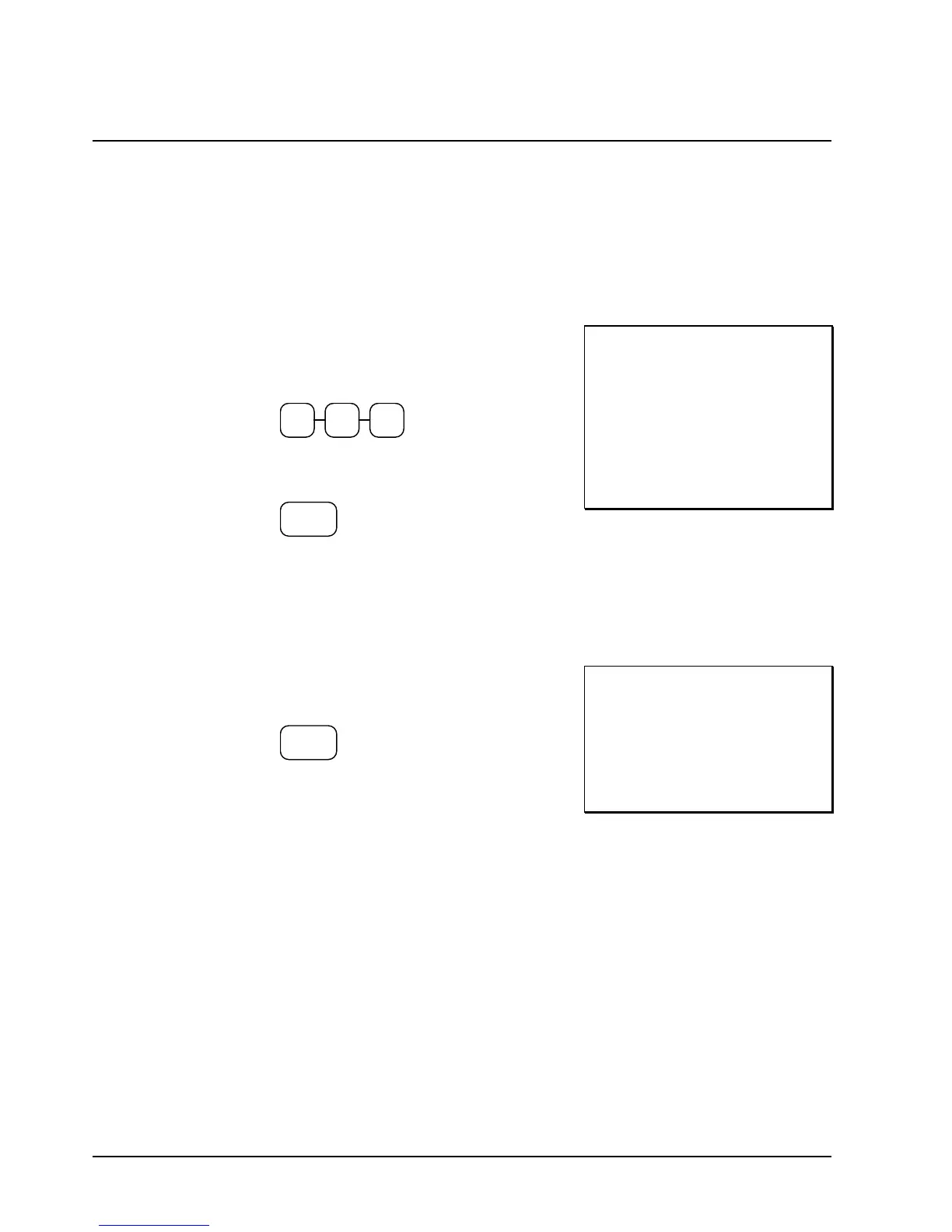
Open Department
1. Enter an amount on the ten key pad. Do
not use the decimal key. For example, for
$2.99, enter:
2 9 9
2. Press a department key. For example, press
department 1/9:
1/9
THANK-YOU
CALL AGAIN
DEPT.1 T1 $2 99
TAXABLE1 $2.99
TAX1 AMOUNT $0.18
CASH 3.17
03-01-1999 15:27
000002 00
Preset Price Department
A preset department registers the price that was previously programmed. See “Department
Programming” on page 45 to program preset prices.
1. Press a preset department key. For
example, press department 5/13:
5/13
THANK-YOU
CALL AGAIN
DEPT.5 $1 29
CASH $1.29
03-01-1999 15:27
000005 00



 To Next Page