ER-350 Electronic Cash Register V2.1 Advanced Programming Instructions • 71
Setting a Register Number
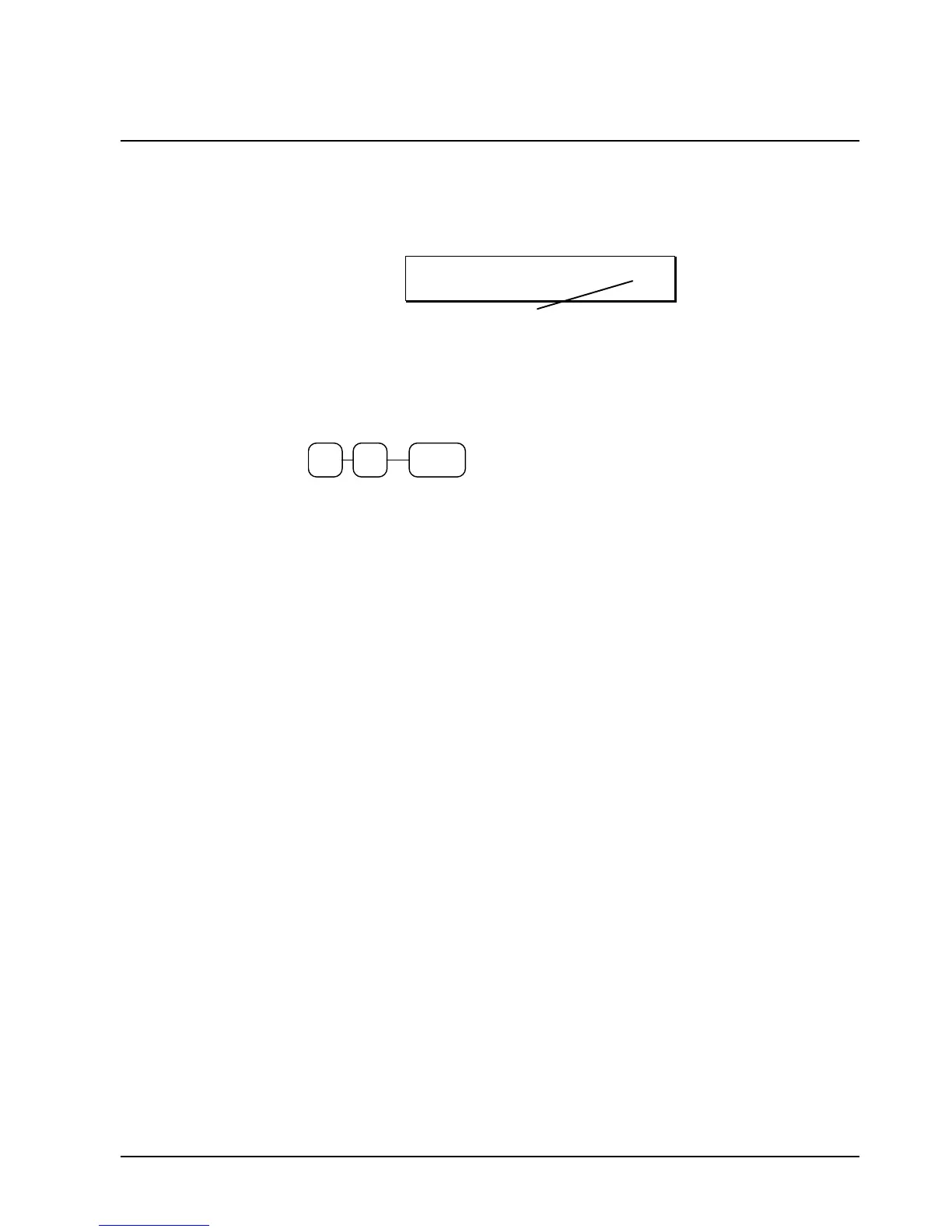
You can program a two digit register number that will print on the lower right corner of each
transaction. If you are using more than one cash register, the register number can be used to identify
the register where the transaction was entered.
03-02-1996 02:38
000026 99
Register Number
To set a register identification number:
1. Turn the control lock to the PGM position.
2. Enter register number and press the #/NS key:
#/NS



 To Next Page