ER-350 Electronic Cash Register V2.1 Advanced Operating Instructions • 39
Split Tender
Split tendering means paying for one sale by different payment methods. For example, a $20.00 sale
could be split so $10.00 is paid in cash, and the remaining $10.00 is charged. If necessary, you can
make several different payments.
Note: If a portion of a sale is to be charged, the charge payment must be
entered last.
1. Register the items you wish to sell.
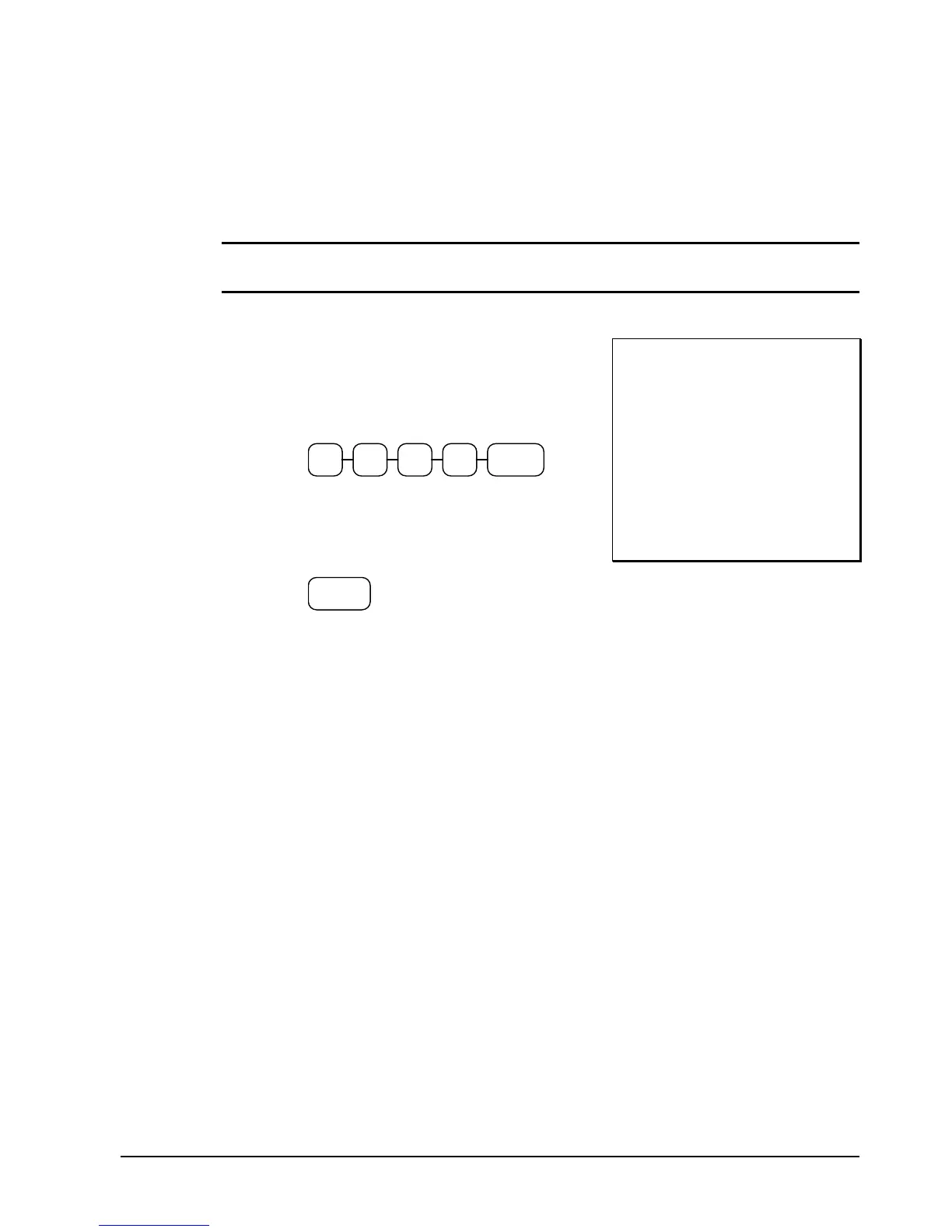
2. Enter the amount of cash tendered by the
customer. For example, enter $10.00 and
press CASH/TEND:
CASH/
TEND
0 01 0
3. The display will indicate “=” and $10.00,
indicating the amount still due. The drawer
will not open. Press CHARGE to charge
the remaining amount:
CHARGE
4. The display will indicate “=” for total, the
drawer will open and the receipt will print
as in the example on the right.
THANK-YOU
CALL AGAIN
DEPT.2 $20 00
SUBTOTAL $20.00
TOTAL $20.00
CASH $10.00
TOTAL $10.00
CHARGE $10.00
03-01-1999 15:34
000014 00



 To Next Page