ER-350 Electronic Cash Register V2.1 Quick Setup • 11
Clearing Memory
This step insures that the cash register is cleared of any totals or programming. After this procedure,
the cash register is ready for programming and operation.
WARNING: This is a one time procedure. Do not repeat this procedure after
the cash register is programmed, it causes all programs and totals to be erased.
1. Unplug the register.
2. Turn the control lock to PGM position.
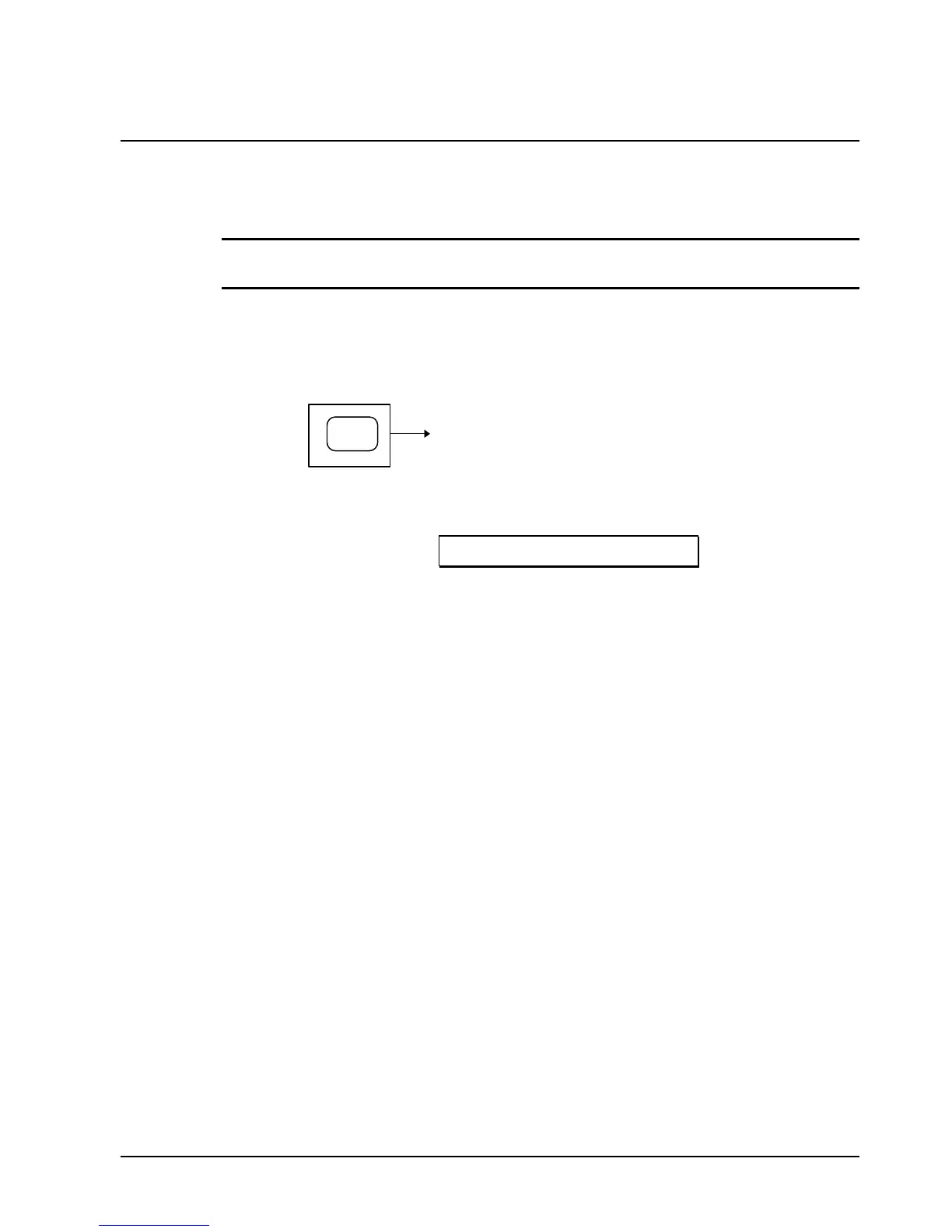
3. Press and hold the CLEAR key while connecting the AC plug into a power outlet.
CLEAR
POWER
UP
4. When memory is cleared, the register prints:
# INITIAL RAM ALL CLEAR #



 To Next Page