ER-350 Electronic Cash Register V2.1 Advanced Operating Instructions • 27
Shifting or Exempting Tax
Shifting Tax
Taxable Departments and PLUs can be programmed to automatically add the appropriate tax or
taxes. Occasionally, you may need to sell a normally taxable item without tax, or a normally taxable
item with tax. You can perform this tax shifting with the TAX SHIFT key.
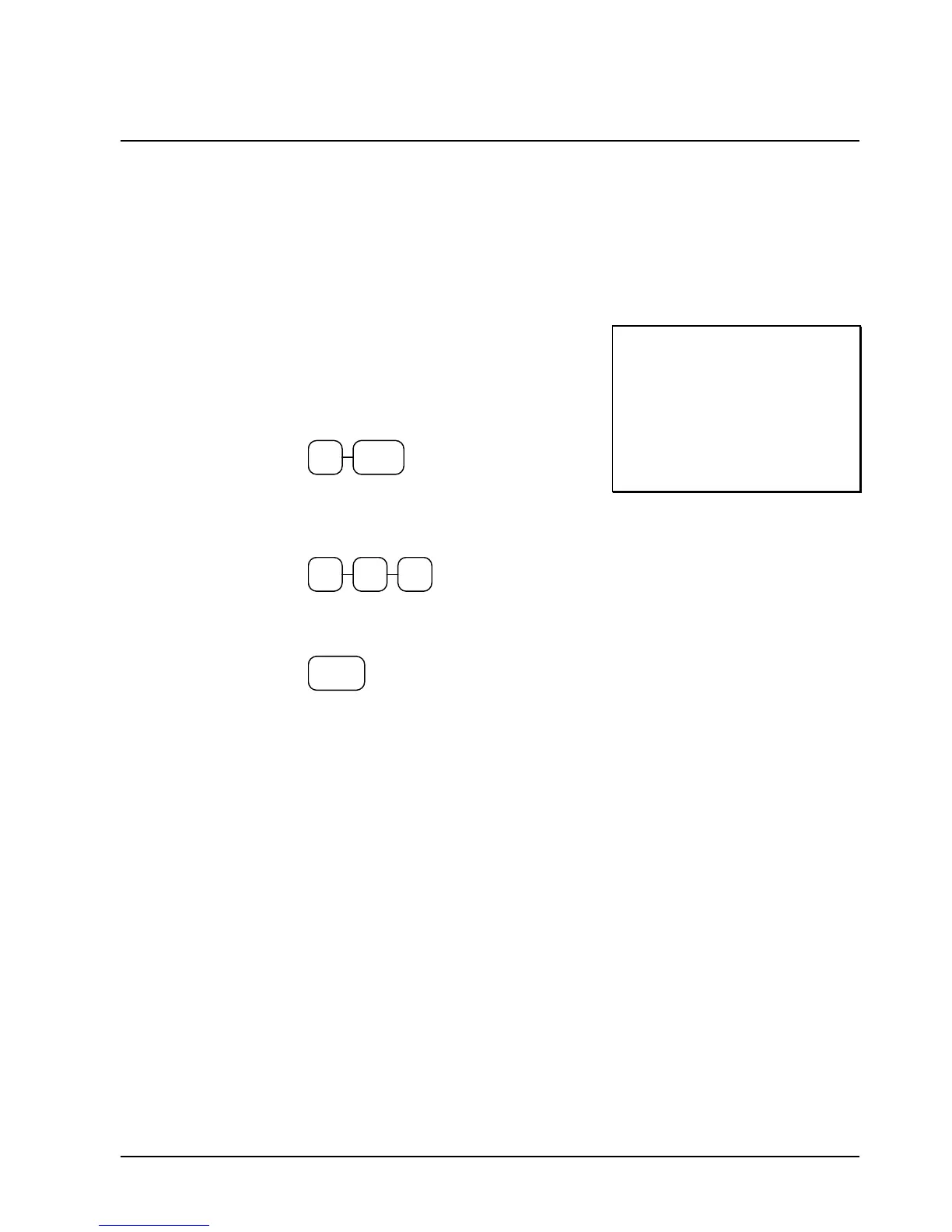
1. Enter the number for the tax you wish to
shift. Press 1 to shift tax 1, press 2 to shift
tax 2 or press 3 to shift tax 3. Press the
TAX SHIFT key. For example, shift tax
1:
1
TAX
SHIFT
2. Enter an amount on the ten key pad. Do
not use the decimal key. For example, for
$2.99, enter:
2 9 9
3. Press a department key. For example, press
department 1/9:
1/9
4. If department 1/9 is normally taxable by tax
1, the registration will non-taxable by tax 1,
the registration will include tax.
THANK-YOU
CALL AGAIN
DEPT.1 $2 99
TAXABLE1 $2.99
CASH $2.99
03-01-1999 15:27
000002 00



 To Next Page