EasyManua.ls Logo

Sam4s ER-350 - Code Table

Sam4s ER-350
95 pages
Print Icon
To Next Page IconTo Next Page
To Previous Page IconTo Previous Page
Loading...
76 Advanced Programming Instructions ER-350 Electronic Cash Register V2.1
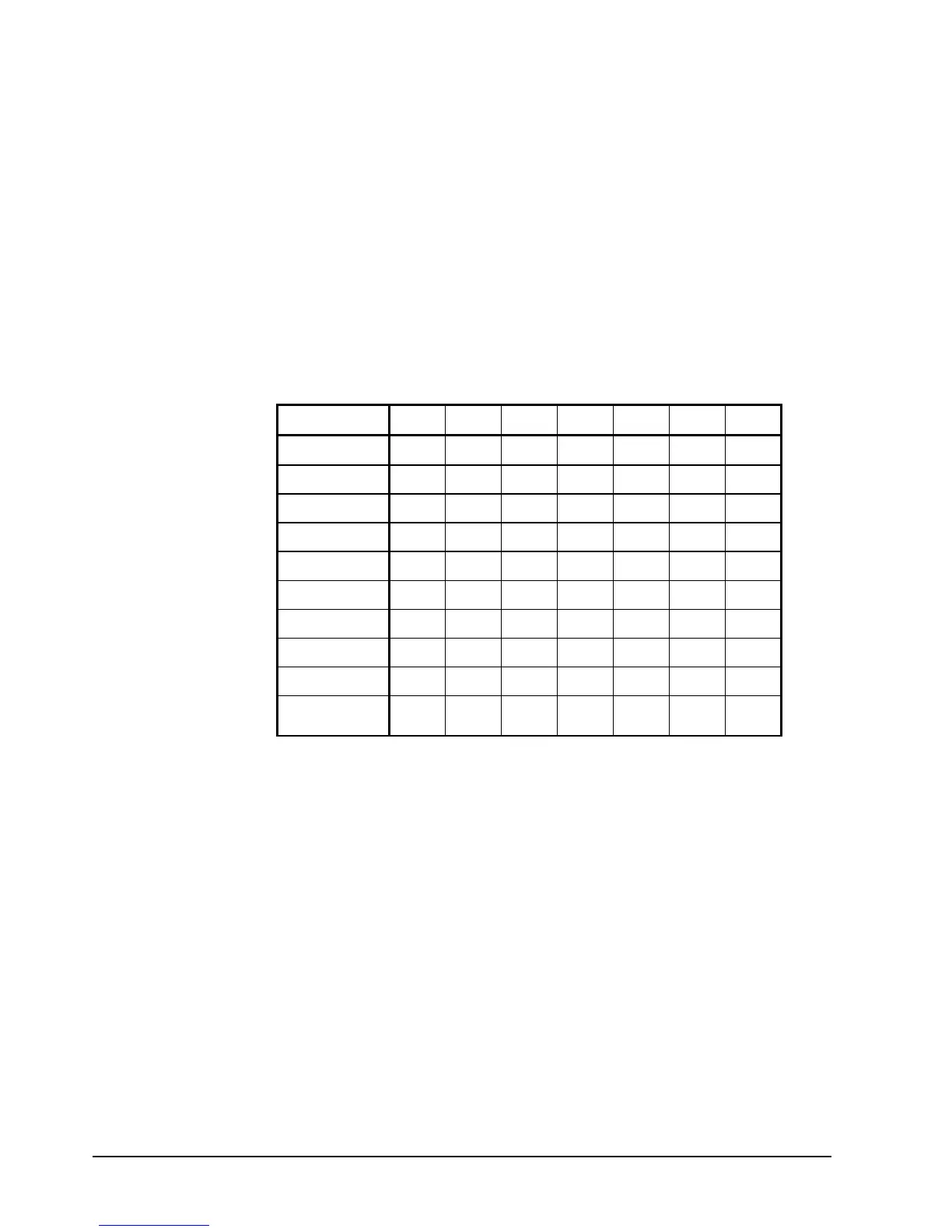
Code Table
Using the Code Table
1. Find the character you wish to print.
2. Find the first entry digit for the character by following the column to the top of the
table.
3. Find the second entry digit for the character by following the row to the left margin of
the table.
For example the code for A is 20 and the code for Z is 45.
First Entry
1 2 3 4 5 6 7
0 0 A K U
!
SPACE
1 1 B L V / " |
2 2 C M W : % ^
Second
3 3 D N X ; ' ~
Entry
4 4 E O Y < ( \
5 5 F P Z = ) {
6 6 G Q @ > * }
7 7 H R & ? + _
8 8 I S # [ , .
9 9 J T $ ] -
DBL
WIDTH

Table of Contents

Other manuals for Sam4s ER-350

Related product manuals