ER-350 Electronic Cash Register V2.1 Advanced Operating Instructions • 31
Voids and Corrections
Void Last Item
This function corrects the last item entered.
1. Register the item you wish to sell.
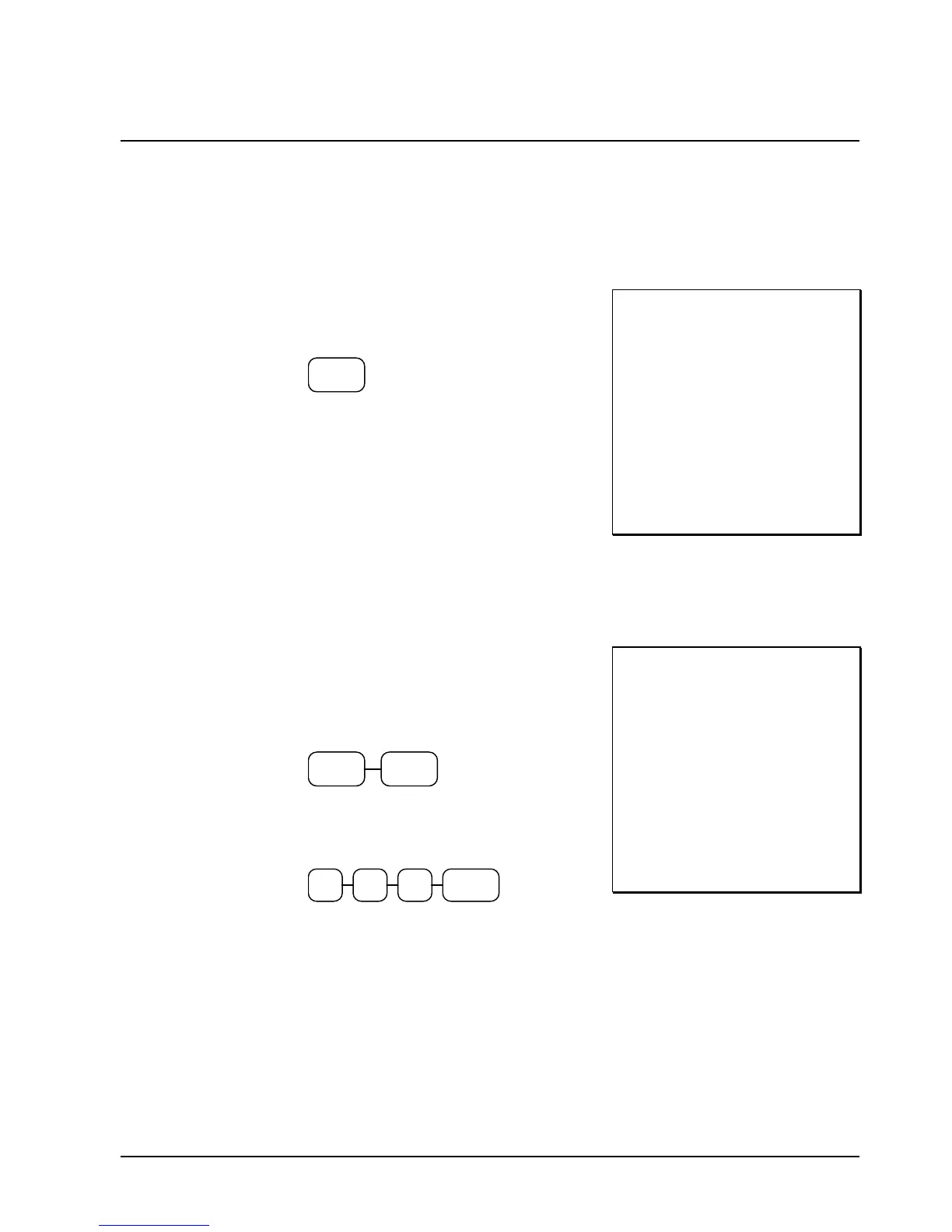
2. Press the VOID key.
VOID
THANK-YOU
CALL AGAIN
DEPT.1 T1 $2 29
DEPT 2 $1.29
VOID
DEPT 2 -1.29
TAXABLE1 $2.29
TAX1 AMOUNT $0.14
CASH $2.43
03-01-1999 15:47
000027 00
Void Previous Item
This function allows you to correct an item registered previously in a transaction.
1. Register an item. Then register a second
item.
2. To correct the first item, press CLEAR,
then press VOID:
VOIDCLEAR
3. Enter the price of the first item, then press
the department key where it was registered
originally.
2/10
2 91
THANK-YOU
CALL AGAIN
DEPT 2 $1.29
DEPT.1 T1 $2 29
VOID
DEPT 2 -1.29
TAXABLE1 $2.29
TAX1 AMOUNT $0.14
CASH $2.43
03-01-1999 15:49
000029 00



 To Next Page