62 • Advanced Programming Instructions ER-350 Electronic Cash Register V2.1
CANCEL Key Programming
The CANCEL key can be made inactive. Normally the key is active, however, you may wish to
inactivate it for security reasons.
Programming the CANCEL Key
1. Enter:
0 to activate the CANCEL key
1 to inactivate the CANCEL key
2. Press the CANCEL key.
3. Press the CASH/TEND key to end programming.
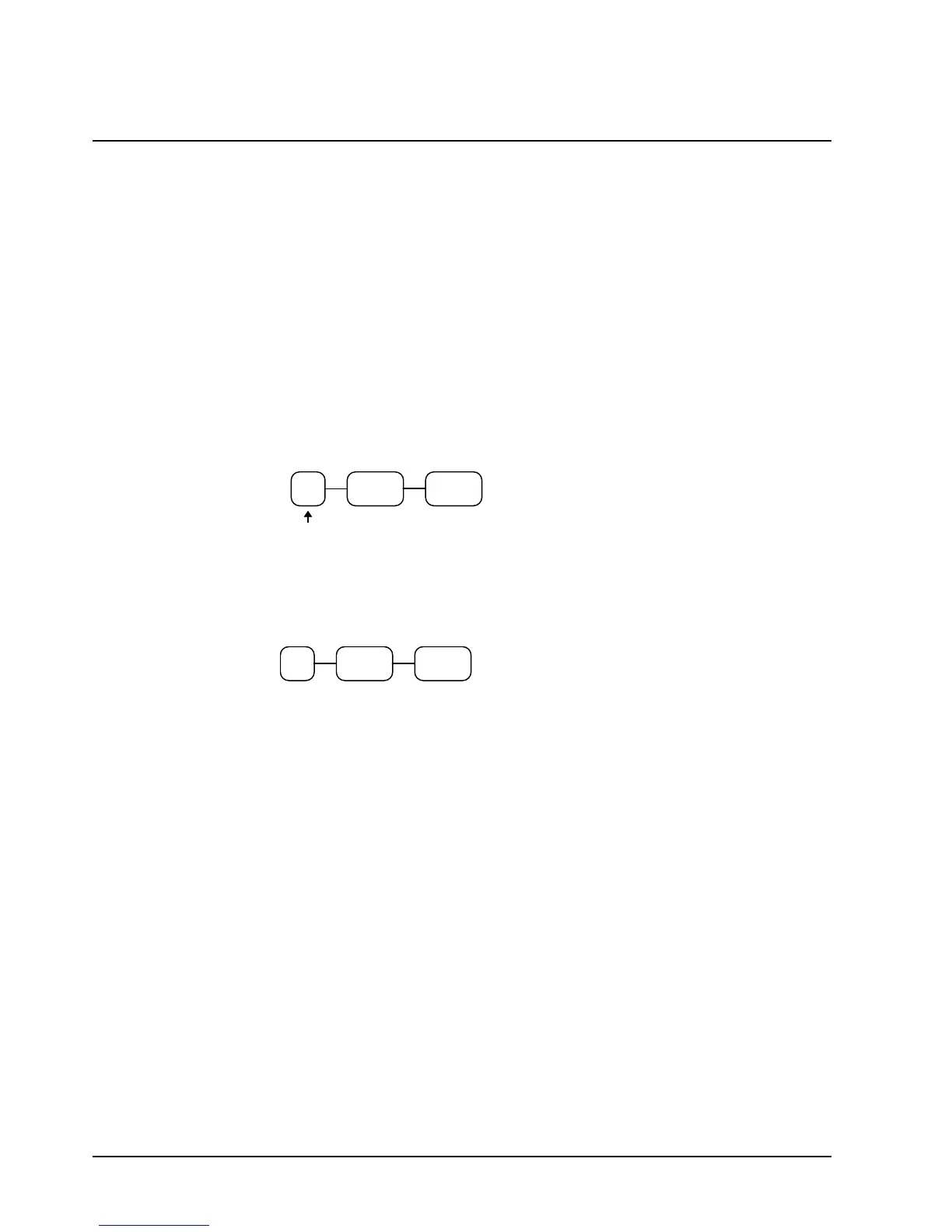
Cancel Key Programming Flowchart
CASH/
TEND
CANCEL
Inactive?
Cancel Key Programming Example
To inactivate the CANCEL key, enter:
CASH/
TEND
CANCEL1



 To Next Page